





































.avif)











Founded in 2006 by Brian Halligan and Dharmesh Shah, HubSpot built the category-defining customer platform for how modern businesses market and grow. It popularized inbound marketing and built a movement around it, reframing how brands attract customers. Permission, not intrusion. That bet took HubSpot public in 2014 and grew it into an always-innovating company that brought in over $3.1 billion in 2025.
One engine behind that revenue is a lead generation operation at serious scale: a CRM holding roughly 30 million companies and 60 million contacts, with a couple thousand fresh contacts landing every day from inbound alone. Faris Sumadi sits on HubSpot’s demand management team, supporting both marketing and sales and owning most of the third-party data and intent signals feeding that CRM. That includes work like sourcing new TAM by region and deciding which accounts a rep should go after first.
It was the engineering queue standing between his team and any new data set that brought them to Clay: “When we were looking at Clay, we were trying to find a way for us to do things in a more experimental, iterative fashion without requiring data engineering resources at HubSpot,” says Faris.
He sat down at our offices with Gabrielle Borenstein, our Manager of Strategic Enterprise Growth Strategy, for a conversation about how HubSpot put Clay to work across its CRM and where he thinks go-to-market is heading next.
Top 1% is our interview series sitting down with growth marketers at some of the world’s leading companies to see how they run their workflows on Clay. For larger teams, it’s a gut-check on what more yours could be doing; for smaller ones, a glimpse of what your team might look like at escape velocity.
Register for our GTM livestreams to catch upcoming sessions with Brex and Depthfirst.
The value-add of Clay, in Faris’ words
A year into working with Clay, Faris describes it as the layer orchestrating the data beneath their CRM. He learned it hands-on, taking on enrichment requests himself early on to understand how it worked and attending the hackathons HubSpot runs with Clay to surface new features and shortcuts.
Ask him what Clay has changed for his team, and he returns to a handful of frictions that used to be simply part of the job and now aren’t:
- Experiment in days instead of months, without engineering as a bottleneck: “The ability to experiment and rapidly iterate on new data sets without needing a lot of internal engineering resources...a lot of people are kind of held up by engineering, and they just want to get their hands dirty and pilot something.”
- One gateway replaces a stack of individual vendor contracts: “We’ve probably put a vendor inside of Clay at this point…We didn’t have our own contract anymore.”
- Experimental data can stay in Clay’s environment, which lowers the legal barrier: “You can even tell legal, ‘Hey, we are experimenting with the data, but we are not going to bring the data into our own ecosystem. We’re going to put it in Clay’s ecosystem.’ They’re a lot more chill with that because you’re not actually bringing the data into your walls at your company.”
- AI-assisted formulas remove the need to know the syntax: “The formulas are actually a hidden gem in there. Especially with the AI...That’s a clutch feature.”
5 Lessons on scale from HubSpot’s demand management org
Faris’ team stocks the CRM with external data, but it’s far from the only group working within it. Sales ops runs capacity planning, regional marketing builds campaigns down to the city and event levels, and around 200 individual reps each keep their own Clay license to work their own way. Once this many hands are in one system, the challenge shifts from how to get data to how to keep a shared CRM coherent.
These lessons apply to both groups: the team filling the CRM and the teams working out of it.
1. Enrich once, and the whole org draws from the same data
A CRM is only as good as the data inside it. People change jobs, titles shift, direct dials go dead, and records often arrive from a form fill with little more than a name. Clay fixes this through waterfall enrichment across more than 150 providers.
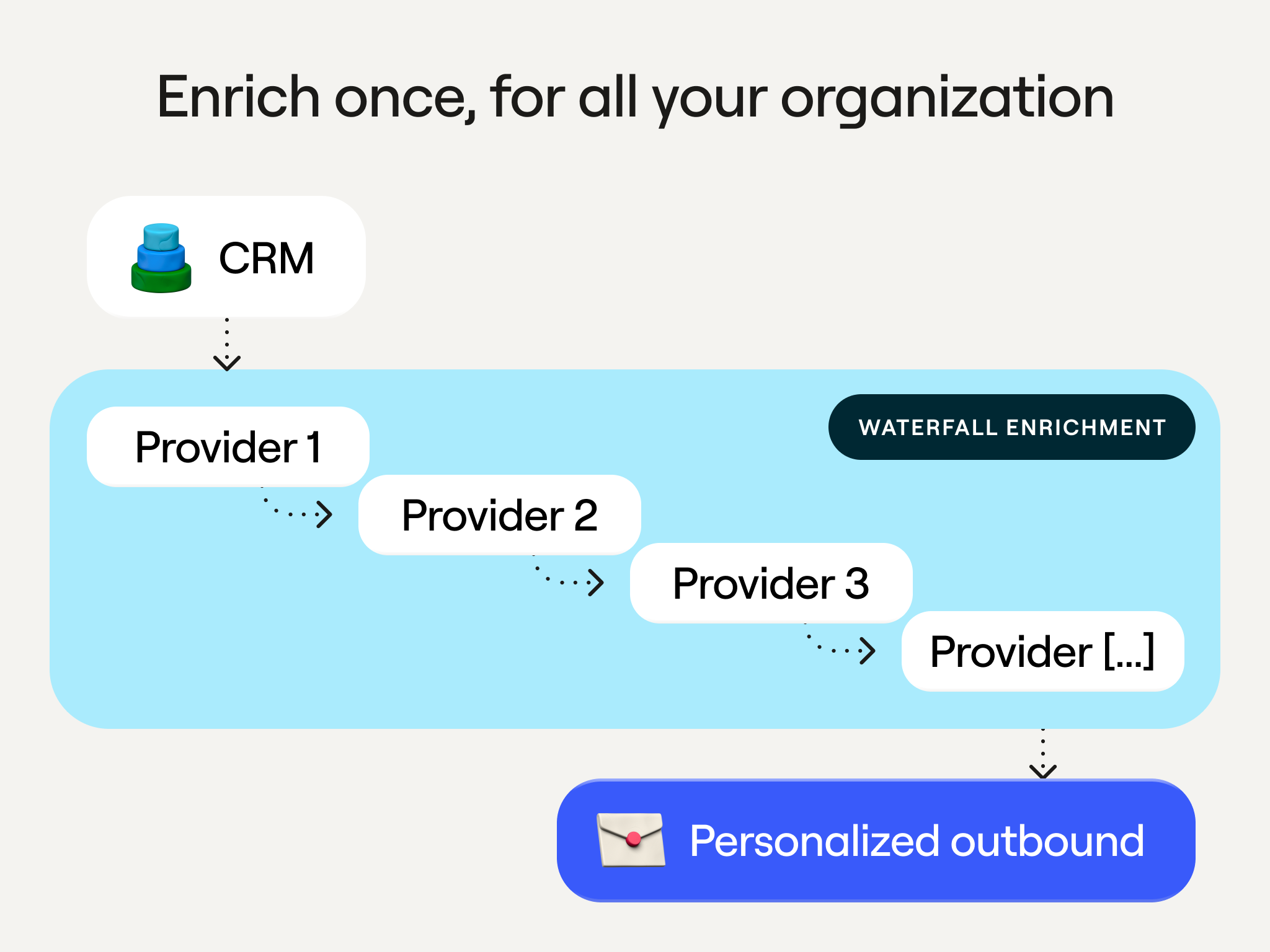
Faris’ team first leaned on this feature to personalize outbound email. But the same fresh record behind a personalized send is exactly what an AE wants before a call, or a CS lead wants when a champion leaves, which makes email a strange place to stop.
“The hidden benefit of doing all of that is we basically should be enriching our entire CRM, because all the information that we’re getting to personalize email can help everyone else at the company know the latest information about their contacts,” says Faris.
2. Standardize repeat work into Functions to scale yourself and avoid duplicate builds
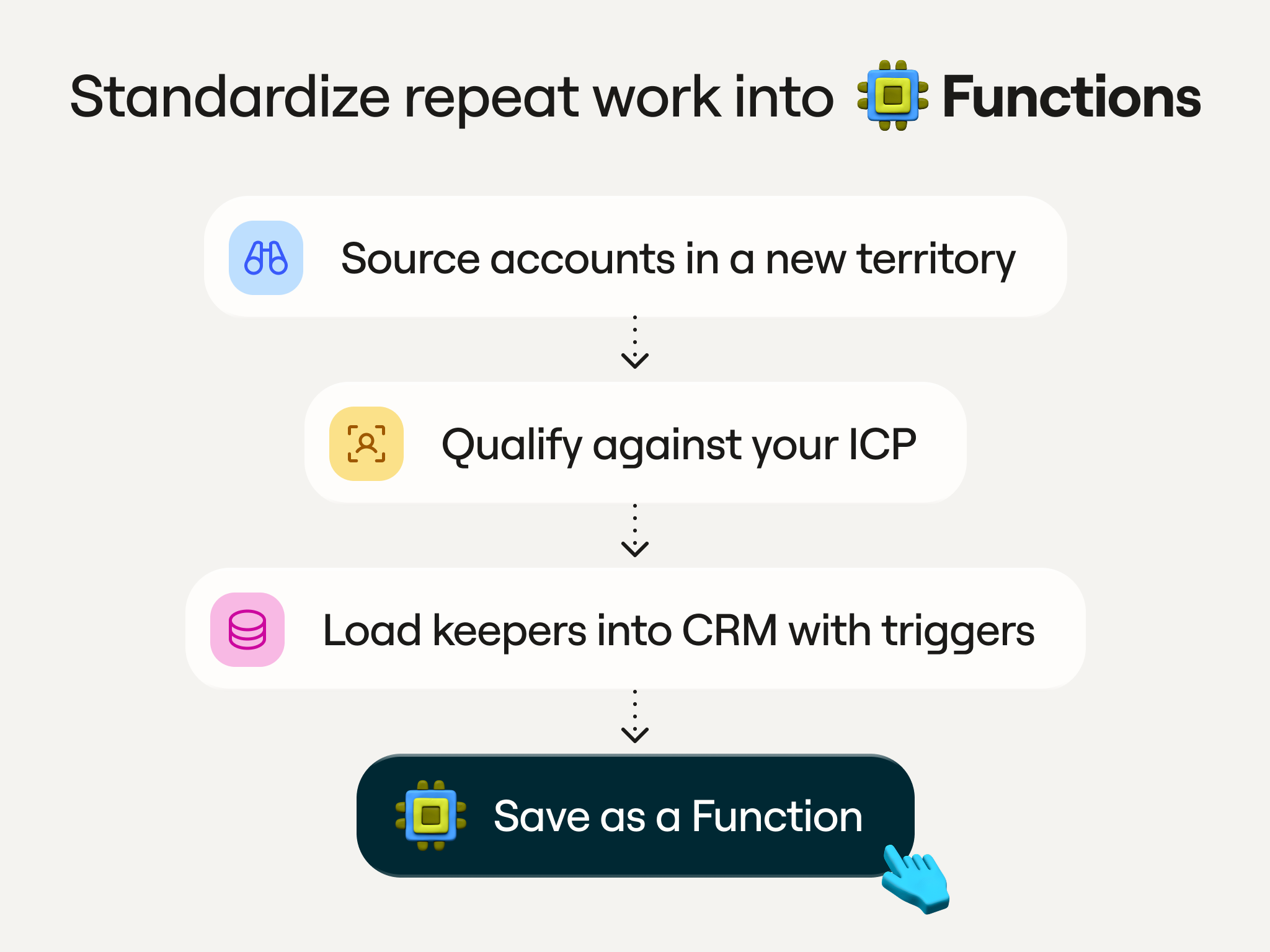
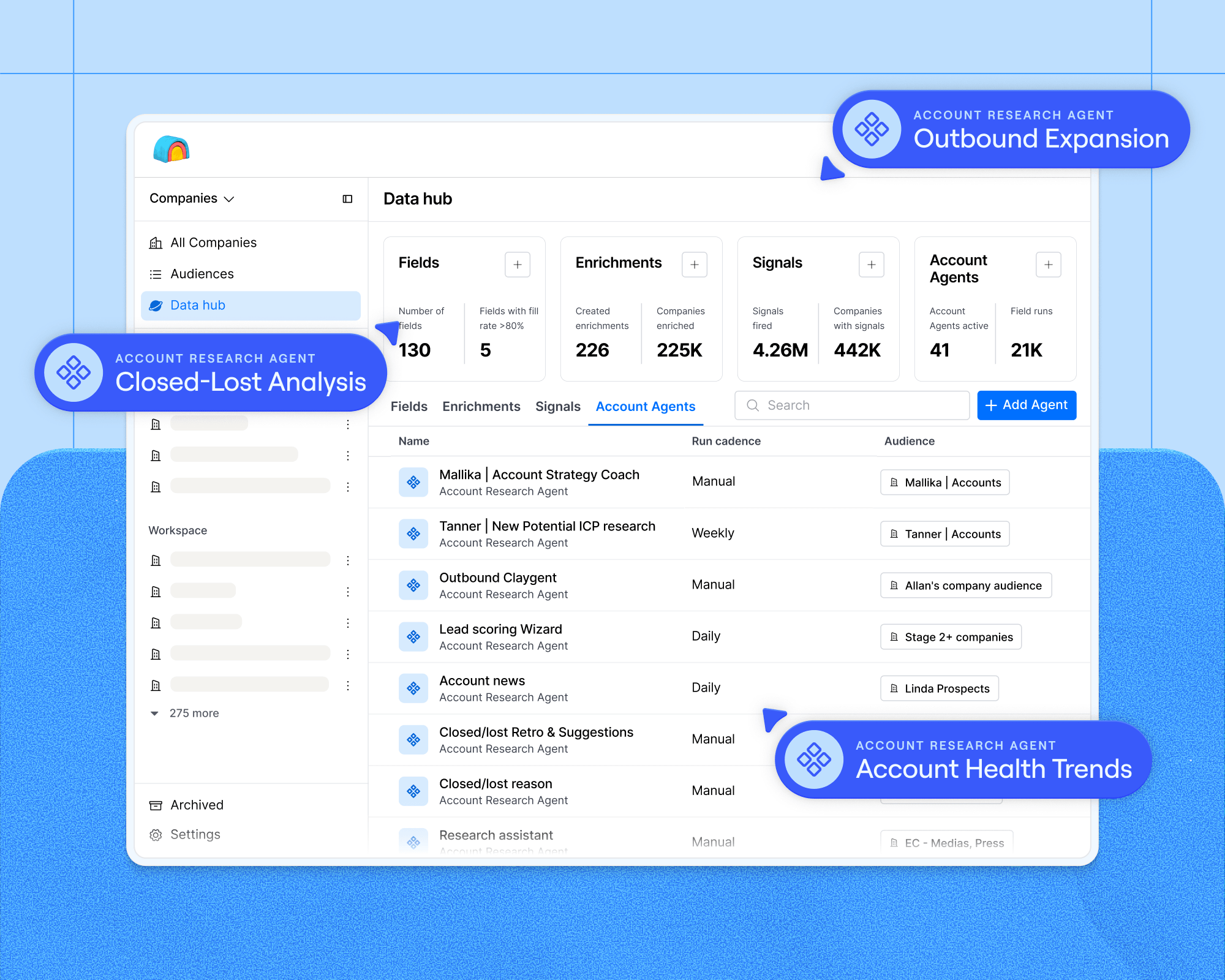
Functions packages custom enrichment logic (your provider preferences, compliance checks, scoring criteria) into a single, reusable workflow that anyone can run, while you control what’s inside. Edit it once, and every table that references it updates automatically. A workflow that used to take many columns now runs in one.
Functions is the feature Faris keeps returning to, because it lets him hand off rote work and stops teams from rebuilding the same enrichment:
“How can you build a bite-size piece of functionality in Clay that some other team can use, so that we are not building the same thing twice or three times over and enriching the same thing again and again?” he asks. “I can let more people use Clay and allow them to work on their value-add activities, and just kind of offload the rinse-and-repeat stuff to a Function.”
The second time you find yourself rebuilding a chain of steps, like sourcing the accounts in a new territory, qualifying each against your ICP, then loading the keepers into the CRM with their triggers set, turn it into a Function. What you’d otherwise do twice becomes the team’s default.
3. Track ROI down to the contact, and pair every enrichment with an action plan
At a startup, teams often work every lead they enrich, so the spend justifies itself. At HubSpot’s scale, the opposite happens: you can enrich so many contacts that plenty of them never get touched at all. HubSpot tracks this down to the individual record, stamping each contact with the source of the data and when it was last enriched. This reveals the cost behind each contact and how many of them anyone actually touches.
“A lot of times you discover we are creating a ton of contacts, but no one’s doing anything with it. So if you’re requesting a lot of CRM enrichment, you need to make sure that you have a better enablement or action plan on it,” says Faris.
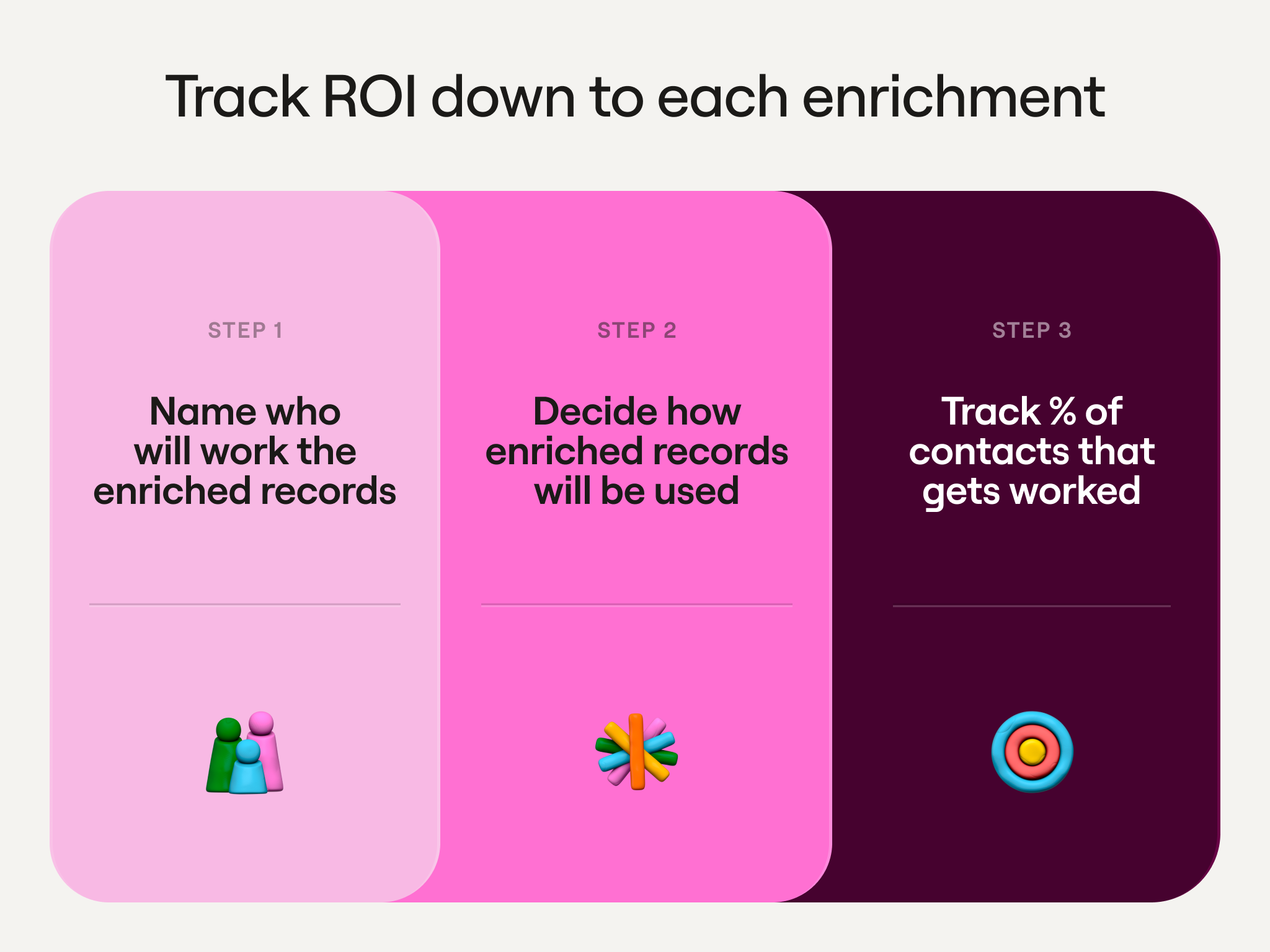
Before you run a big enrichment job, name who will work the records and how. Then track what share of those contacts actually gets worked, not how many you enriched. When that share runs low, fix the follow-through and don’t buy more data until you do.
4. Give reps a curated view, not raw property sprawl
Faris reveals that, as of the last count, they have 1,034 properties on a single contact in HubSpot’s CRM. Forcing reps to hunt through those properties is slow and inefficient, so HubSpot built a layer that surfaces only what they need to act on.
“We have a prospecting workspace that we built that basically pulls out the highly relevant leads that we want our reps and even marketers to focus on. That is our layer of abstraction,” says Faris. “People aren’t sifting through lists and properties; they’re consuming it from these dashboards.”
He sees a cleaner version of this in Audiences. This feature pulls your CRM, warehouse, signals, and enrichment providers into one place in Clay, and then builds segments that automatically stay up to date as the underlying data changes. Only the fields that matter sync back, keeping the CRM lean.
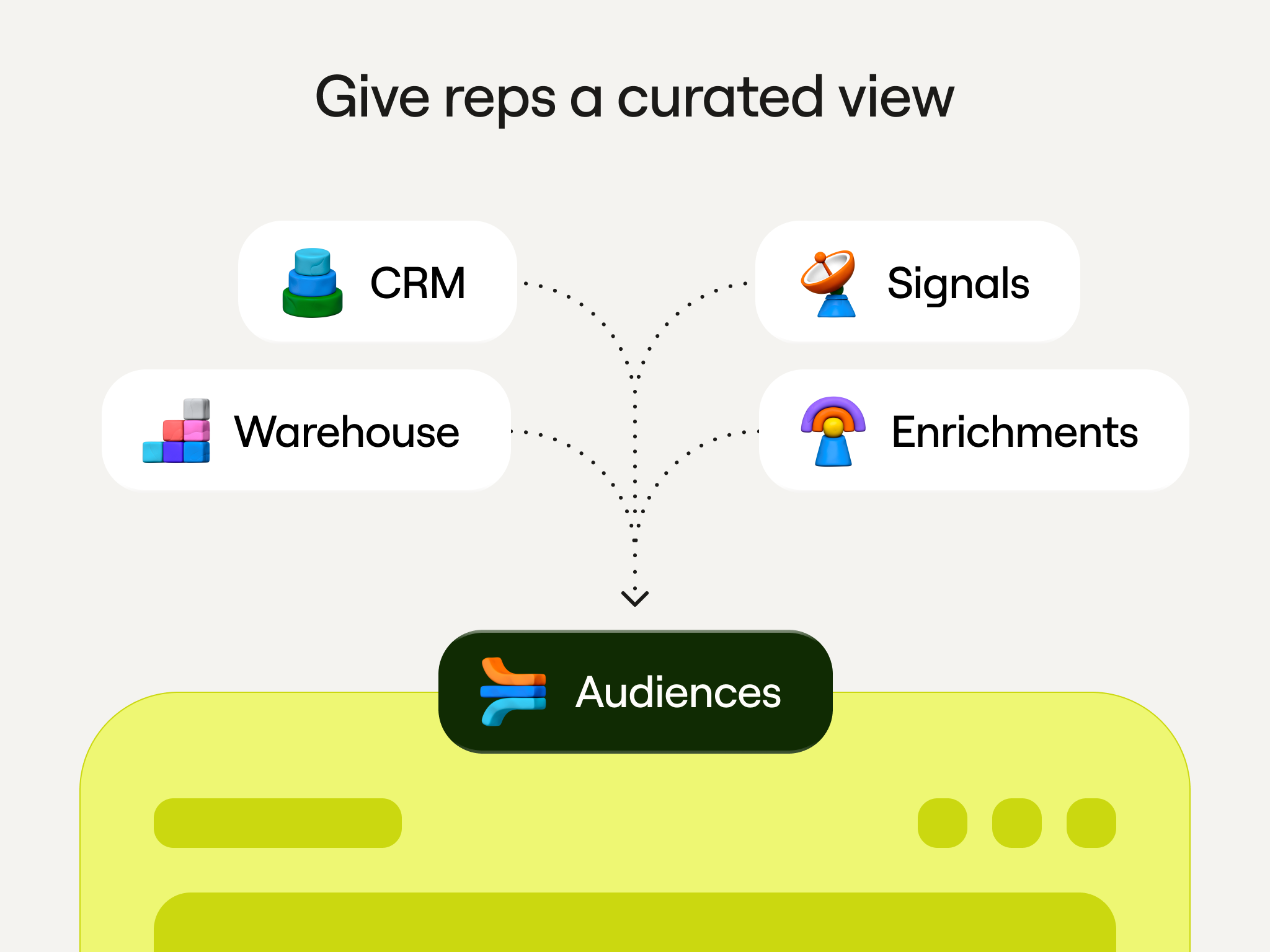
“We can offload a lot of that into something like an Audience, and only sync back to the CRM the highly relevant data, not every particular data point,” he says.
5. When you automate qualification, emulate what reps actually do
Sales reps decide which accounts are worth their time partly by doing messy judgment work. That includes looking a company up, poking around its website, and reading things that a single data field can’t capture. When HubSpot’s sales ops team wanted to automate that triage, they asked reps how they actually size up an account, then rebuilt that same thinking in Clay so it could run automatically.
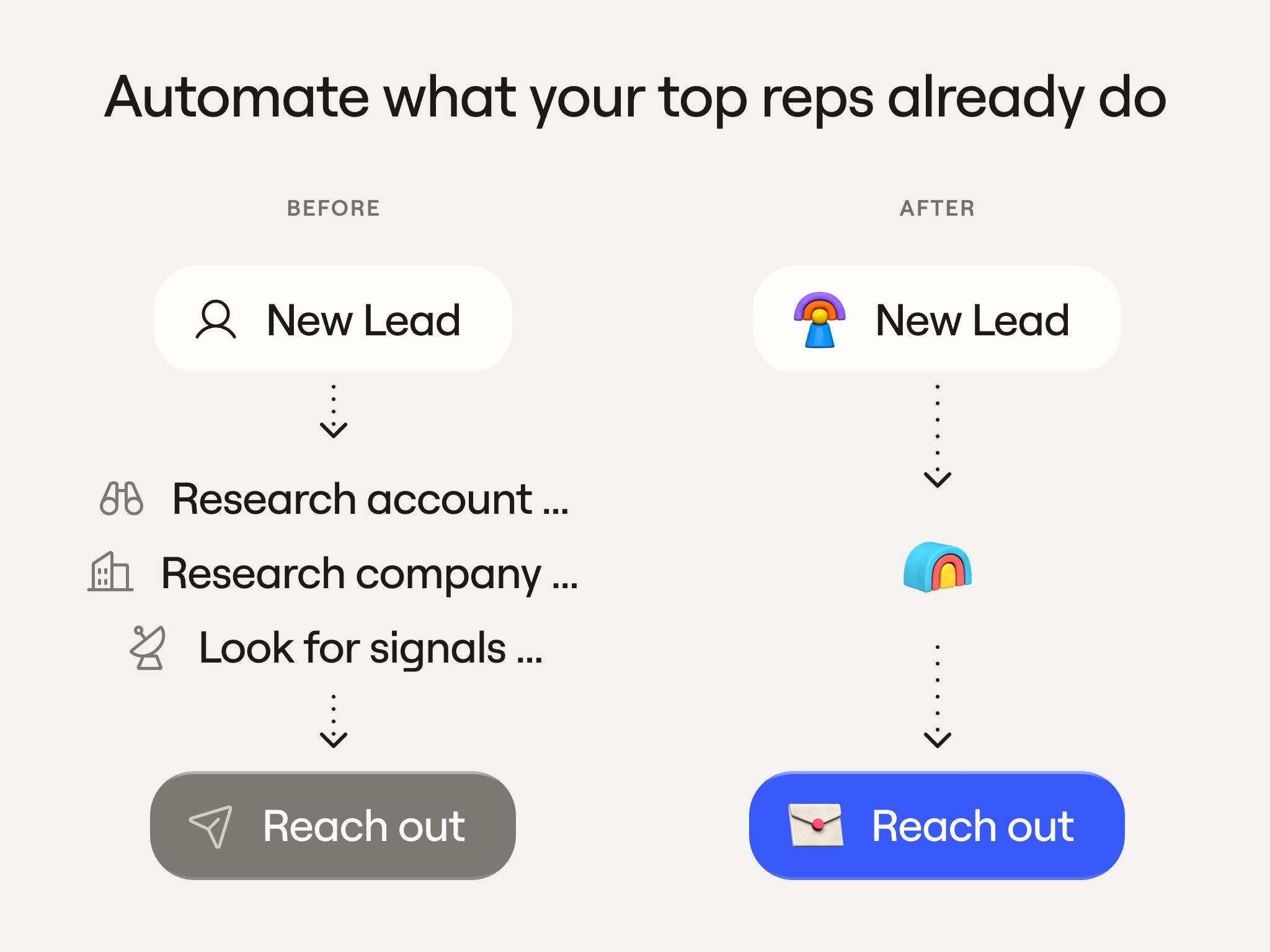
“They were interviewing reps. When you log in, what do you really care about?... We were trying to emulate that in Clay, come up with a high, medium, low kind of thing. And then all the highly workable accounts, they would auto-rotate those to the reps to eliminate all that research,” says Faris.
The accounts the system rated highly got handed straight to reps, so they skipped the research and went straight to selling. Automating any judgment call works the same way, so build it on how your best people already make decisions rather than on a formula that ignores how they actually work.
Where Faris thinks go-to-market is heading
HubSpot’s approach comes down to getting the data right once, then keep it clean and usable as more teams pull from it. Faris believes the heavy lifting of enriching and centralizing the data is mostly done. The open question is about who gets to use it. Technical know-how caps the number of people who can access the data today.
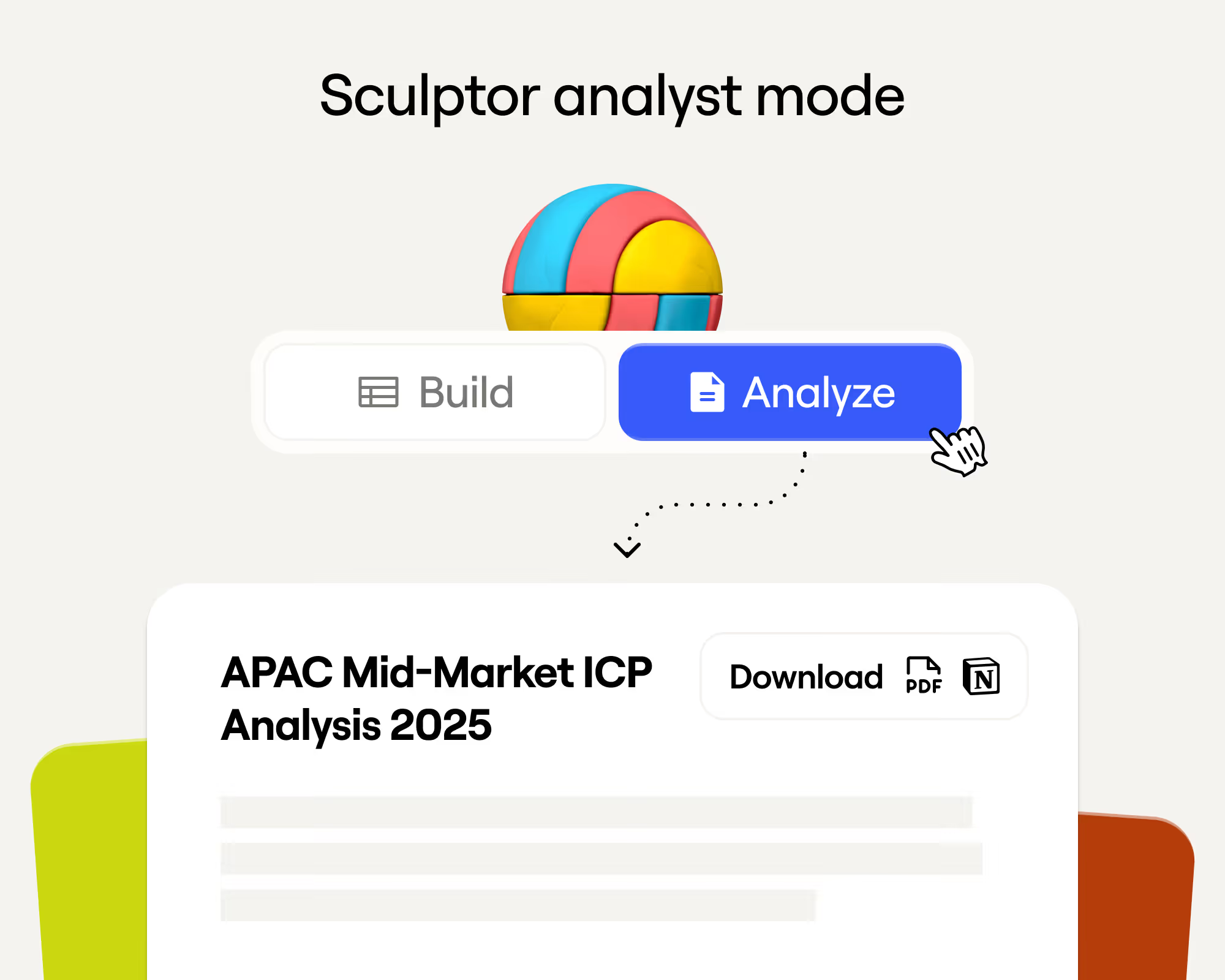
What he wants to move toward is a natural-language layer on top, where someone describes what they want in plain English (like with Sculptor) and the system pulls it, instead of digging through tables themselves. He sees that mattering for HubSpot’s sellers, who each want to work their own way:
“Whether it’s directly in a platform like Clay or somewhere abstract…they’re going to design something that works for them, and they should now have an easy way to get the data they need in a natural language,” he says.
That would mean a rep spinning up their own workflow or pulling a fresh list themselves, without having to file a request or learn a new tool. In the near future, working with the data will turn into a conversation in which a rep describes the buyers they want, and the list comes back ready to go.

.png)






.avif)














.avif)














.avif)

















.avif)