Watch a sales rep prep for one call. They likely pull up the account in Salesforce, read the last conversation in Gong, hunt for a direct dial across a few data providers, then paste all the context into ChatGPT to draft an email. By the time they hit send, most of an hour is gone, and the next call needs the same treatment.
Reps have started using AI to speed this up, and it does help with the writing and the synthesis. But it can't fix the data underneath. If the phone number is stale or the contact left the company six months ago, a faster AI just gets you to the dead end sooner.
Even worse, when every rep prospects through their own mix of tools, ops has no way to govern any of it. They can't check whether reps are sourcing net-new, high-quality leads. They can't guarantee that the contacts reps push into the CRM map to the right fields. Every shortcut creates cleanup work downstream. They can’t manage how much reps are spending in AI tools and what workflows they’re spending on.
For years, teams have had to trade one against the other: give reps speed and the CRM gets messy; lock things down and pipeline slows.
Clay MCP ends that tradeoff. Reps can access Clay's data and workflows inside the AI tools they already use, while ops keeps control of the logic underneath.
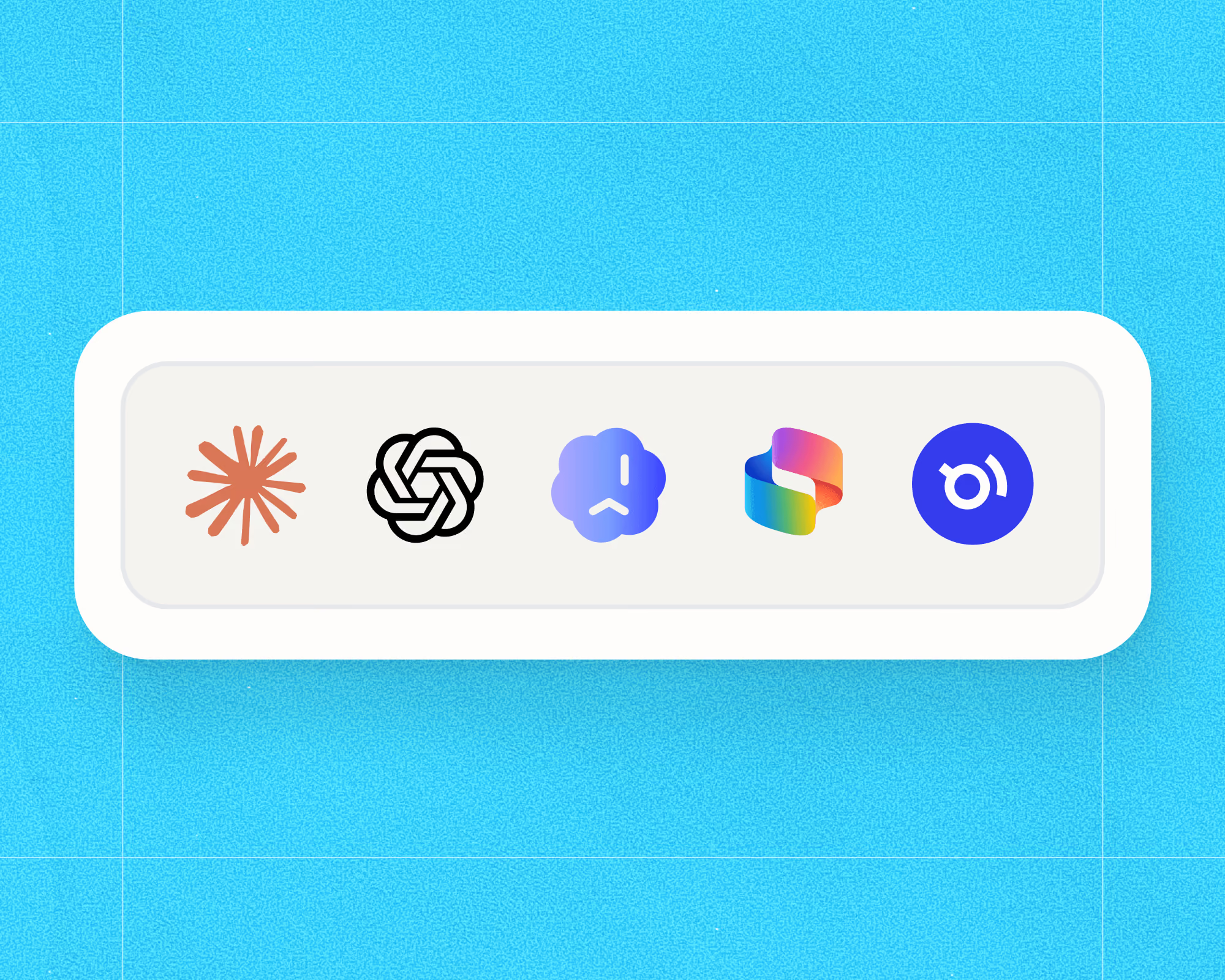
Clay MCP is now generally available and runs in six AI tools: Claude, ChatGPT, Claude Code, Codex, and two new ones, Microsoft 365 Copilot and Glean.
How Clay MCP Works
Ops builds functions in Clay, like a workflow that finds a validated phone number or one that adds a prospect to a sequence. They can turn any of these functions on for MCP.
Reps call those functions from inside their AI tool in plain language, with no new interface to learn. The functions draw on Clay's data marketplace of 200+ providers and its AI agents, and their work flows back into Clay and the systems it connects to: your CRM, your sequencer, and Audiences.
When ops improves a function, every rep picks up the change automatically. Update your preferred phone number provider once, and every rep's AI tool starts using it.
The advantages of Clay’s MCP
Better data, grounded in your context. Reps pull validated contact and company data from 200+ vendors in Clay's marketplace. Functions check your CRM at each step, so only net-new, high-quality contacts and data get used.
Governance that doesn't slow anyone down. The data logic, compliance rules, and CRM write behavior stay centralized with ops. Reps prospect at full speed while the CRM and everything downstream of it stays clean.
Your best rep's playbook, deployed to everyone. When one rep finds a signal worth acting on, like a new CISO hire, ops can capture that play as a function and roll it out to the whole team. The best rep's approach becomes everyone's default.
What reps are using it for today
Finding contacts and companies. Search Clay's people and company database to build lists of exactly the right leads.
Getting verified phone numbers and emails. Call custom functions or Clay's defaults to find any datapoint, especially validated phone numbers and emails sourced across 200+ providers.
Sequencing outbound. Add contacts and their data straight to your CRM or outbound sequences.
Researching accounts. Ask Clay for a summary of any account and get a brief built from Clay's data plus your own first-party context from Audiences.
Get Started
Clay MCP with functions is available on all modern plans.
If you’re in ops: set up core prospecting functions in-app, turn them on for MCP, set budgets and permissions per rep, and invite your reps.
If you're a rep: search for Clay in your AI tool's plugin or connector directory. Paste a LinkedIn URL and ask for a verified email to start.
.png)


.avif)


.png)









.avif)





.avif)














.avif)














.avif)