For a sales or marketing team, what you already know about an account should decide how you respond to it. A demo request from a company that trialed your software last quarter versus a company that has never heard of you shouldn’t be handled the same way. One should skip discovery and go straight to the AE who knows what stalled last time, while the other starts with qualification.
Automating that response often means writing rules before you know which accounts will hit them. That means you can only reference common fields like firmographics or deal stage. Meanwhile, context that would actually change the answer gets buried in your CRM or data sources, waiting for a rep to open and run the analysis themselves.
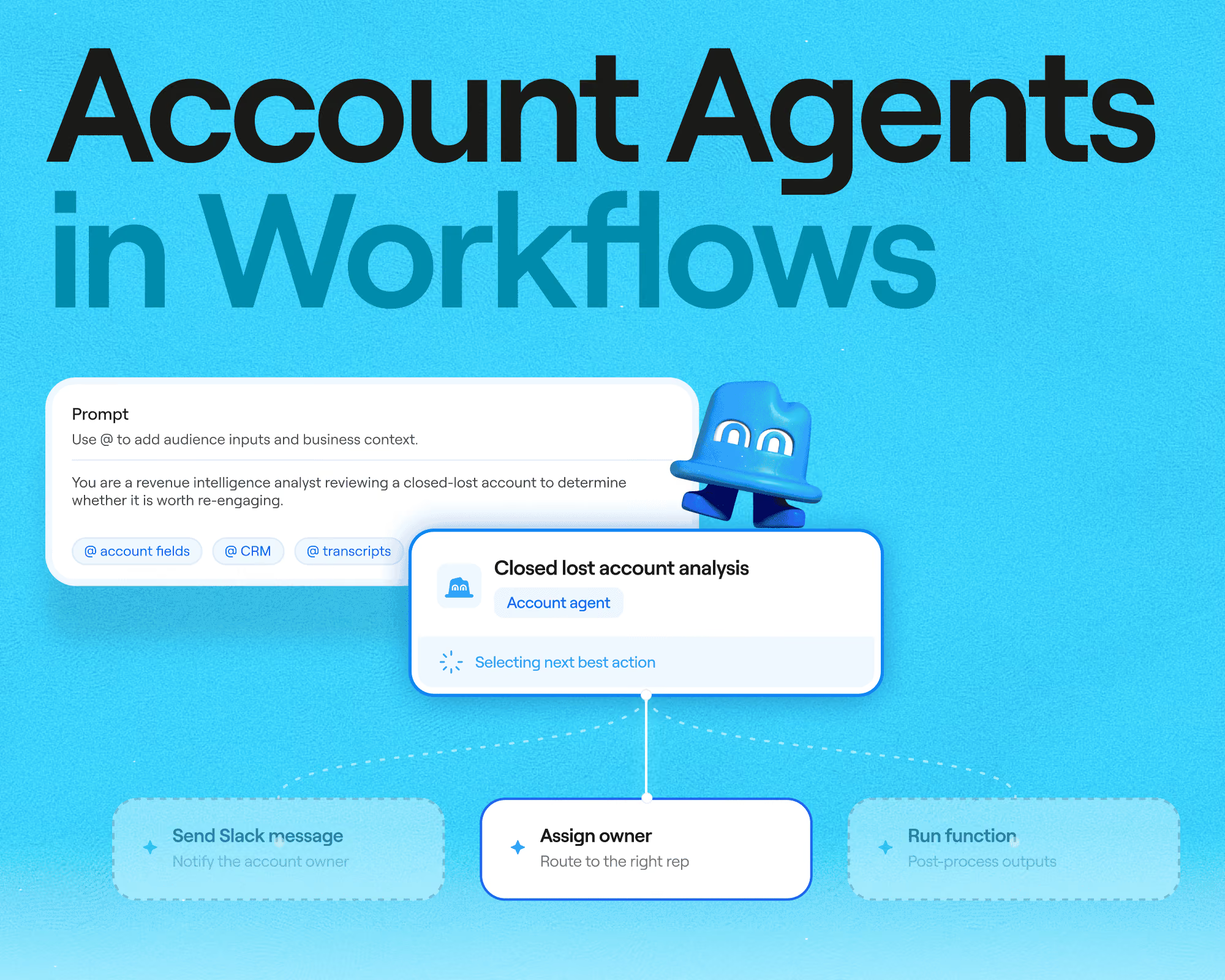
That’s the gap Account Agents in Clay can close. Now in open beta, you can drop an Account Agent into any workflow as a node. It shows up already knowing the account's full history and current state, then decides which action to take from the set you’ve defined in Workflows.
The agent decides, the workflow executes
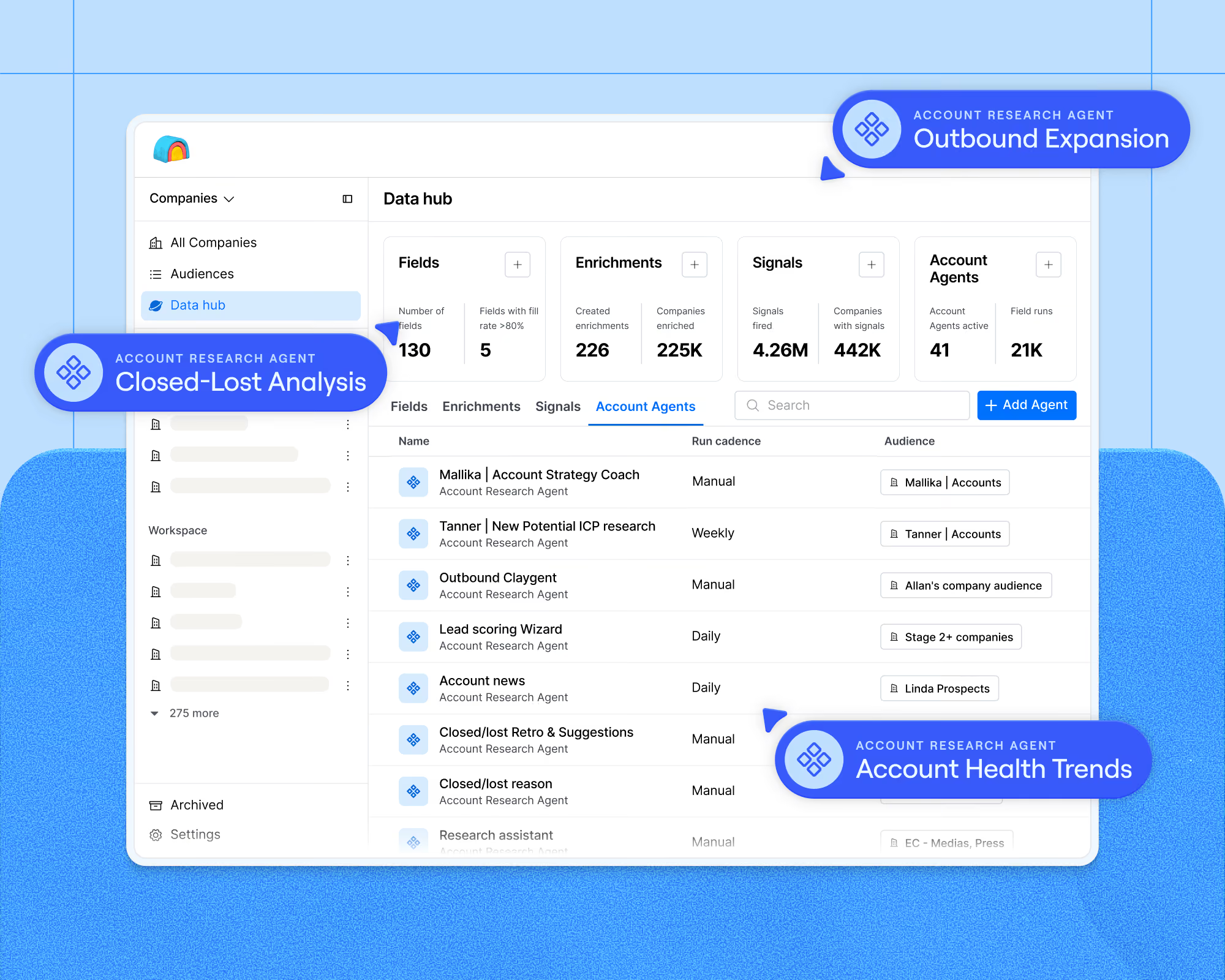
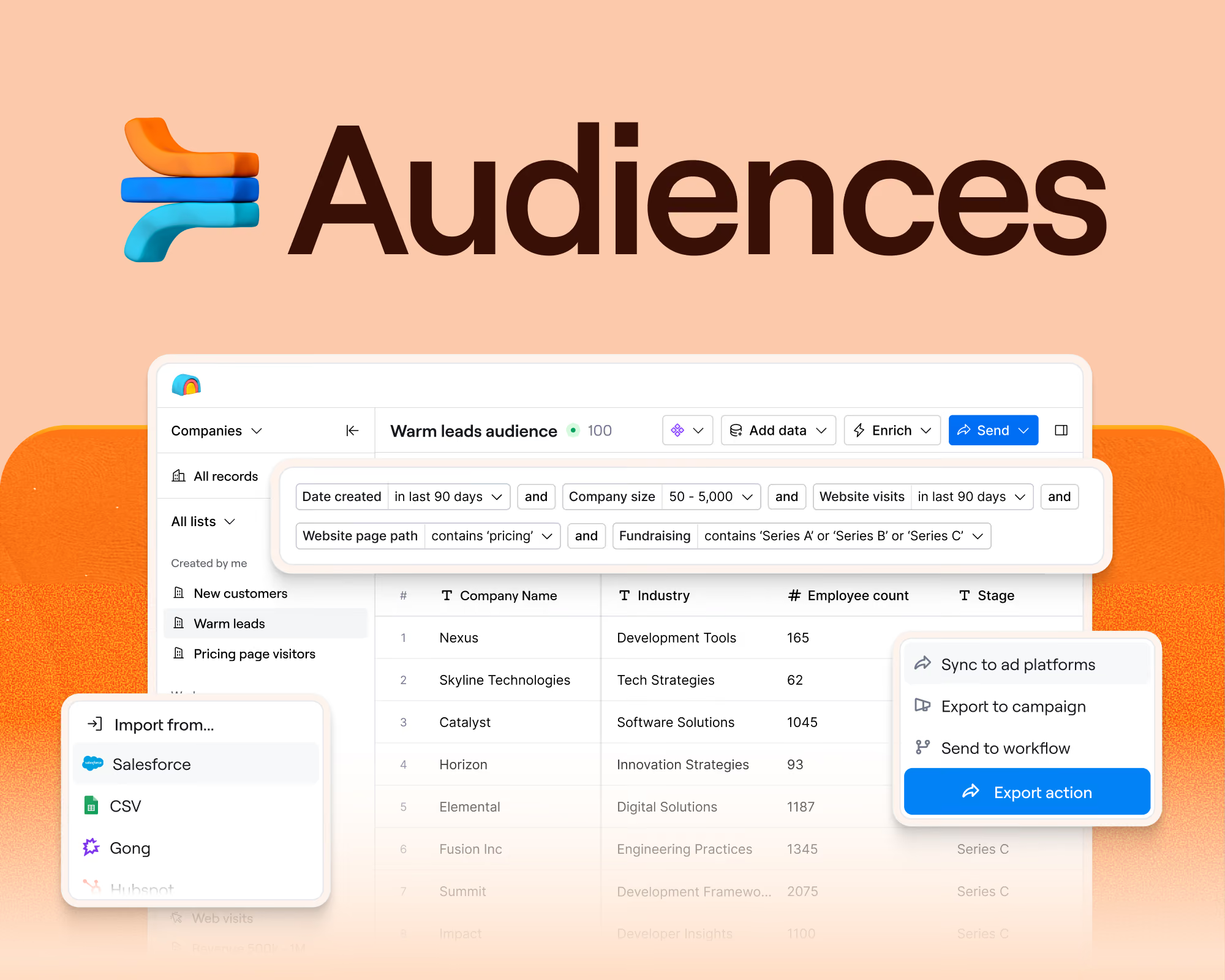
Our recently launched agents in Audiences allowed GTM teams to keep a standing read on every account in a segment within Clay’s unified data layer. These agents crawl over Gong calls, CRM history, email activity, product usage, and other signals to write back what it concluded into auditable, up-to-date fields.
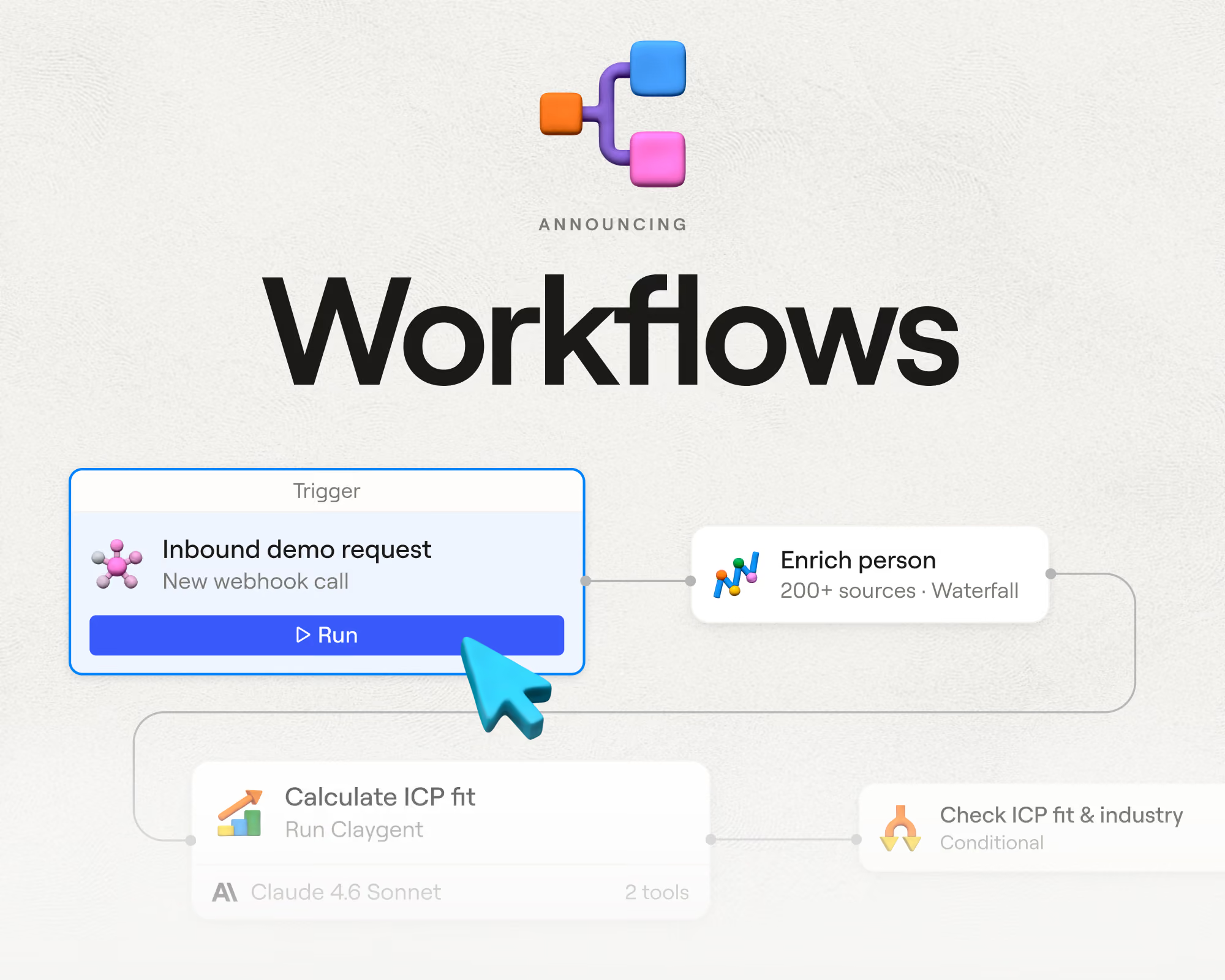
You can now run that same agent inside your workflows to carry out GTM plays. A workflow takes the same path every time, so your plays stay predictable. You can add an Account Agent as a node wherever a play needs judgment about a specific account.
Any trigger within a Workflow can kick off the flow: for example, an inbound lead landing, a deal stage changing, a new account entering an Audience segment. The Account Agent then picks it up already knowing the account, including past contacts, prior campaigns, deal history, and what it concluded the last time it ran.
From there, the agent's outputs flow into any execution step that is supported in Workflows. Possible execution steps can include:
- Branch on what the agent decided
- Run follow-up enrichment on the accounts that warrant it
- Notify the account owner in Slack with the reasoning attached
Memory and visibility across runs
With each run, an Account Agent leaves behind what it learned and a record of how it decided. They are:
- Self-improving with every run. The agent writes its findings back to Audiences; scoring gets sharper because the agent knows what earlier plays concluded instead of starting from scratch. Re-engagement lands better as the reasoning behind the original loss is still on the record.
- Fully observable. Every node's inputs, outputs, timing, and cost per record show up in a workflow run. The agent's reasoning sits in the same trace, so when a play routes an account somewhere surprising, you can open the run, see the data point it used, and fix the prompt. Cost is attributed per node, so agent spend inside a play stays legible.
Account research vs. account execution
Account Agents now operate across multiple surfaces in Clay. As a rule of thumb, add an account agent in Audiences when you're building your GTM data layer and want a canonical data point true of every account, all the time. Add one inline in a workflow when something happened and the play needs the right response to it now.
In practice, most GTM teams run both: the agent in Audiences keeps the account layer current, and the agent in a workflow reads that layer and acts on it.
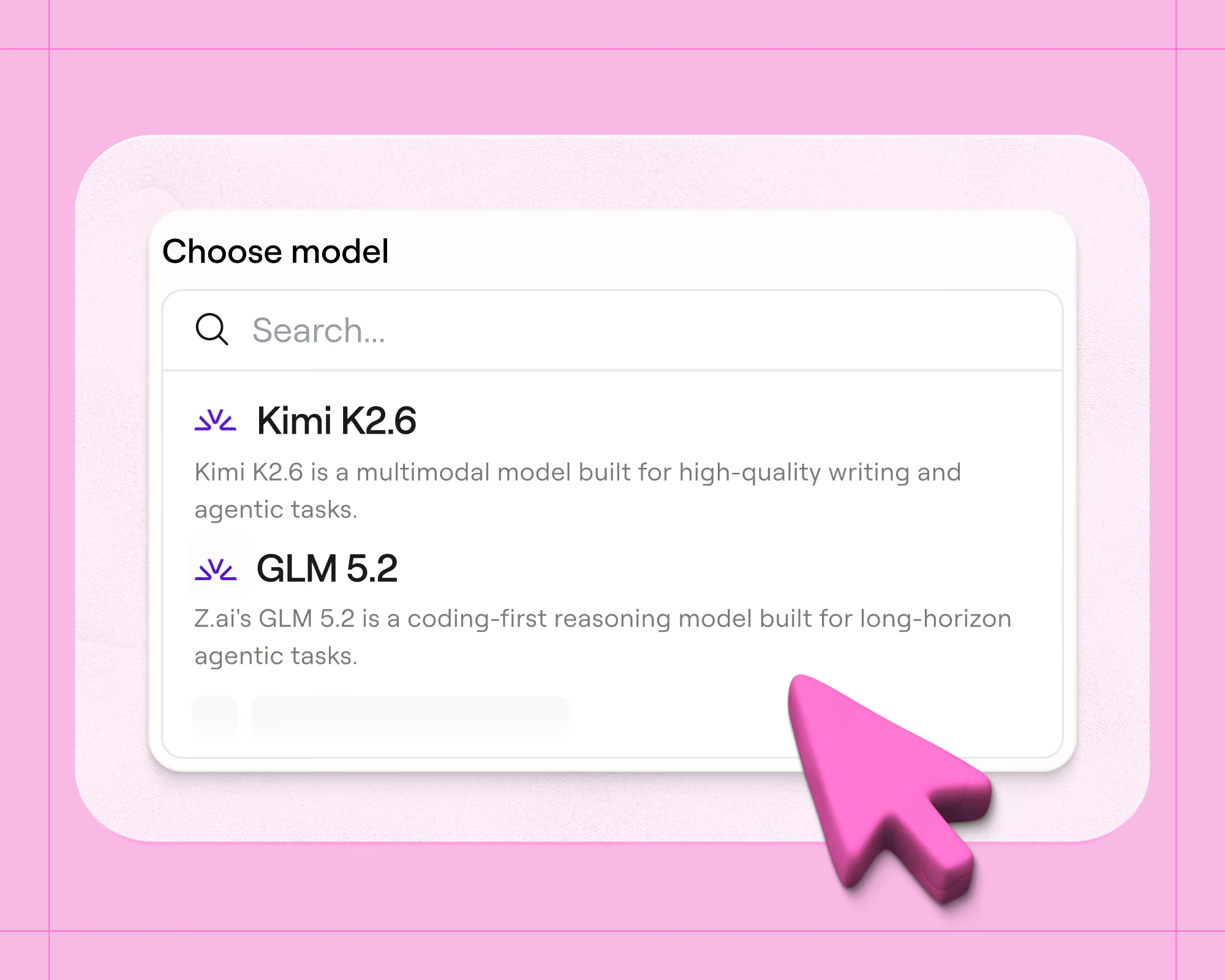
When adding an agent node in a workflow, you can configure either a general-purpose Claygent or an Account Agent (which can access account context).
- Claygent takes the inputs you give it, follows instructions, and writes an output. Use it for a single enrichment task where the answer stands on its own, like tagging an industry or finding a LinkedIn URL.
- Account Agent runs across a whole company segment and carries context forward between runs, tracking what changed since the last one. Reach for it when a decision depends on that history: which play to run given past conversations, or re-engagement copy that remembers why the deal was lost the first time.
Four plays you can build with Account Agents
Inbound lead automation. Inbound needs account context to route and follow up correctly in real-time. The workflow resolves the lead to an account, the agent decides the follow-up path from full history, then executes and notifies the owner.
Example: A director at a target account books a demo. The agent sees the company ran a trial last year and that two colleagues attended a webinar last month, routes it to the enterprise queue, and notifies the owner in Slack with that context.
Signal-based outbound. Deciding which signals are worth acting on is often a bottleneck for GTM teams. You can use Account Agents to evaluate against everything known about the account before the play runs.
Example: An existing customer crosses a usage threshold 60 days before renewal. The agent weighs it against their support history and last QBR, treats it as an expansion opening rather than a renewal risk, and routes it to the AE.
Closed-lost re-engagement. Closed-lost accounts pile up with no durable record of why they were lost, so re-engagement starts from scratch every time. An Account Agent synthesizes win/loss reasoning from Gong calls, deal history, and account context, then writes its analysis back to Audiences where the next play can read it.
Example: Four months later the same account fills out a form. The agent picks it up already knowing they were closed-lost, why, and what it concluded at the time. The follow-up gets written and executed with that context in mind.
Account scoring and routing. Scoring rules tend to run on a handful of firmographic fields because that's what's cheap to encode. An Account Agent scores against the full account state, then writes the score and its rationale back to Audiences and routes by tier.
Example: Two accounts have identical firmographics. The agent tiers one higher because it has three champions from a previously won account and an active support relationship, and puts that reasoning in the score alongside the number.
Get started with Account Agents in Workflows
Account Agents in Workflows moves you from writing conditional logic for every trigger to agents that hold a goal and decide what's worth acting on. Account Agents in Workflows is available in open beta on all Enterprise, Growth, and Launch plans.
To get started, set up Audiences first: connect your CRM, Gong, or other data sources and create a segment. Then open Workflows and add an Account Agent node downstream of an Audience trigger. There are three ways to build it:
- Manually drag and drop on the canvas
- Describe the play to Sculptor, our copilot in Clay, and let it build
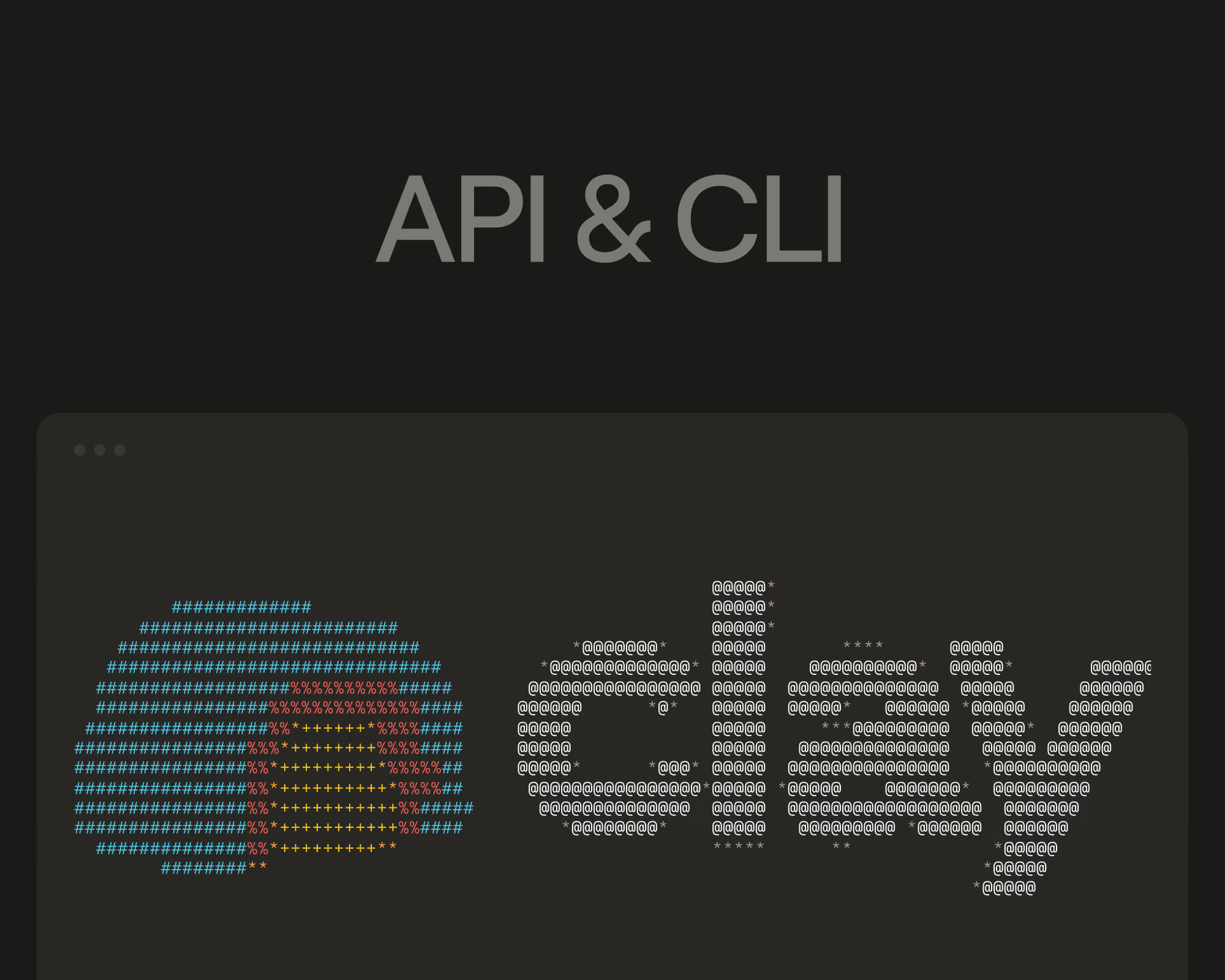
- Use the CLI to turn an existing Claygent node into an Account Agent, or ask questions about an account straight from your terminal
Get started today and check out our documentation to configure your first account agent inside a workflow.The more of your revenue system runs on Clay, the better every agent on it gets — and now every play those agents carry out gets better too
.png)

.avif)


.png)



.avif)


.avif)











.avif)












.avif)