






















Close
Thank you! Your submission has been received!
Oops! Something went wrong while submitting the form.
We couldn't find anything for that query...

How Clay uses Clay from inside Claude and ChatGPT

Author
Author
Clay Team
Date
Jun 17, 2026

When a Clay rep researches a dead account, writes a cold email, sends a gift to a prospect, or scores a private equity firm, they won't open Clay to do it. They'll open Claude or ChatGPT connected to Clay’s MCP. 

Clay is still doing the work underneath: the enrichment, the scoring, the data lookups, the orchestration. Reps just never have to leave the AI tool they already live in.

The risk (and reward) of giving everyone AI tooling

The risk with AI-enabled selling is that each rep will each use the tool differently. One rep prompt-engineers for an hour instead of picking up the phone. Another sends an email that makes a claim legal never approved. A third builds a workflow that looks impressive but can't be replicated or measured. What might feel like a productivity boost is actually just inconsistency at scale. Trust us, we’ve been there.

The operating model we’ve found to work best is a centralized build for decentralized use. Our ops and GTM engineering teams design the logic, build the Functions in Clay, and govern how they behave. Reps don't need to write elaborate prompts. They type a sentence in whatever tool they already live in — Claude or ChatGPT — and Clay MCP routes it to the right Function. The work happens behind the prompt, on infrastructure the team controls.

Reps spend more time in conversations with humans, not conversations with AI. Output is always on-brand, legally safe, and on-message. When a play gets better, ops updates the Function once and every rep runs the improved version automatically.

Here are four plays we run this way.

Clay Play 1: Reheating a dead account without leaving the chat

Michaela Pandorf, ClayDR

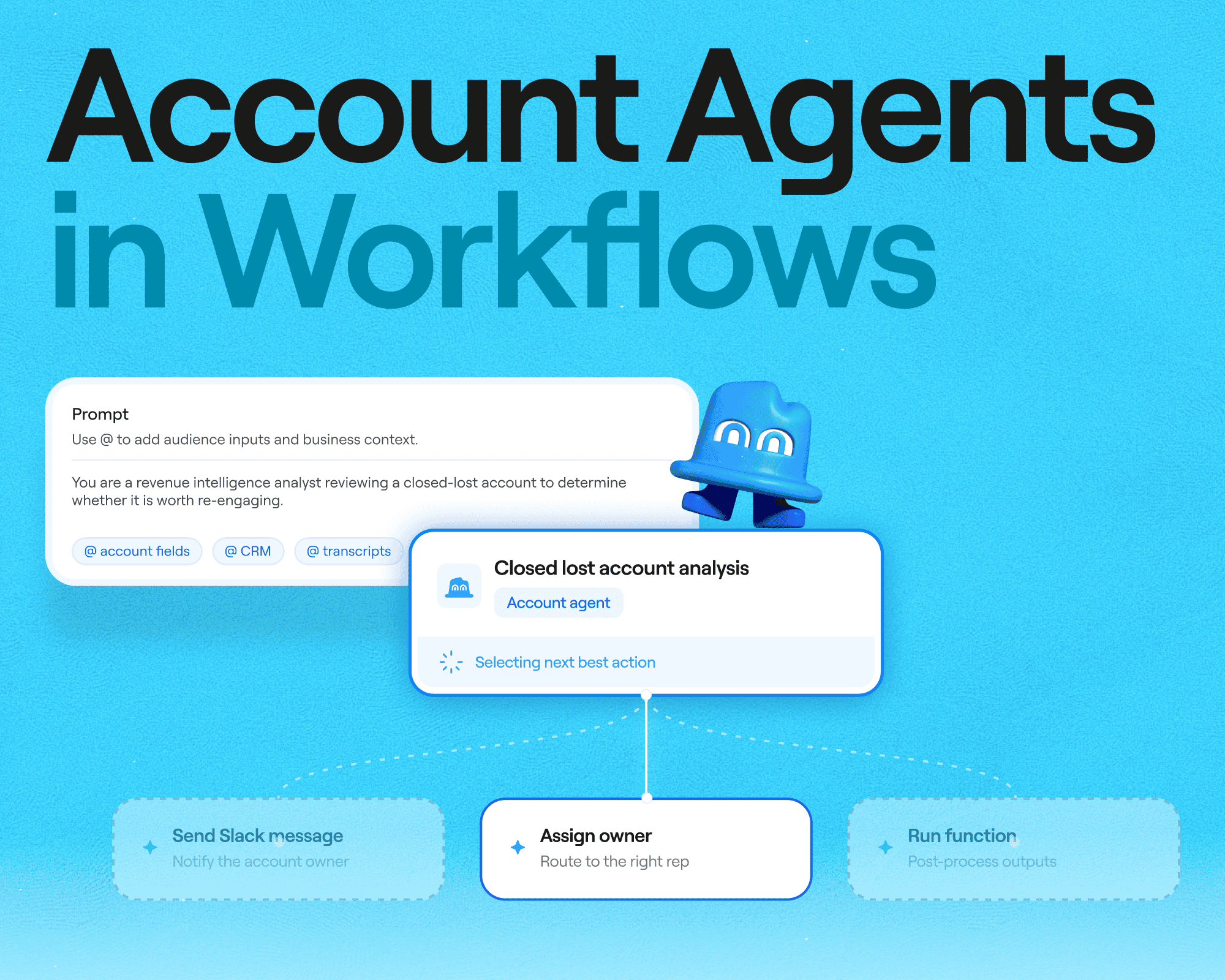
When a deal goes dark, the worst move is to outbound into it blind. Michaela built a prospecting skill that hands reps the account's full history first.

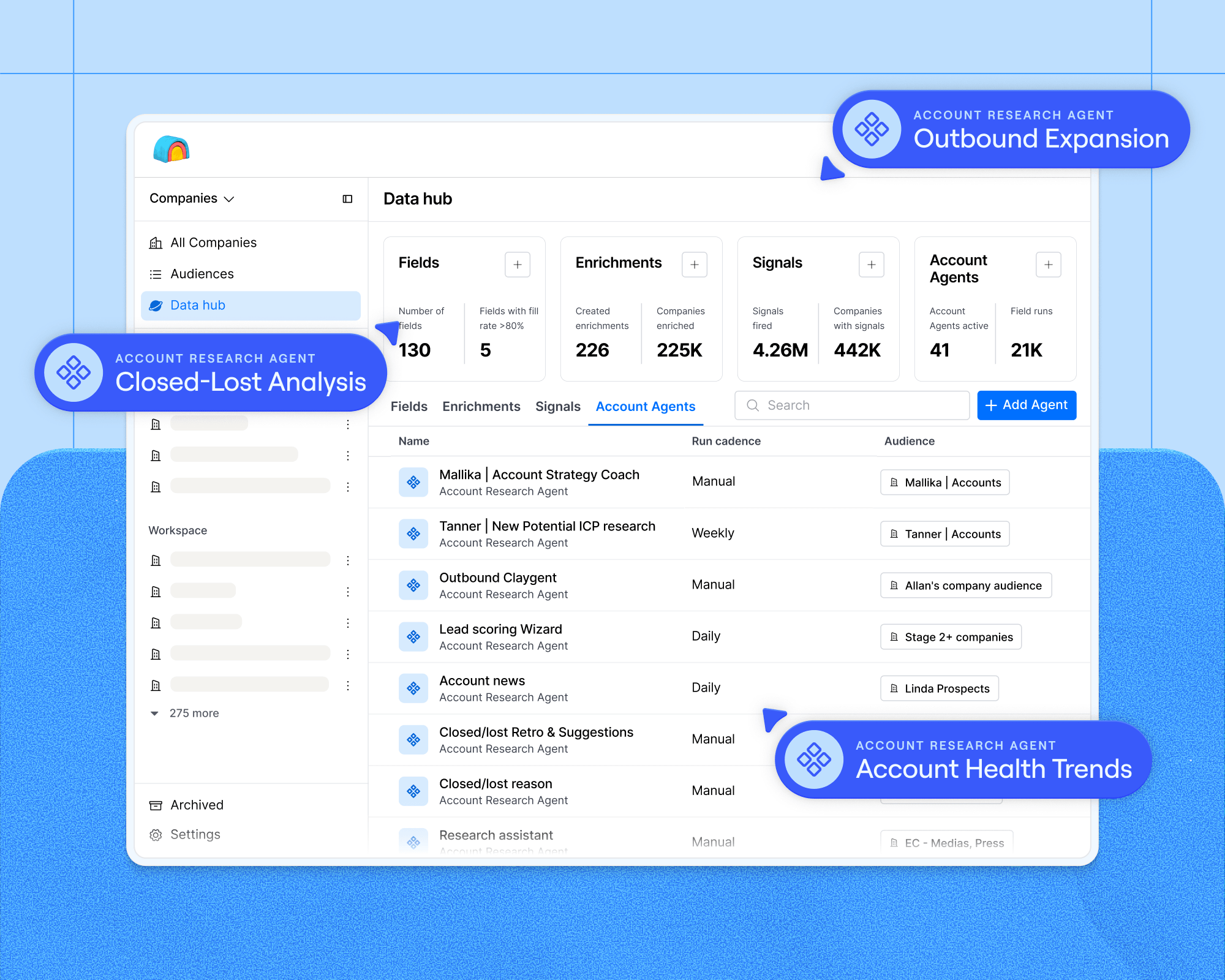
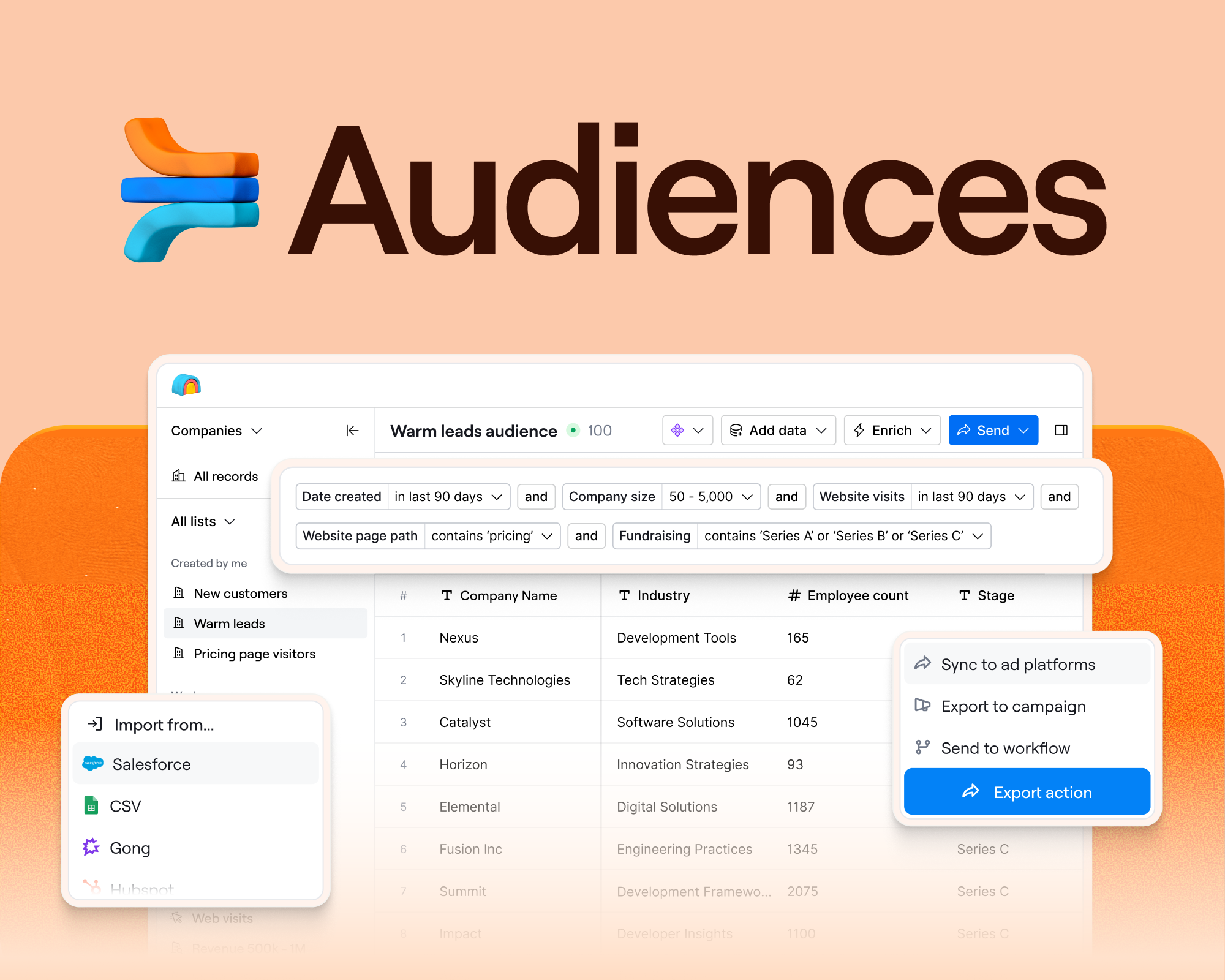
She gives Claude an account to research. The skill runs structured research through Clay Audiences and MCP, then classifies the account: warm, cold, or a closed-lost reheat, and shares a brief with the rep. For example, an account came in last year off a LinkedIn ad, talked pricing, lost its CMO, and went quiet before marking as close lost. Clay tags it as a reheat account, confirms no open opportunity is blocking outreach, and flags that someone is already working it.
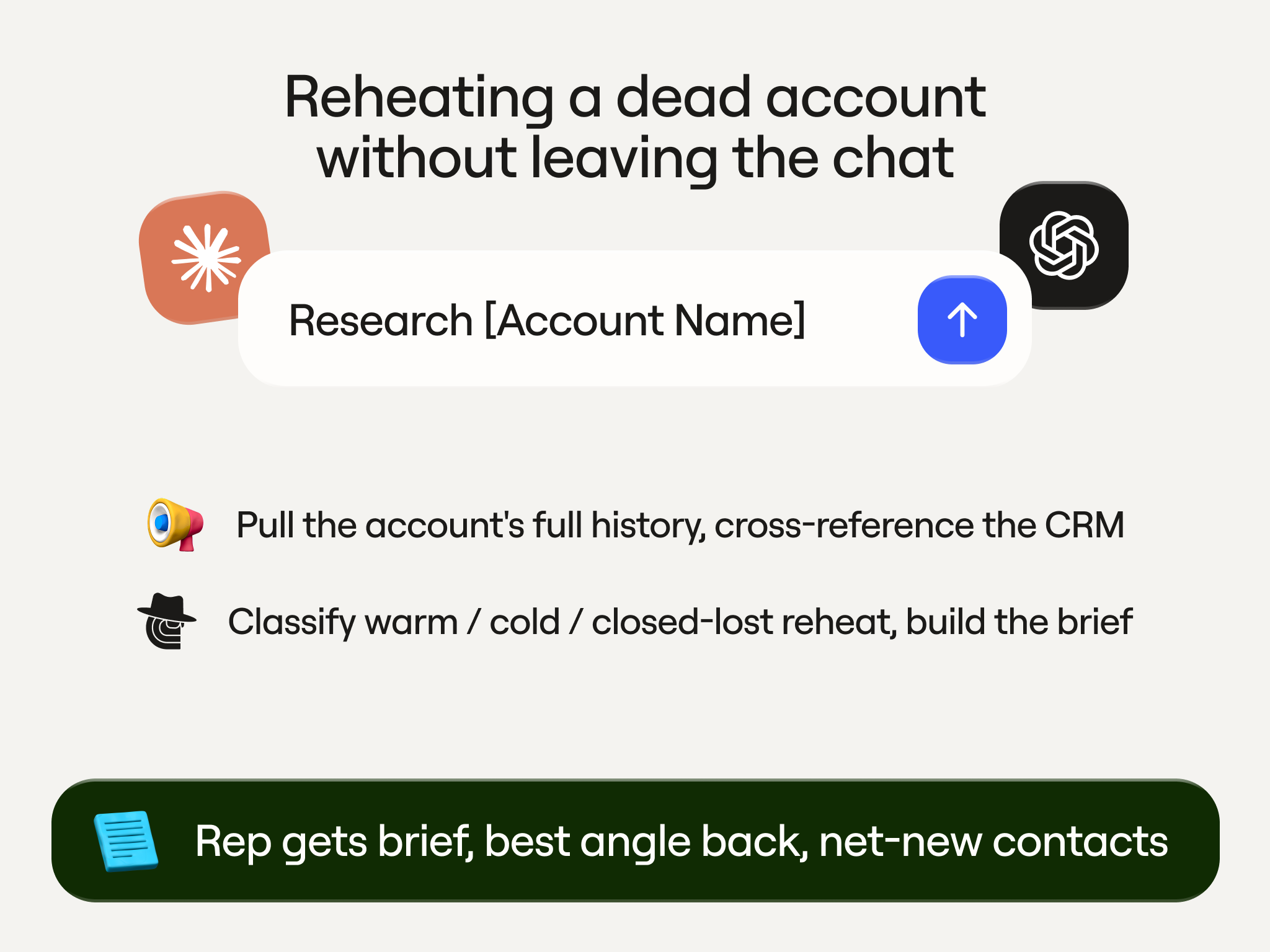
Then she asks for the best way back in. Claude points to the old LinkedIn ad as the opener and drafts a first email off a template a teammate built. The original champions are gone, so she uses Clay to find new ones, checking each against the CRM through Audiences so she only surfaces people who aren't already in it. Nine net-new contacts, no duplicates.

The last step, pushing those contacts back to the CRM with enriched email and phone. All without leaving the chat.

Clay Play 2: Writing a cold email based on real account context

Luca Prando, GTM Ops

Most AI email drafting wastes your best asset. You ask for "an email," and the model makes up context from nothing while everything you know about the contact sits in your CRM. Luca's outbound generator takes one input: an email address. It only runs on contacts already in the CRM on purpose so that it has first-party context you've verified, not third-party guesses. 

Claude picks up the function through Clay MCP, finds the contact in Salesforce, and runs Snowflake queries across the contact and the account: engagement summary, product engagement score, signals score, account fit, and the use cases similar customers run. It reads persona and seniority too, so a RevOps manager and a VP of Sales get different angles.

Then it writes three versions: 

  1. The first opens with a relevant insight based on the context of the account and their business. 
  2. The second pulls a real Clay case study, with a Claygent reading our own case studies page to match the closest customer based on similar GTM motions, pain points, or desired impact.
  3. The last uses a recent company news, like a new fundraise, key investment, or public messaging. The email reads as timely and shows we’ve done our research. 

All three drop into the email composer as labeled drafts. The rep edits in place, tells Claude to make it more casual, and sends.
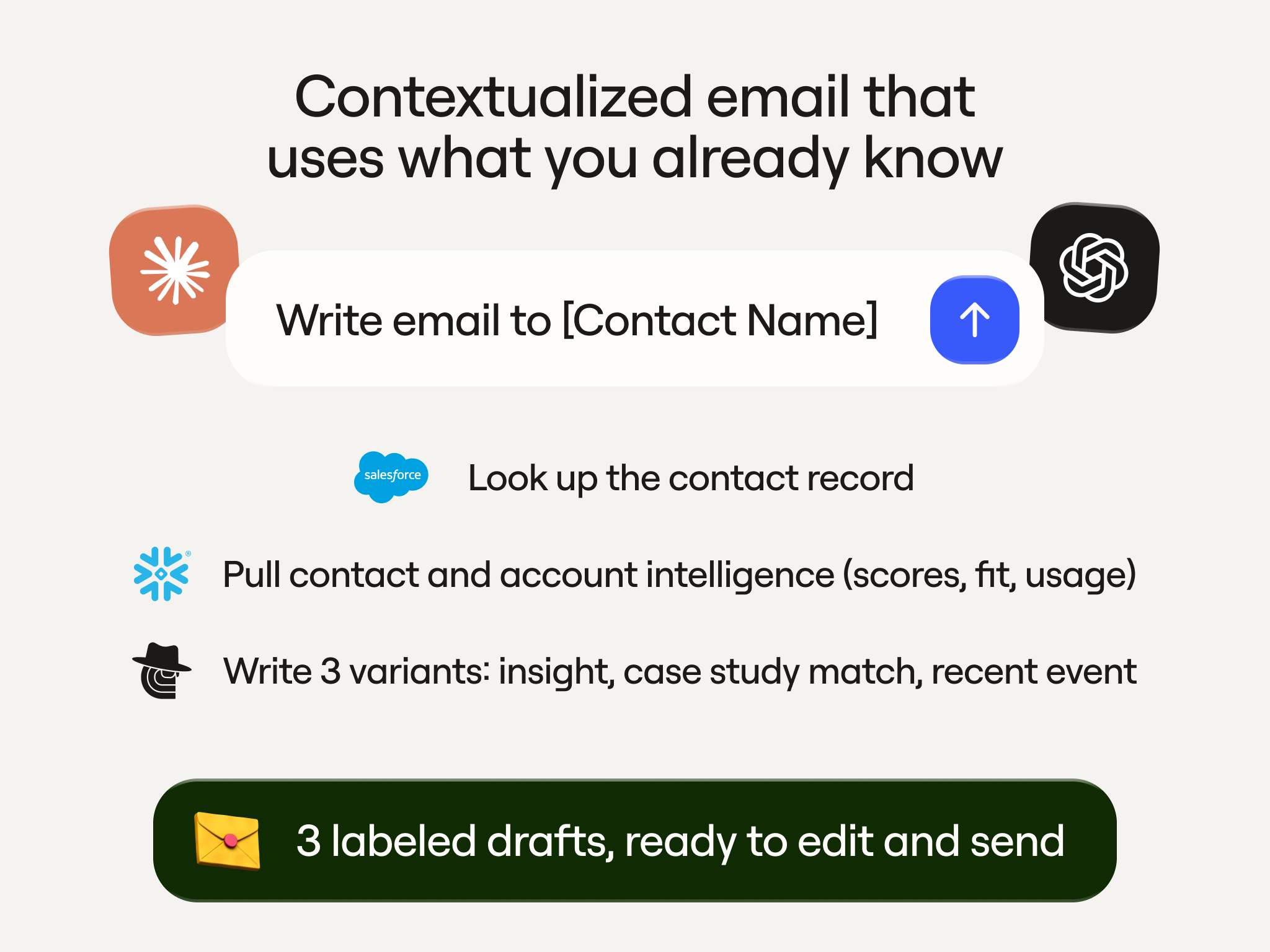
The GTM Ops team owns the function. Reps just prompt it. When the messaging logic changes, it’s automatically updated for all reps.

Clay Play 3: Running a gifting campaign from one prompt

Emily Chen, Growth

Gifting can be amazingly effective, but if the logistics aren’t covered then they’re a huge sunk cost. Right account, right gift, right address, and right message are needed every time. Emily turned all of it into a single sentence prompt.

A rep opens Claude and types: send a gift to accounts where I have open pipeline. Claude returns the matching accounts. The rep approves the ones they want. The function takes it from there. 

It writes a note matched to the gift and the recipient, finds the best address (by triangulating the office they're most likely to work from), pulls the gift from approved vendors, and ships it through Sendoso, which Clay connects to natively. When it goes out, the rep gets a Slack ping.
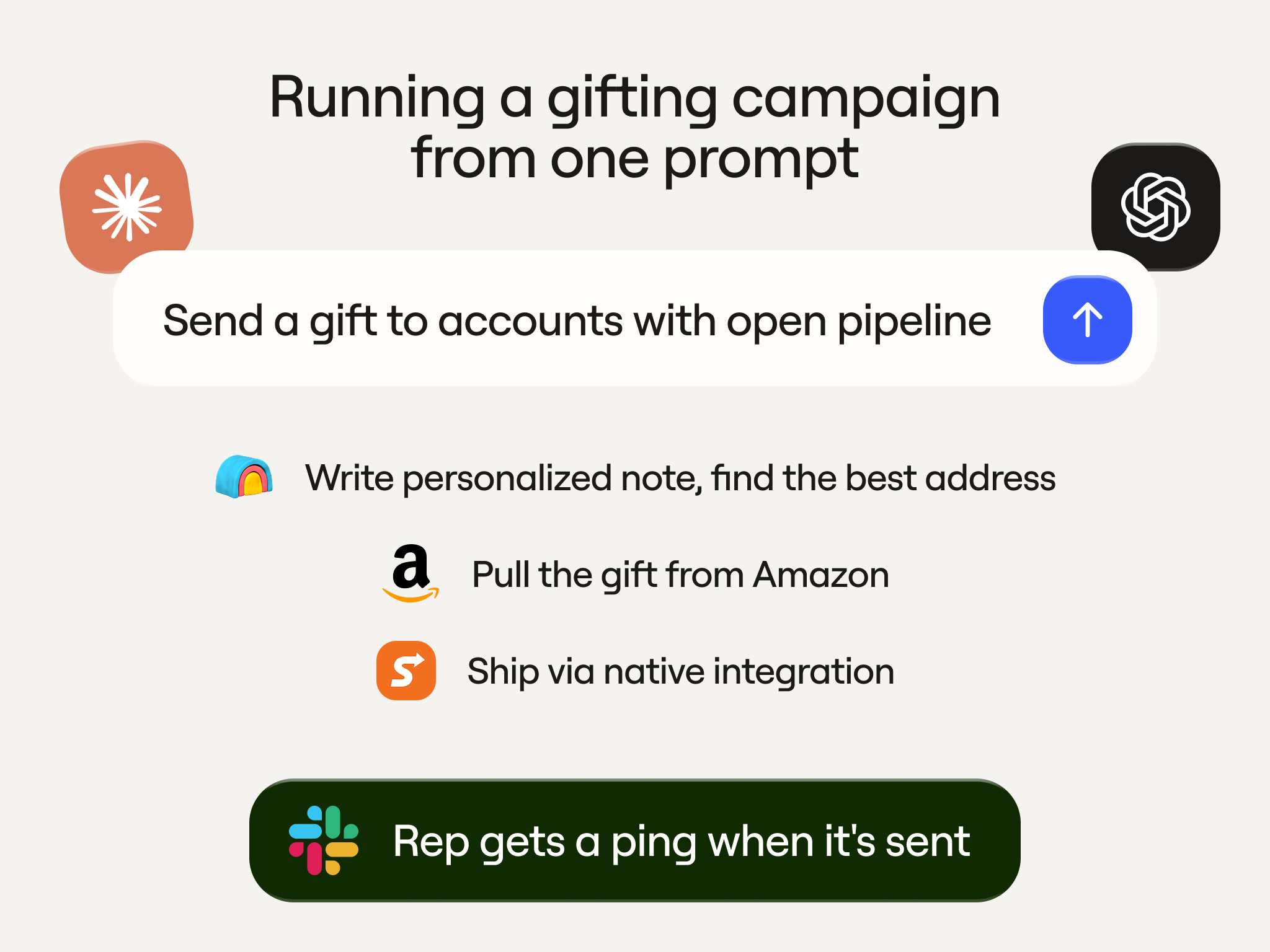
Reps no longer need to keep CSVs up-to-date or awkwardly ask prospects for their mailing address. The campaign runs without anyone touching the middle, and the team keeps tabs on gifting spend and pipeline impact.

Clay Play 4: Scoring a private equity portfolio before the meeting

Bruno Radice, GTM Ops

Our partnerships team runs a private equity motion. Finding PE firms is easy. Knowing which ones are a good fit for a meeting is the hard part.

Research is the bottleneck. Pre-meeting research usually leans on Google and a few AI searches, which is slow and uneven. Key data points like PE ownership, board seats, and who backed whom are hidden deep in the corners of the internet (or not public at all).

So Bruno built two Functions that Claude calls through Clay MCP, anchored on PitchBook for the data the internet won't give you: portfolio companies, board seats, investors, the partner on the deal. If the firm isn't in Salesforce yet, the flow enriches it first. Then it scores the portfolio, running models on the Salesforce accounts to estimate potential contract value, so the team can see which companies inside a portfolio are worth chasing.
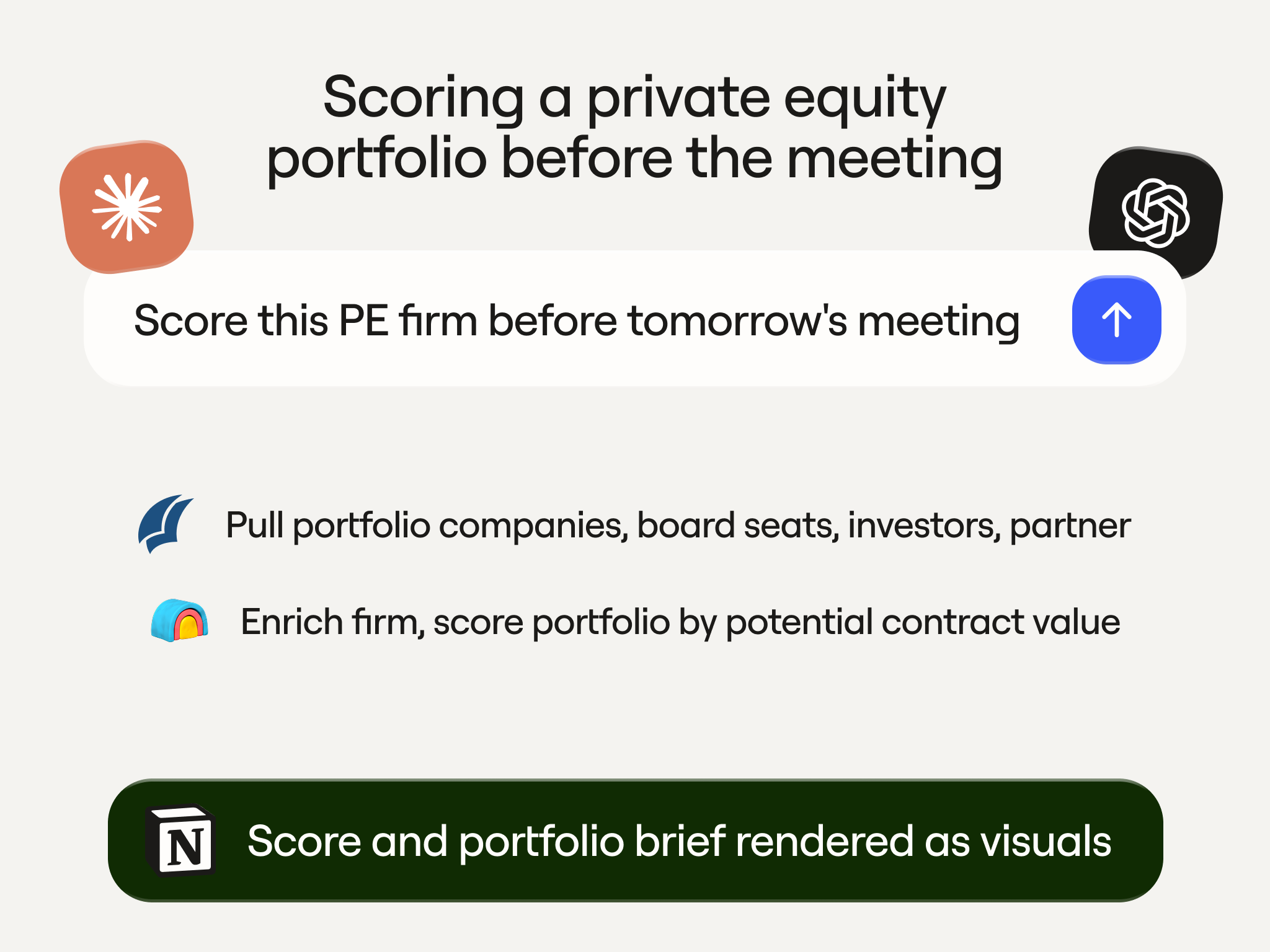
A rep asks Claude to score a firm before tomorrow's meeting. Claude returns the score, pulls the portfolio detail on request, and renders it as visuals and a Notion doc. The rep walks in with a real data layer instead of a stack of browser tabs.

Build once, run it anywhere

Four different rep use cases, four different motions, but the same structure underneath each one: ops and GTME build the Function, reps prompt it and get predictable outputs every time. The outcome is reps actually get time back to spend building relationships with their prospects instead of debugging a workflow.

Consistency is the other thing you get, and it's harder to replicate than it sounds. Emails go out on-message, gifting matches the approved vendor list, and outbound runs following compliance best-practices. When every rep is building their own Claude workflow from scratch, none of that is guaranteed and none of it is auditable.

When a workflow needs refinement, there's one place to look. When something works, you update it once and every rep is running the better version the next day without re-training.

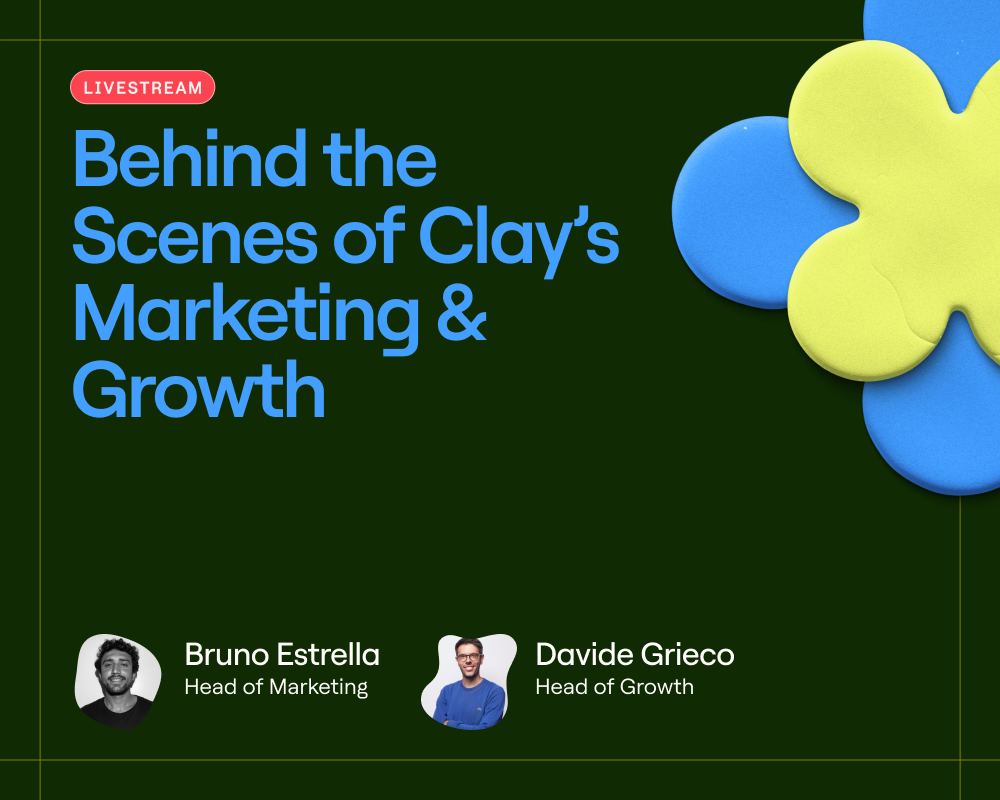
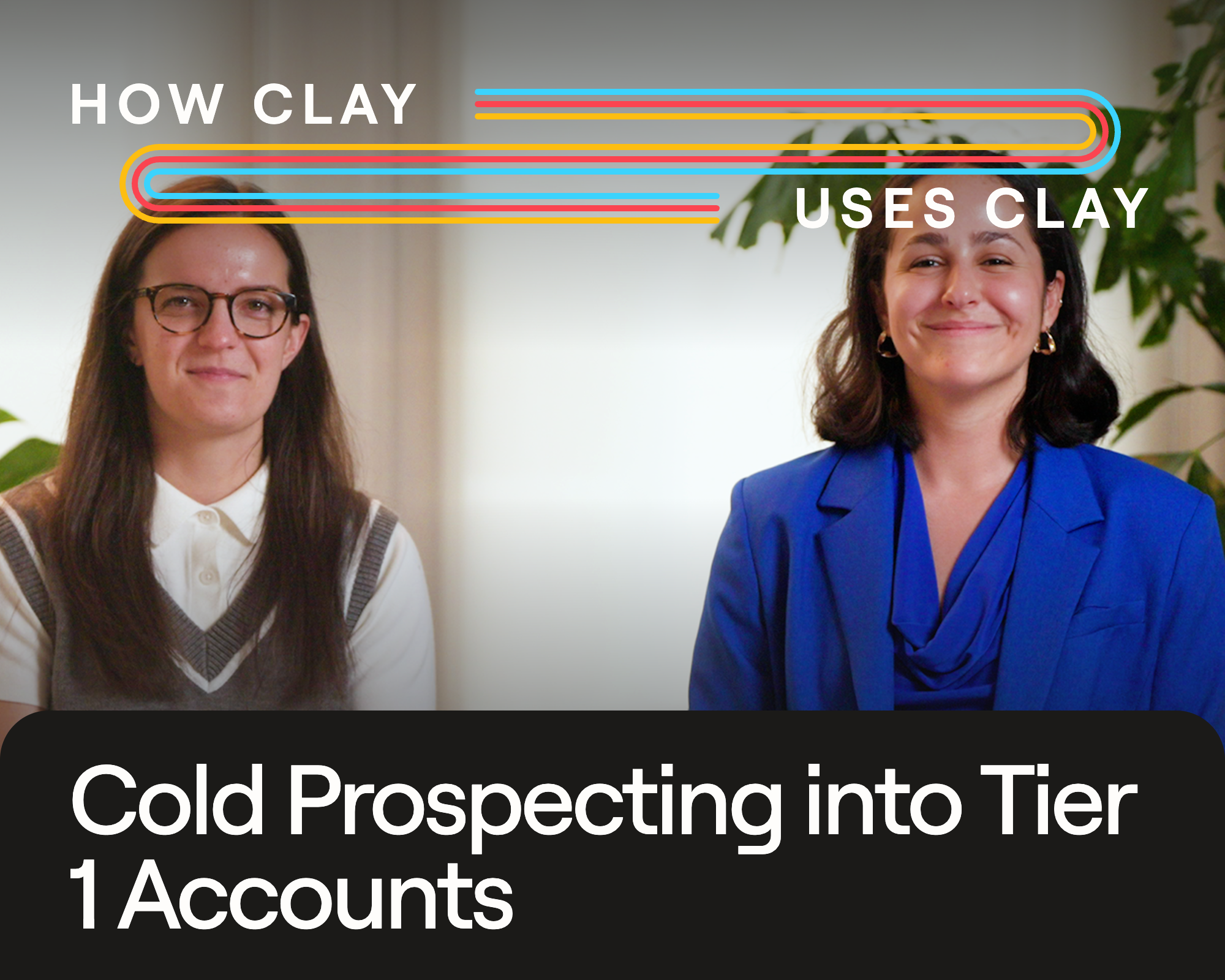
Want to see the full workflows? Watch the livestream where Clay's GTM team walks through the end-to-end build.

Frequently asked questions

Why run these plays through Claude or ChatGPT instead of inside Clay? Because that's where reps already work. Clay MCP connects Clay to both, so a rep types a prompt in the tool they're comfortable with and the matching Function runs behind it. They get Clay's data and logic without learning a new interface. But the more important point is governance: ops controls what each Function can do, what data it touches, and how the output is formatted. Reps move fast because the guardrails are already built in.

How does the right Function get called from a plain prompt? Clay MCP reads the intent in the prompt and routes it to the Function that matches. A rep writing "write a contextualized email for [contact]" doesn't pick the function from a menu. MCP recognizes the request and runs the relevant function against the contact's record.

What keeps reps from breaking a workflow or burning through credits? Ops decides which Functions are exposed, sets credit budgets per rep or team, and sees every call. Reps run validated logic without touching what's underneath, so they move fast and ops keeps the guardrails. A Function can be piloted before it goes org-wide.

Why does the email generator only work on contacts already in the CRM? The point is to write from data you've verified, not from guesses. First-party signals like engagement summary, product usage, and account fit live in Salesforce and Snowflake, and they're more reliable than anything scraped cold. If the contact isn't in the CRM, there's no first-party record to ground the email in.

Can teams outside Clay build the same plays? Yes. Everything here runs on the same primitives any Clay customer has: the data marketplace, Claygent, Audiences, Functions, and MCP. The plays are specific to how we sell, but the way they're built is available to Clay customers.
When a Clay rep researches a dead account, writes a cold email, sends a gift to a prospect, or scores a private equity firm, they won't open Clay to do it. They'll open Claude or ChatGPT connected to Clay’s MCP. 

Clay is still doing the work underneath: the enrichment, the scoring, the data lookups, the orchestration. Reps just never have to leave the AI tool they already live in.

The risk (and reward) of giving everyone AI tooling

The risk with AI-enabled selling is that each rep will each use the tool differently. One rep prompt-engineers for an hour instead of picking up the phone. Another sends an email that makes a claim legal never approved. A third builds a workflow that looks impressive but can't be replicated or measured. What might feel like a productivity boost is actually just inconsistency at scale. Trust us, we’ve been there.

The operating model we’ve found to work best is a centralized build for decentralized use. Our ops and GTM engineering teams design the logic, build the Functions in Clay, and govern how they behave. Reps don't need to write elaborate prompts. They type a sentence in whatever tool they already live in — Claude or ChatGPT — and Clay MCP routes it to the right Function. The work happens behind the prompt, on infrastructure the team controls.

Reps spend more time in conversations with humans, not conversations with AI. Output is always on-brand, legally safe, and on-message. When a play gets better, ops updates the Function once and every rep runs the improved version automatically.

Here are four plays we run this way.

Clay Play 1: Reheating a dead account without leaving the chat

Michaela Pandorf, ClayDR

When a deal goes dark, the worst move is to outbound into it blind. Michaela built a prospecting skill that hands reps the account's full history first.

She gives Claude an account to research. The skill runs structured research through Clay Audiences and MCP, then classifies the account: warm, cold, or a closed-lost reheat, and shares a brief with the rep. For example, an account came in last year off a LinkedIn ad, talked pricing, lost its CMO, and went quiet before marking as close lost. Clay tags it as a reheat account, confirms no open opportunity is blocking outreach, and flags that someone is already working it.

Then she asks for the best way back in. Claude points to the old LinkedIn ad as the opener and drafts a first email off a template a teammate built. The original champions are gone, so she uses Clay to find new ones, checking each against the CRM through Audiences so she only surfaces people who aren't already in it. Nine net-new contacts, no duplicates.

The last step, pushing those contacts back to the CRM with enriched email and phone. All without leaving the chat.

Clay Play 2: Writing a cold email based on real account context

Luca Prando, GTM Ops

Most AI email drafting wastes your best asset. You ask for "an email," and the model makes up context from nothing while everything you know about the contact sits in your CRM. Luca's outbound generator takes one input: an email address. It only runs on contacts already in the CRM on purpose so that it has first-party context you've verified, not third-party guesses. 

Claude picks up the function through Clay MCP, finds the contact in Salesforce, and runs Snowflake queries across the contact and the account: engagement summary, product engagement score, signals score, account fit, and the use cases similar customers run. It reads persona and seniority too, so a RevOps manager and a VP of Sales get different angles.

Then it writes three versions: 

  1. The first opens with a relevant insight based on the context of the account and their business. 
  2. The second pulls a real Clay case study, with a Claygent reading our own case studies page to match the closest customer based on similar GTM motions, pain points, or desired impact.
  3. The last uses a recent company news, like a new fundraise, key investment, or public messaging. The email reads as timely and shows we’ve done our research. 

All three drop into the email composer as labeled drafts. The rep edits in place, tells Claude to make it more casual, and sends.

The GTM Ops team owns the function. Reps just prompt it. When the messaging logic changes, it’s automatically updated for all reps.

Clay Play 3: Running a gifting campaign from one prompt

Emily Chen, Growth

Gifting can be amazingly effective, but if the logistics aren’t covered then they’re a huge sunk cost. Right account, right gift, right address, and right message are needed every time. Emily turned all of it into a single sentence prompt.

A rep opens Claude and types: send a gift to accounts where I have open pipeline. Claude returns the matching accounts. The rep approves the ones they want. The function takes it from there. 

It writes a note matched to the gift and the recipient, finds the best address (by triangulating the office they're most likely to work from), pulls the gift from approved vendors, and ships it through Sendoso, which Clay connects to natively. When it goes out, the rep gets a Slack ping.

Reps no longer need to keep CSVs up-to-date or awkwardly ask prospects for their mailing address. The campaign runs without anyone touching the middle, and the team keeps tabs on gifting spend and pipeline impact.

Clay Play 4: Scoring a private equity portfolio before the meeting

Bruno Radice, GTM Ops

Our partnerships team runs a private equity motion. Finding PE firms is easy. Knowing which ones are a good fit for a meeting is the hard part.

Research is the bottleneck. Pre-meeting research usually leans on Google and a few AI searches, which is slow and uneven. Key data points like PE ownership, board seats, and who backed whom are hidden deep in the corners of the internet (or not public at all).

So Bruno built two Functions that Claude calls through Clay MCP, anchored on PitchBook for the data the internet won't give you: portfolio companies, board seats, investors, the partner on the deal. If the firm isn't in Salesforce yet, the flow enriches it first. Then it scores the portfolio, running models on the Salesforce accounts to estimate potential contract value, so the team can see which companies inside a portfolio are worth chasing.

A rep asks Claude to score a firm before tomorrow's meeting. Claude returns the score, pulls the portfolio detail on request, and renders it as visuals and a Notion doc. The rep walks in with a real data layer instead of a stack of browser tabs.

Build once, run it anywhere

Four different rep use cases, four different motions, but the same structure underneath each one: ops and GTME build the Function, reps prompt it and get predictable outputs every time. The outcome is reps actually get time back to spend building relationships with their prospects instead of debugging a workflow.

Consistency is the other thing you get, and it's harder to replicate than it sounds. Emails go out on-message, gifting matches the approved vendor list, and outbound runs following compliance best-practices. When every rep is building their own Claude workflow from scratch, none of that is guaranteed and none of it is auditable.

When a workflow needs refinement, there's one place to look. When something works, you update it once and every rep is running the better version the next day without re-training.

Want to see the full workflows? Watch the livestream where Clay's GTM team walks through the end-to-end build.

Frequently asked questions

Why run these plays through Claude or ChatGPT instead of inside Clay? Because that's where reps already work. Clay MCP connects Clay to both, so a rep types a prompt in the tool they're comfortable with and the matching Function runs behind it. They get Clay's data and logic without learning a new interface. But the more important point is governance: ops controls what each Function can do, what data it touches, and how the output is formatted. Reps move fast because the guardrails are already built in.

How does the right Function get called from a plain prompt? Clay MCP reads the intent in the prompt and routes it to the Function that matches. A rep writing "write a contextualized email for [contact]" doesn't pick the function from a menu. MCP recognizes the request and runs the relevant function against the contact's record.

What keeps reps from breaking a workflow or burning through credits? Ops decides which Functions are exposed, sets credit budgets per rep or team, and sees every call. Reps run validated logic without touching what's underneath, so they move fast and ops keeps the guardrails. A Function can be piloted before it goes org-wide.

Why does the email generator only work on contacts already in the CRM? The point is to write from data you've verified, not from guesses. First-party signals like engagement summary, product usage, and account fit live in Salesforce and Snowflake, and they're more reliable than anything scraped cold. If the contact isn't in the CRM, there's no first-party record to ground the email in.

Can teams outside Clay build the same plays? Yes. Everything here runs on the same primitives any Clay customer has: the data marketplace, Claygent, Audiences, Functions, and MCP. The plays are specific to how we sell, but the way they're built is available to Clay customers.
More Articles