











.avif)










GTM teams are shipping faster than ever. Coding agents like Claude Code and Codex let technical builders write and launch workflows in natural language, straight from the terminal.
Building a durable GTM system inside a coding agent still takes real effort, though. Waterfall logic gets stored in a one-off MD file. Integrations and rate limits get maintained manually. Agents also need frequent reminders to stay on the most efficient path and to keep hold of context that falls out of memory.
Some of this shows up as one-off scripts that only work for a single use case. Some of it shows up as teams trying to wire a tool into a larger internal system and hitting integration friction at every step.
Clay's Agent Plugin gives builders the speed of a coding agent with Clay's infrastructure already underneath it.
Build on Clay from coding agents
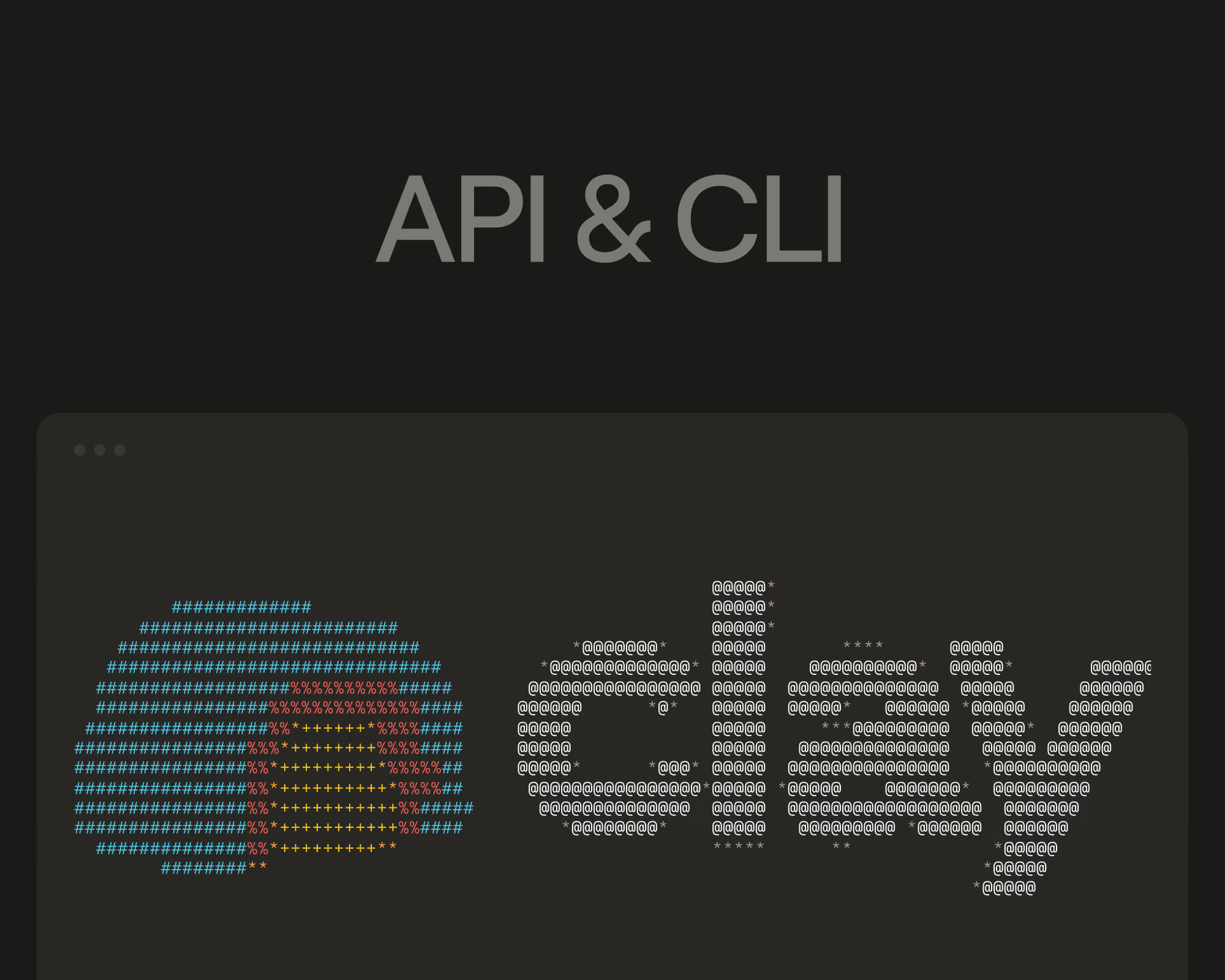
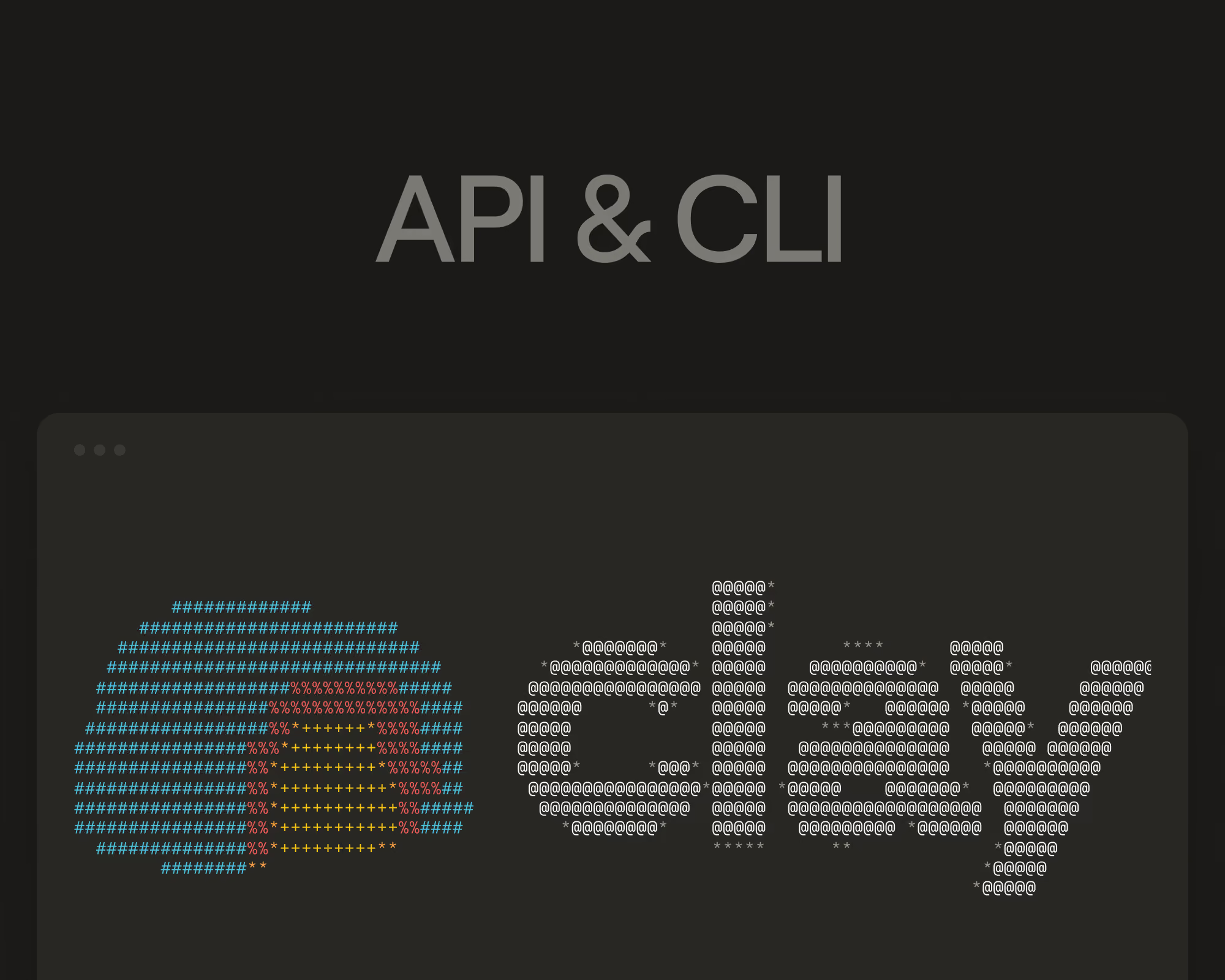
The Agent Plugin bundles Clay's API, CLI, MCP, and skills together, so you can use Clay from any coding agent, including Claude Code and Codex.
The API fetches data from Clay (including Clay’s Company, People, Jobs data and Clay’s data marketplace of 200+ data vendors), and triggers existing workflows, functions, or agents. The CLI builds new workflows in Clay directly from natural language.
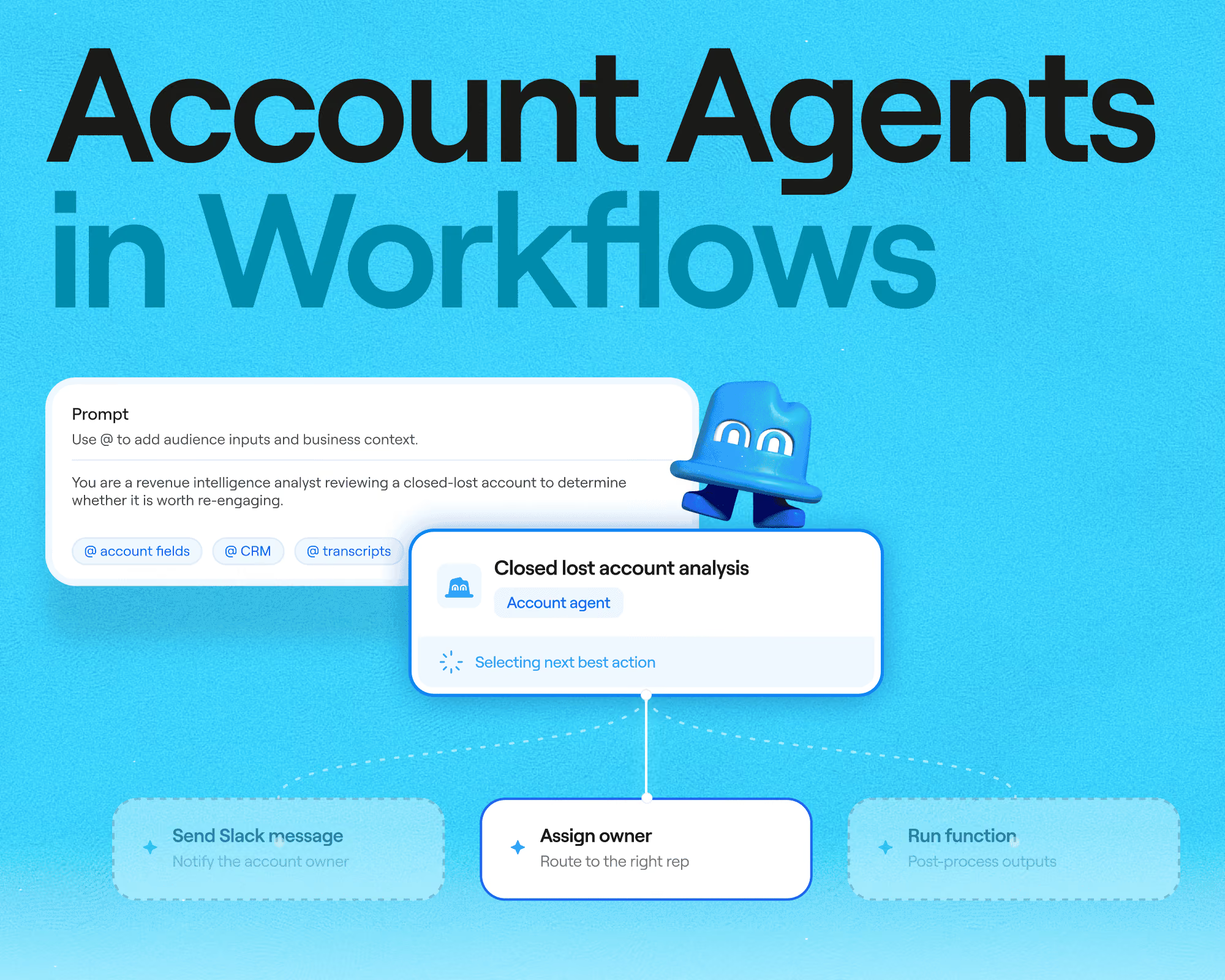
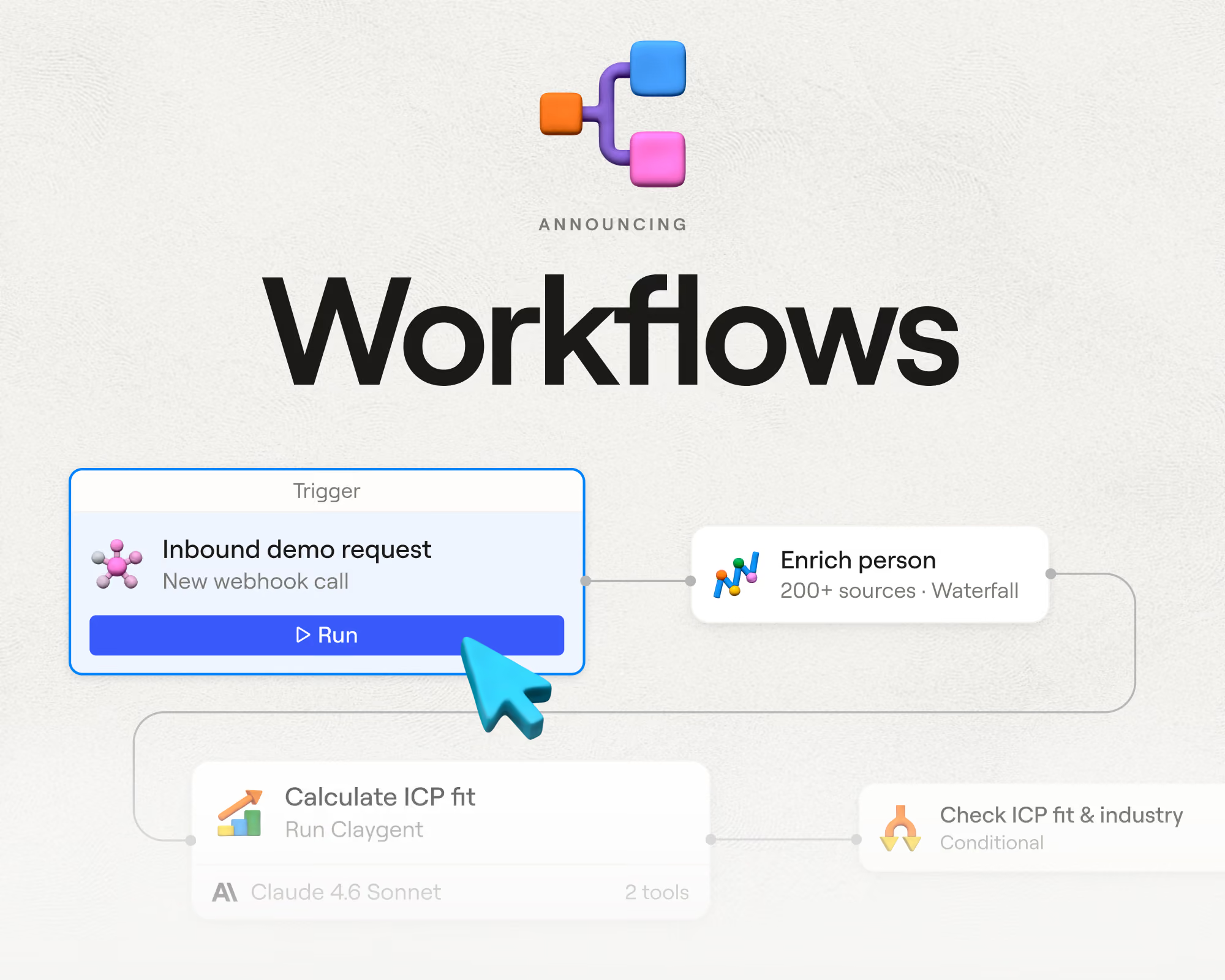
Workflows is Clay's alpha product for running work across every record in through complex workflows. It's an alternative to the traditional process of building a sequence of actions inside a table.
With Clay Agent Plugin, GTM engineers can build on Clay, right from their coding agent.
Prompt in natural language to build GTM workflows
Here's how to use the Agent Plugin:
- Install Clay's API and CLI in Claude Code, Codex, Cursor, or tell any coding agent to
Set up the Clay plugin by following the steps in https://github.com/clay-run/agent-plugins. - Prompt in natural language to fetch data, trigger a function, or build a new workflow. For example: "Build a list of 200 VPs of Sales at Series B fintech companies with 50–200 employees, enrich with verified emails, and add them to an outbound sequence."
- Talk it through with your agent to build exactly what you want. It might check whether to use an existing outbound sequence or write a new one, the same way it would ask about any other detail it needs to get right.
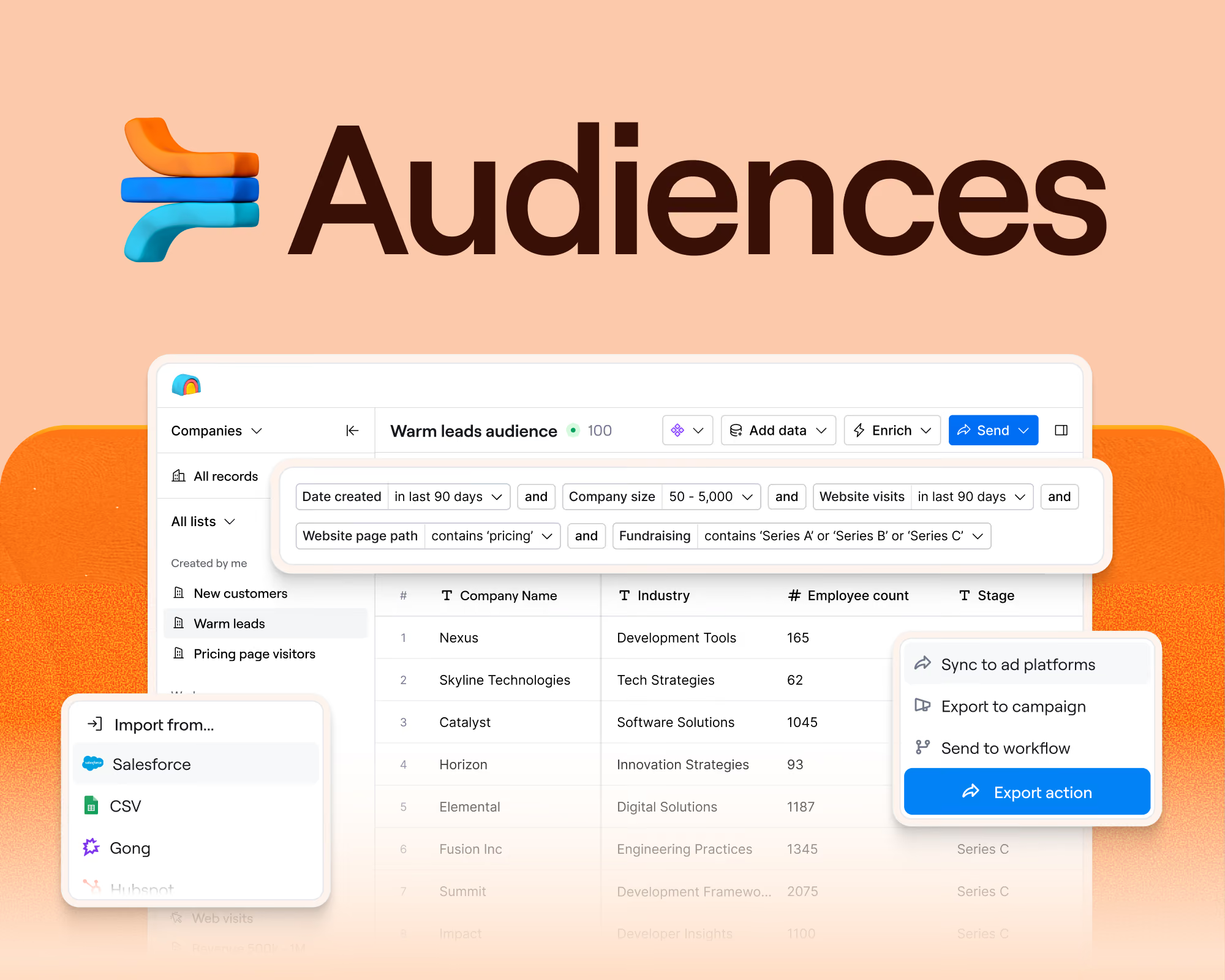
- Your work saves automatically into Clay. Audiences and Workflows update as you build, so nothing lives only inside a terminal session.
- Review your workflow inside Clay's Workflows product to see it visually, then keep making changes in natural language through the CLI.
Create any GTM play you can imagine
We expect most GTM engineers will start testing it with one of these common GTM projects:
- TAM sourcing: Use the API to pull from Clay's Company, People, Jobs data, 200+ vendors in Clay's data marketplace and first party data in Audiences, so you can build and enrich a total addressable market list without leaving your terminal.
Sample prompt: "Find all Series B fintech companies in the US with 50–200 employees and pull their funding history."
- Prospecting list-building. Use the CLI to build a workflow that finds and enriches contacts at your target accounts, drawing on Clay's existing waterfalls instead of writing them from scratch.
Sample prompt: "Build a list of VPs of Sales at companies using Salesforce with 500+ employees, enriched with verified emails and LinkedIn profiles."
- Inbound automation. Use the CLI to build a workflow that triggers the moment a new lead comes in, enriches it, scores it against your ICP, and routes it to the right rep.
Sample prompt: "When a new demo request comes in, enrich the company and contact, score against our ICP, and route it to the right rep's queue."
For teams wiring Clay into a larger internal system, the same API and CLI extend past prospecting to build Clay into whatever workflow and GTM systems you're already running.
Vibecode resilient GTM systems on Clay
Building fast helps a GTM team grow faster, but only if what gets built holds up. A workflow that breaks when one integration changes, or that only one person knows how to fix, slows things down instead of speeding them up. The Agent Plugin lets you build on infrastructure Clay has already built to last.
Clay already maintains over 200 live data integrations. When an upstream API changes, Clay keeps the connection current, so your workflow doesn't break.
Permissions are already built into the platform. Access control doesn't need to be designed from scratch for every new workflow.
Every workflow can start from Clay's own proprietary company, people, and jobs data, giving it a foundation to enrich from before it ever calls an outside provider.
The integrations go beyond data, too. Sequencers, ad platforms, direct mail providers, and web platforms are already connected, so a workflow can take action, not just pull information.
The same infrastructure that powers building inside Clay is what a team plugs into when wiring Clay into a larger system.
There's no extra cost to build via Agent Plugin
Work triggered through the Agent Plugin costs the same as the same work done in-product. There's no added cost for building or running through the API or CLI.
The Agent Plugin is available on all plans during open beta, including legacy self-serve plans through the end of 2026.
Get started
If you're already living in your terminal, this is built for you. To get started, install Clay's API and CLI in Claude Code, Codex, Cursor, or tell any coding agent to Set up the Clay plugin by following the steps in https://github.com/clay-run/agent-plugins. Or, learn more at clay.com/agent-plugin.
.avif)


.png)







.avif)




.avif)












.avif)













.avif)