












.avif)









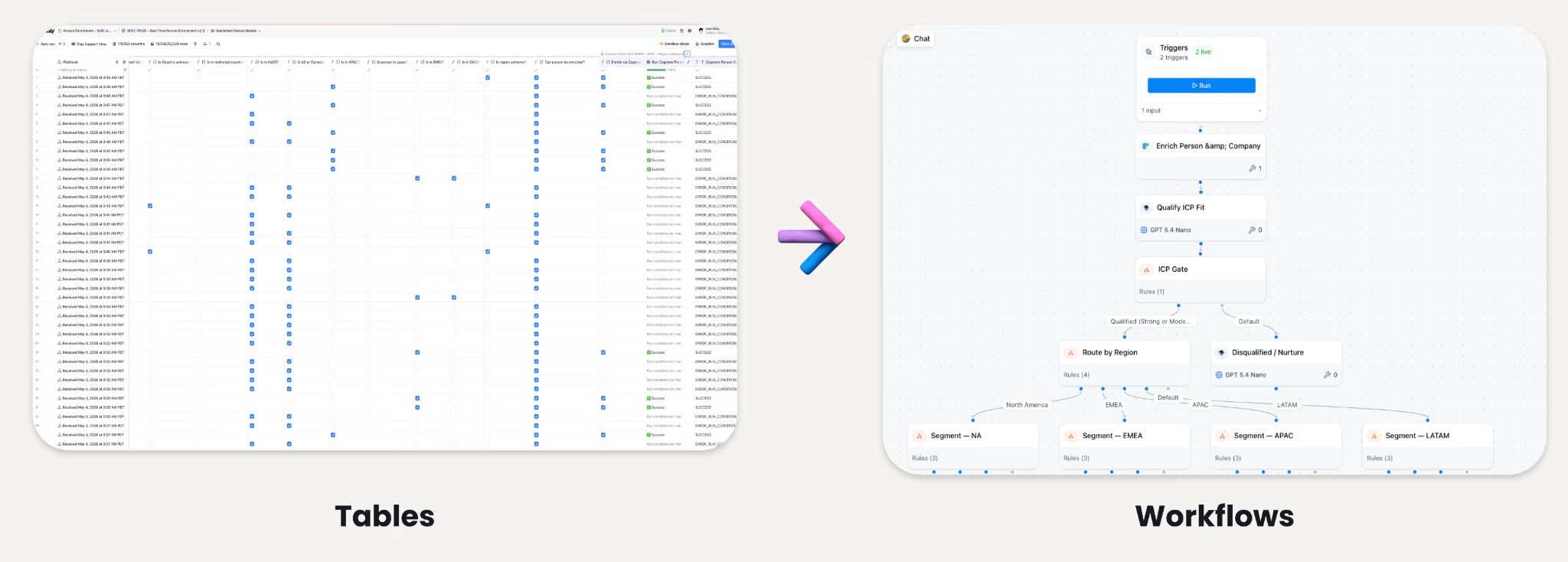
Until now, Clay ran on tables. Every play you built, whether it was enriching a long list of accounts or qualifying demo-request form fills, lived in rows and columns. That design accomplished a lot, from handling quick one-off jobs to full inbound routing engines. But tables also created a tradeoff that became more painful as our customers grew: they coupled your data and your logic into a single surface. The contacts and companies you were enriching sat in the same grid as the conditional formulas deciding what should run and when, so everything got flattened together. A play could only see what was in that grid, which meant an agent scoring accounts knew nothing about last week’s Gong call or the usage data in your warehouse unless someone had thought to pull it into a column.
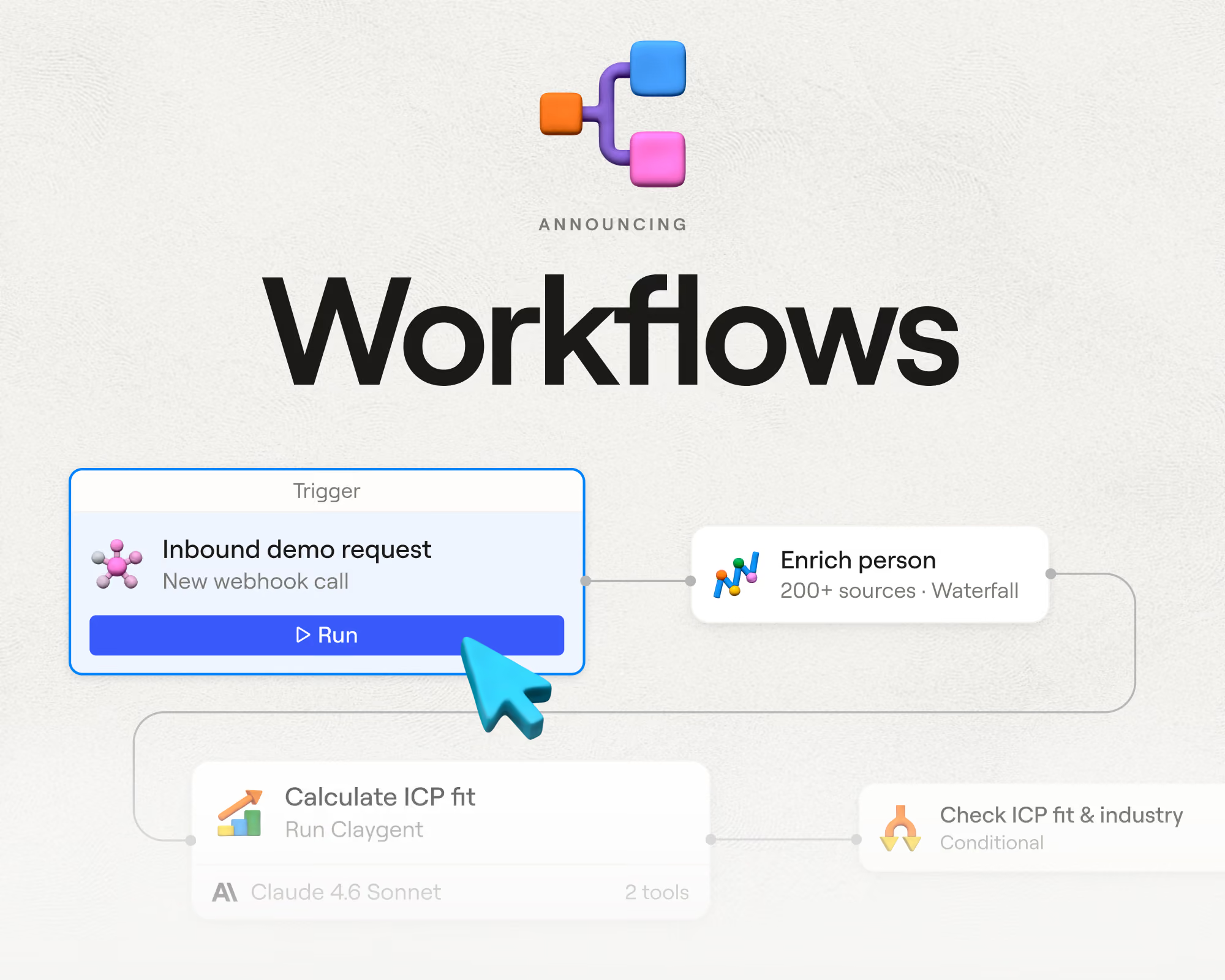
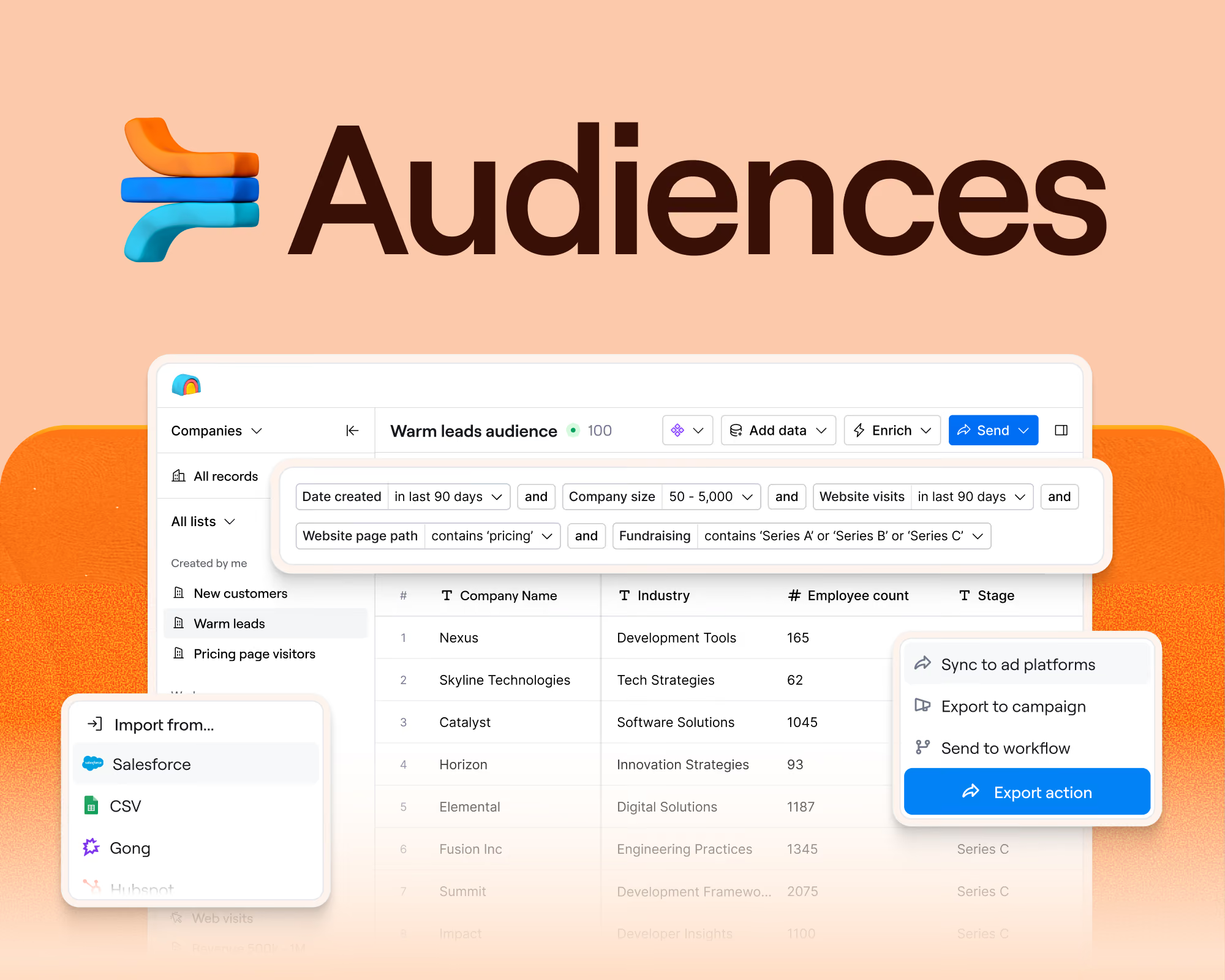
That changed this past week when we launched Workflows in open beta for all customers on all plans. It’s the biggest shift in how customers build on Clay since the original table. A workflow is a visual graph of connected steps. A trigger kicks it off, each record moves through the branches one at a time, and the results write back to your data layer in Audiences, the data layer in Clay where all your first- and third-party data lives in one place.
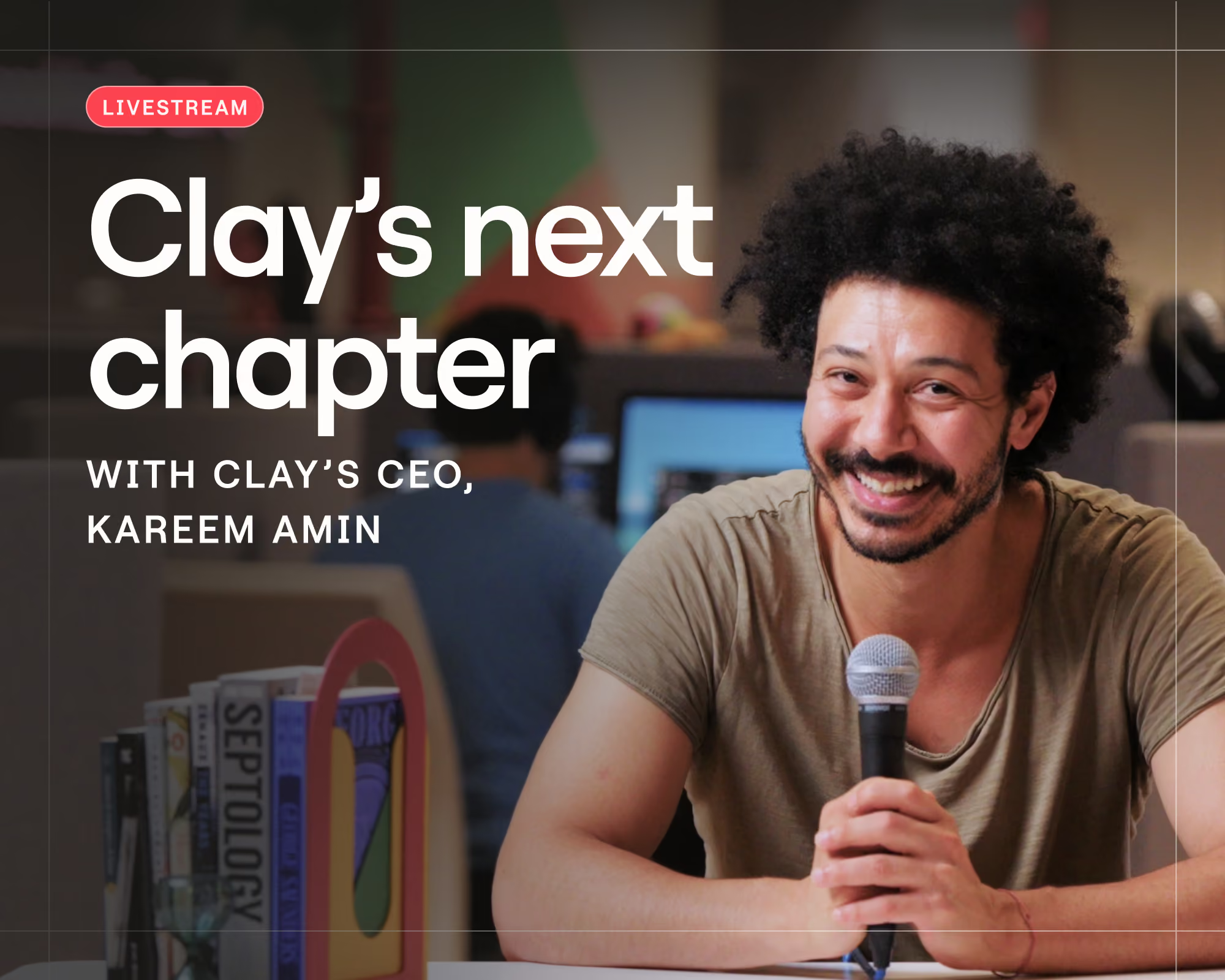
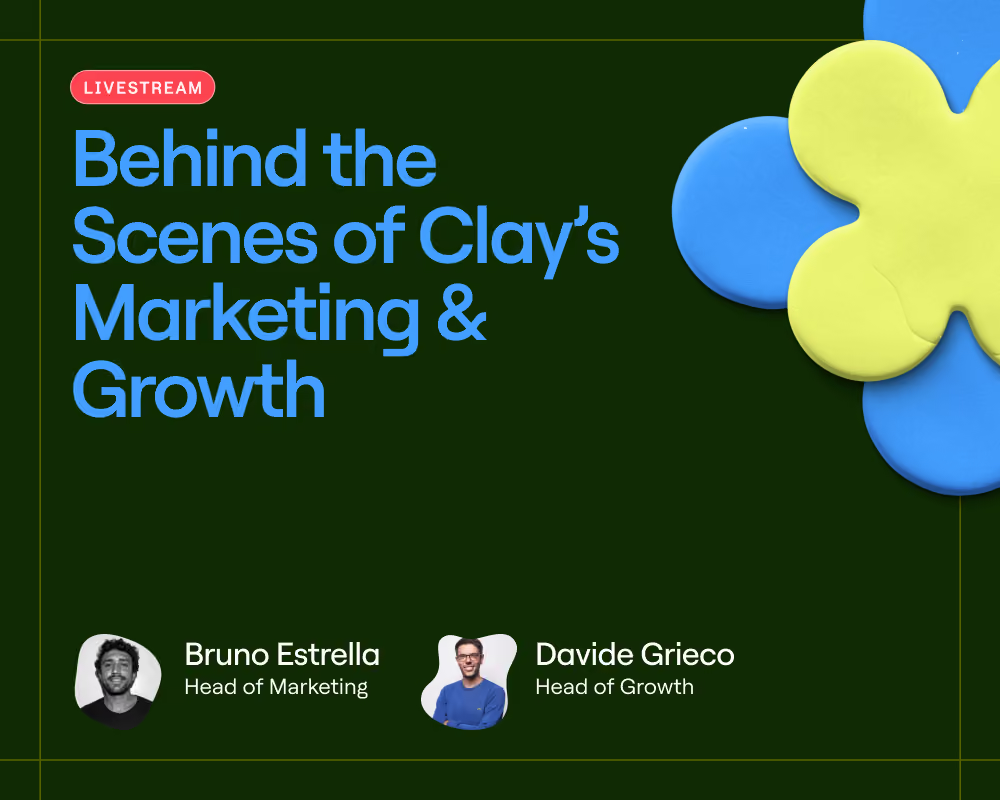
Our CEO Kareem Amin thinks Workflows is the future of GTM systems, and he makes the case in the full livestream. Read on for the behind-the-scenes of building Workflows: why we moved orchestration out of tables, the product we almost built instead, and a demo of two real Workflows, including one our Growth team uses for inbound.
The goals behind Workflows
GTM teams have used Clay to orchestrate their go-to-market motions for years, using tables the entire time. But as customers built more sophisticated (and clever) plays, we had to choose between investing further in tables or building a new surface truly designed for orchestration.
We had three goals that eventually guided us toward Workflows:
A visual-first approach to building
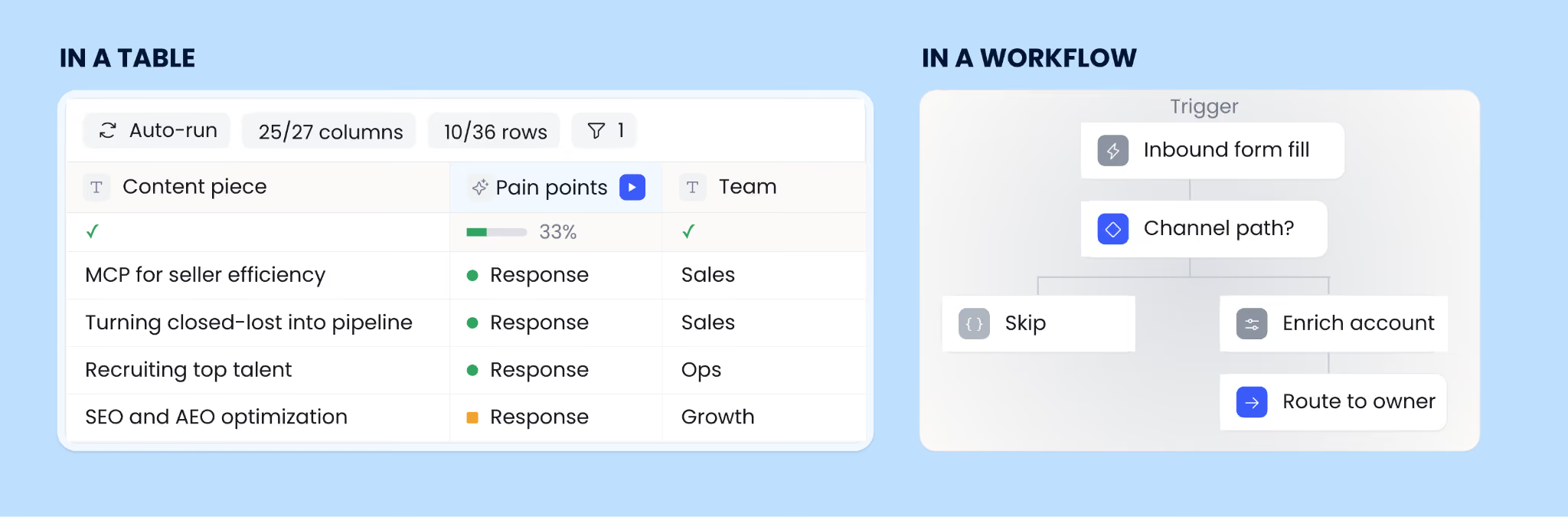
The first goal on our list was making orchestration traceable and built for teams. In a table, you can see all the outputs. But the logic that produced those outputs is buried in “run-if” conditions and formulas spread across dozens of columns. When something unexpected happens, you end up having to reverse-engineer the table. It gets even worse when you didn’t actually build the table in question. We heard from users who inherited a table from a departed colleague: they didn’t have a maintenance strategy beyond “let’s hope this never breaks.”
Workflows makes the logic the thing you look at. The building canvas shows every branch, so anyone who opens a workflow can follow how records get routed. Each run records what happened at every step, not just the final output, so you can trace the exact path any account or contact took. Every change to the workflow is versioned. Once you build something, you can diagnose and fix it without having to guess at how a record was handled. We also designed the canvas with a second reader in mind, since it needed to be legible to people and to the coding agents working alongside them.
Ease of use at any scale
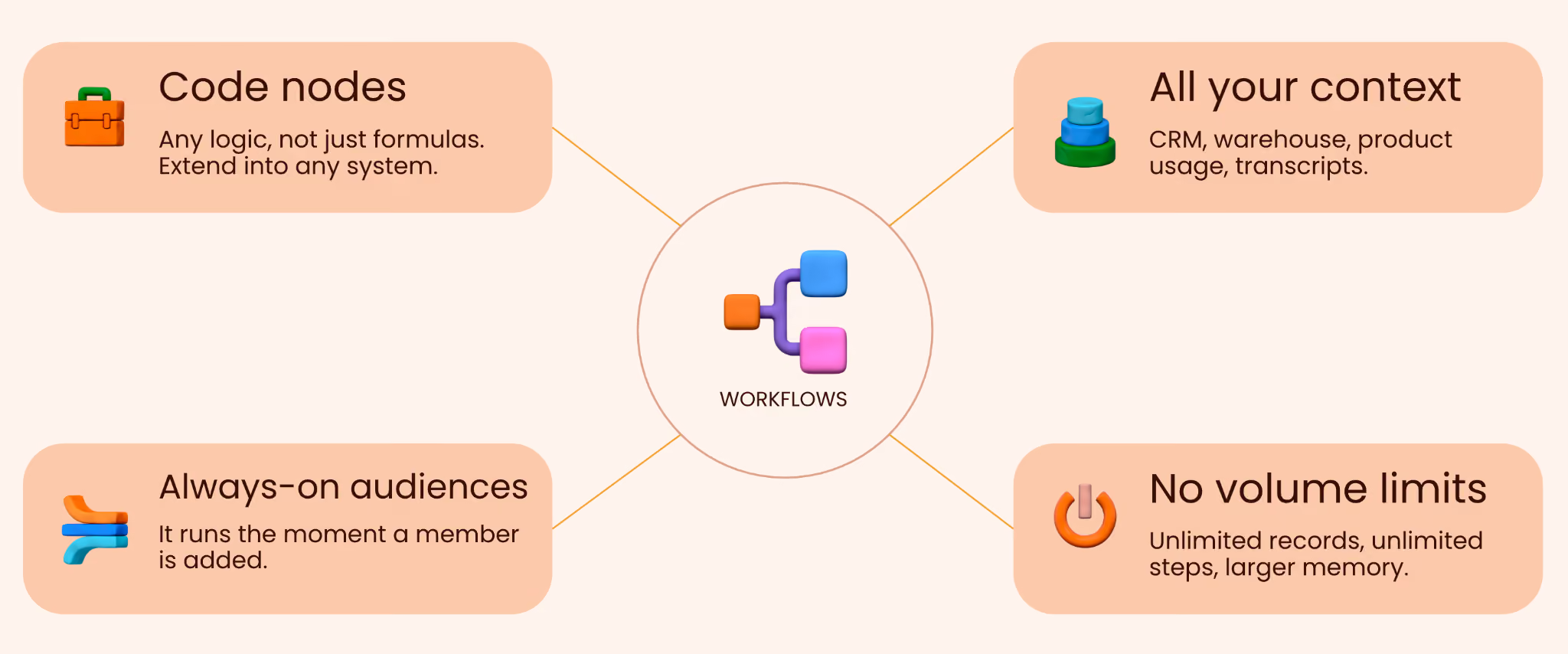
Next, we needed Workflows to support any GTM play a team could think up, which meant removing tables’ baked-in limitations. Many of the old limits existed so tables could sort and filter everything on screen, and a workflow doesn’t need that constraint. Workflows has no row limits, no column limits, no cell size caps, and no ceiling on the number of records a play can act on. You can build branching decision trees as large as you need.
There was a logic ceiling in tables too: formulas could only take you so far. With code nodes you can run Python inside a play, which opens up things like custom account scoring, routing rules with lots of conditions, and connections to tools outside Clay’s integration library.
And because Workflows is built on top of Audiences, a play has access to your full GTM context rather than a handful of fields. Anything in Audiences—CRM records, product usage, Gong calls, Slack conversations—is available to a workflow. Plays can run over dynamic audience segments and trigger the moment a record enters one.
Faster builds for your team
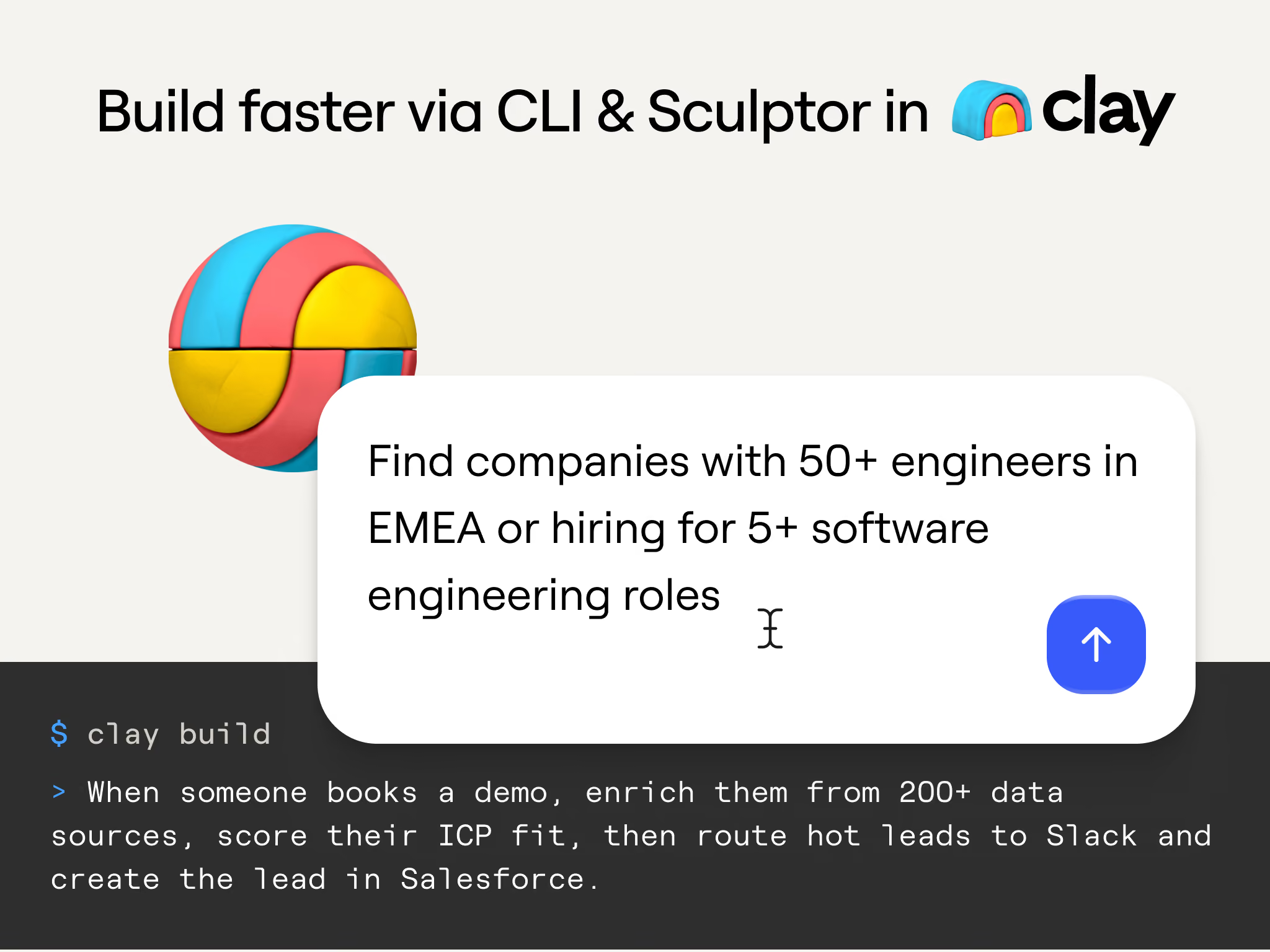
The last piece was speed, because plenty of you told us that building in a UI can be super slow. Workflows was designed so agents can build for you from natural language, either headlessly through the Clay CLI from any coding agent, or conversationally inside Clay through Sculptor. If you used the CLI during its alpha last month, you were already using Workflows without realizing it, since it powers everything the CLI builds.
This is where the visual-first decision helped, too. Agents work more easily with graphs than with grids, and when an agent builds something for you, a graph is far easier to audit. We expect people to build quickly in the CLI and then review what ran in the UI.
The two debates that shaped Workflows
What we launched this week isn’t actually the product we started building. Two big decisions changed along the way: how much control to hand to agents, and whether to keep the table view at all.
The agent-only product we almost built
The original plan was not a workflow tool at all. The next orchestration surface in Clay was going to be agent-first and completely declarative. You would describe the outcome you wanted, something like “booking meetings with in-market accounts,” and an agent would decide the steps and run the whole play. Some company lore: the internal codename was “Terracotta,” since the idea was an army of agents in Clay.
But we kept running into the same problem when building toward that vision. For most GTM use cases, you already know what should happen and you need it to happen the same way every time. Handing every step to an agent gives up control over the play, and it turns the whole play into a black box. Teams need to audit what ran, especially larger ones, and a fully agent-driven product would have made that nearly impossible. It also would have made us look like every other agent tool on the market. And, it costs more, since a language model is slower and pricier than a step you defined ahead of time. Knowing exactly what you want to happen should mean running it cheaply with consistent outcomes.
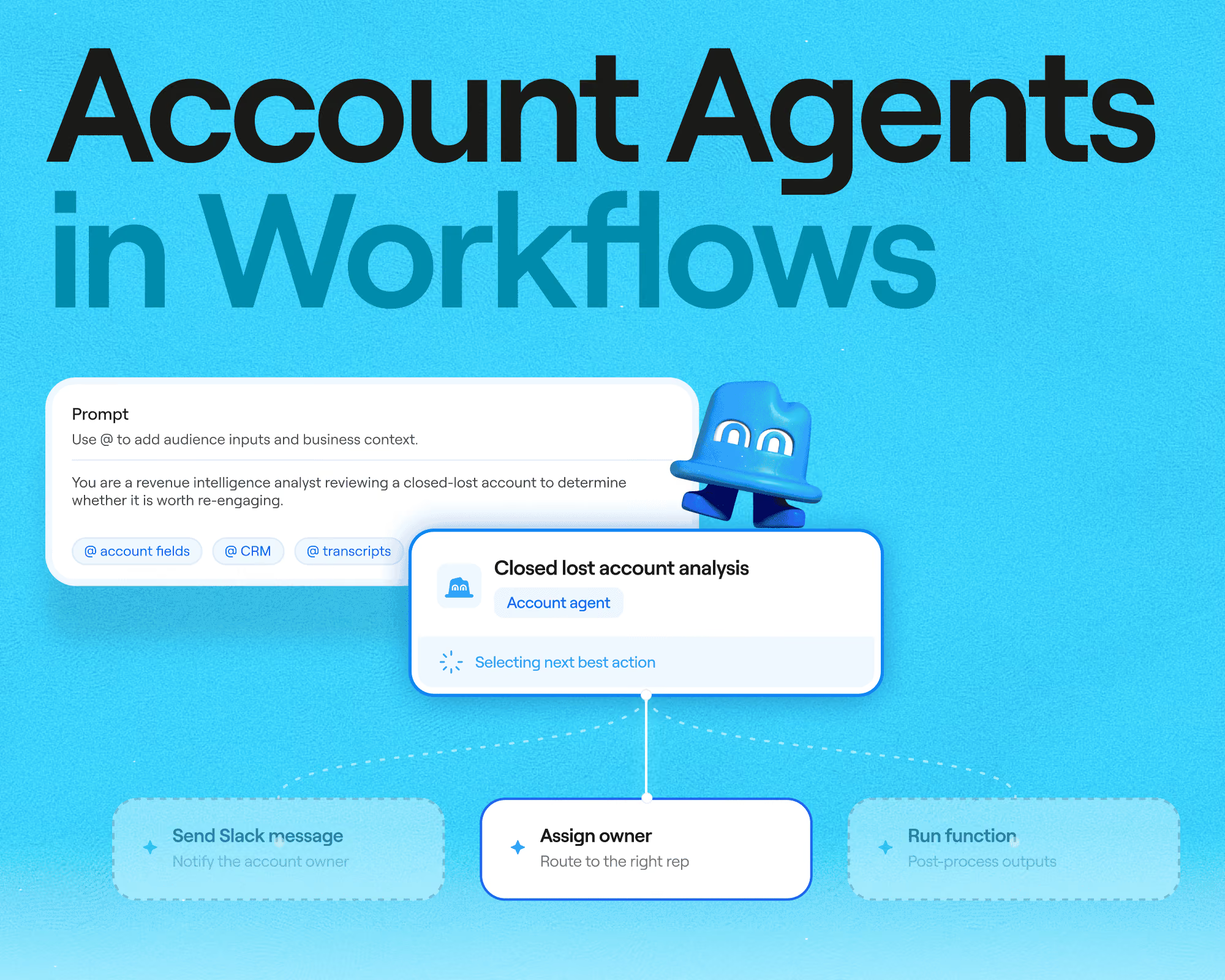
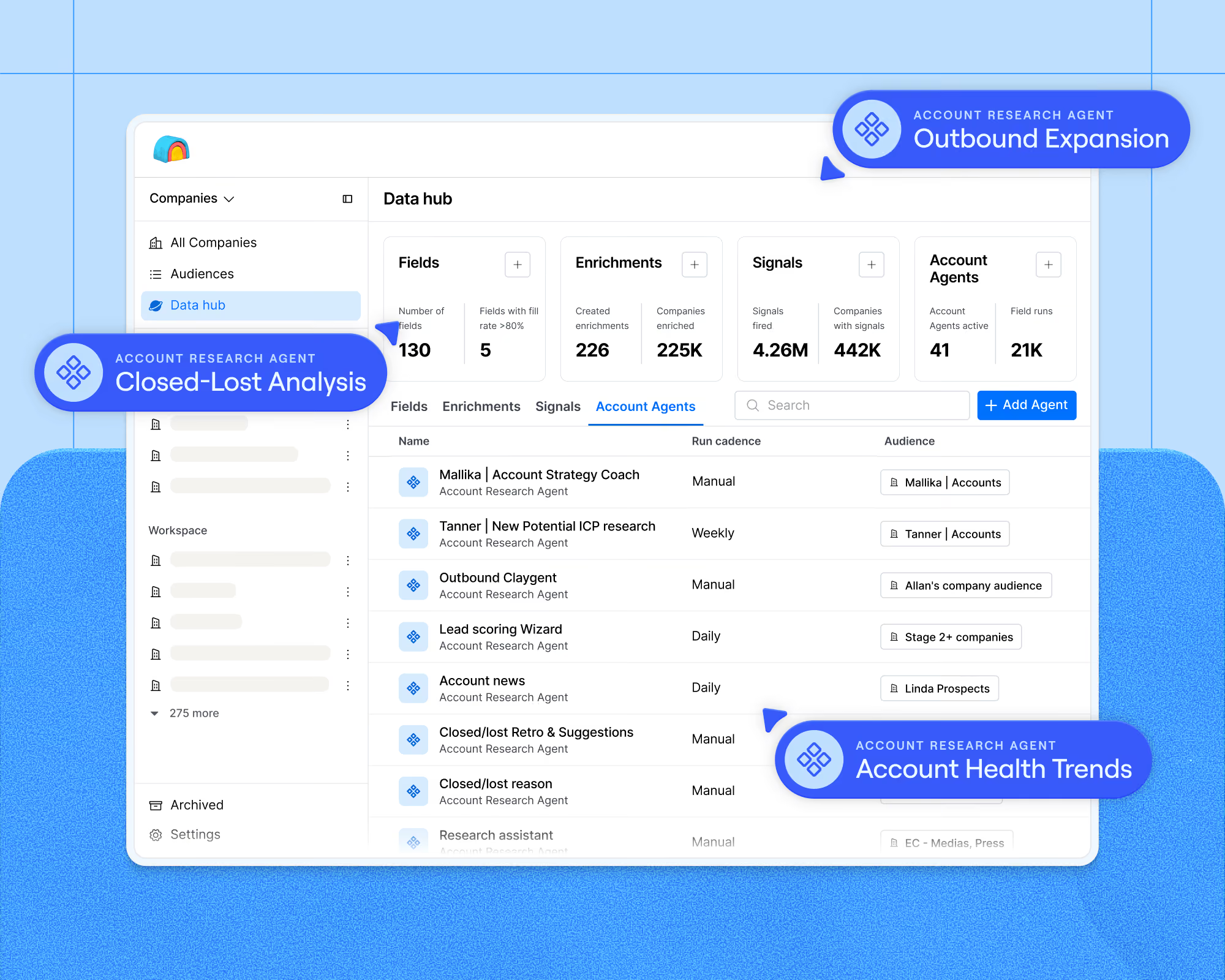
This realization flipped things. Today, Workflows is deterministic by default, and reasoning is something you add deliberately when needed. A Claygent node brings judgment into the flow for research or classification, handling the parts that need interpretation while the rest of the play stays fixed and repeatable. The agent-first work didn’t die either, and it is coming to Workflows as Account Agents (more on that in the coming weeks).
The observability u-turn
The second reversal was about the table view itself. People love seeing all their data laid out in a grid, but our original plan for Workflows left that view out. Since workflow outputs are automatically stored in Audiences, we assumed the grid had become redundant.
We had misread what the grid was for, because storage was only half of it. The other half was observability, since glancing across twenty records of output is how builders gut check that a play is behaving properly. When you need to dig into one record, you can trace it through the workflow. You see the path the prospect took, how each branch was decided, and the reasoning behind any agent decisions along the way. But early customers told us they still wanted the wide view, so we brought the data snapshot across records back into Workflows. You now get both kinds of observability: the granular trace for an individual record and the table-style view across many. The CLI then took auditability a step further than we expected. You can drop in a link to any table or workflow, ask what it does, and get a plain explanation of what’s going on, which helps enormously when you inherit a play from a colleague who just left.
Watch Workflows come together
Watch the full livestream to see us demo Workflows. We built one play from scratch using the feature and opened up another that’s already running in production at Clay.
Use case #1: From one prompt to a working inbound flow
The first demo started with a simple one-page prompt describing an inbound lead qualification play and ended about five minutes later with a runnable workflow in Clay. It was built entirely from a coding agent with the agent plugin installed:
- The prompt detailed a five-step play for automatically qualifying and routing incoming leads based on their engagement level and fit with Clay’s ideal customer profile: receive the lead, check whether they visited the site more than five times in the last thirty days, enrich and score the company, route based on score and industry, then notify the rep or disqualify.
- The prompt went into the coding agent, which pulled up the Clay plugin and started planning the build.
- The agent read the audience schema in the workspace, so it knew which fields to account match on and which routing logic to respect. Plus, it found the enrichment integrations named in the prompt.
- The workflow now exists in Clay! That includes an audience segment feeding a trigger, an engagement check, enrichment and scoring, then routing with a Slack alert for high-fit accounts.
The scoring step was a Claygent that qualified each lead against the exact criteria from the prompt. And the Slack alert came from a code node, which formatted the contact details along with the suggested queue and the reasoning into a message a rep can act on at a glance. Code nodes are free and deterministic, and they largely replace what formulas did in tables. Every enrichment and action from tables works inside a workflow, and so do the functions your team has already built.
Use case #2: Replacing the 81-column table that ran our inbound motion
The second demo came from our own Growth team. When someone creates a Clay workspace through MCP, whether from Claude, ChatGPT, or Cursor, that lead used to be scored and routed through a table with 81 columns that took hours of daily work to keep running.
The same play now runs as a workflow:
- A trigger picks up every new workspace created via MCP.
- The workflow splits each lead down a product-led or sales-led path based on our internal criteria.
- Product-led leads flow to Inflection, our marketing automation tool, which enrolls them in drip campaigns pointing to Clay cohorts and new use cases.
- Sales-led leads get verified against Salesforce, so an existing contact is recognized and a net-new one is created without duplicates.
- Routing rules determine ownership and check for account cool-downs, then assign the right rep.
- A code node generates the outreach emails, and the workflow confirms the contact is reachable and not already in an active sequence.
- Qualified contacts land in a Gong flow for outreach, and a Salesforce campaign records attribution from marketing through to sales.
Our Growth team especially appreciates what happens when something breaks. Nodes at the end of the workflow check whether anything upstream errored, and failures get posted to a Slack channel with their reasoning. An agent reviews that channel every day, fixes the workflow, and then looks for the same failure pattern in our other plays. This way, our inbound engine maintains itself instead of waiting for a human to notice.
Plus, the runs view is searchable, with every node input and output indexed, so typing a contact’s name pulls up their run and the highlighted path shows which branches they took.
Workflows is yours to build on
Workflows is in open beta now, with no additional cost beyond the credits and actions the underlying work already consumes. Longer term, we are deliberately not trying to capture value per step you run. The question we ask internally is whether Clay got you more customers and made your reps more productive, and we want pricing to align with those outcomes rather than with usage meters.
Customers on Launch, Growth, and Enterprise plans have access indefinitely, and legacy Starter, Explorer, and Pro plans have access through the end of the year.
There are a few ways in, depending on how you like to build:
- Start from a coding agent. Grab the agent plugin and paste the setup instructions into Claude Code, Cursor, or Codex, then describe the play you want.
- Start inside Clay. Open Workflows and chat with Sculptor, which builds alongside the canvas in the product.
- Convert a table you already trust. The import table option lets you rebuild an existing table as a Workflow, so you can see the product working on live data.
- Learn as you go. Clay University has all the docs and videos you need for building, debugging, and shipping Workflows.
To see the builds from this post in motion, watch the full livestream recording.
.avif)



.avif)

.avif)











.avif)











.avif)