
.avif)











.avif)










Most sales and marketing teams have more GTM data than they actually use. Product usage, CRM history, third-party enrichment, and intent signals all sit somewhere in the business. Only a fraction of that context gets used in any given play.
Building a play starts by deciding which records it covers and pulling that data into one place, so the play knows what it was handed and nothing else.
The gap shows up in the results. A reactivation play working through closed-lost accounts has no idea that one of those accounts registered for last week's webinar.
When plays do use rich context, often it’s used for branching. But branching makes the logic hard to follow. A play that routes records three different ways gets broken into pieces that run separately. The logic connecting them ends up living with whoever built it.
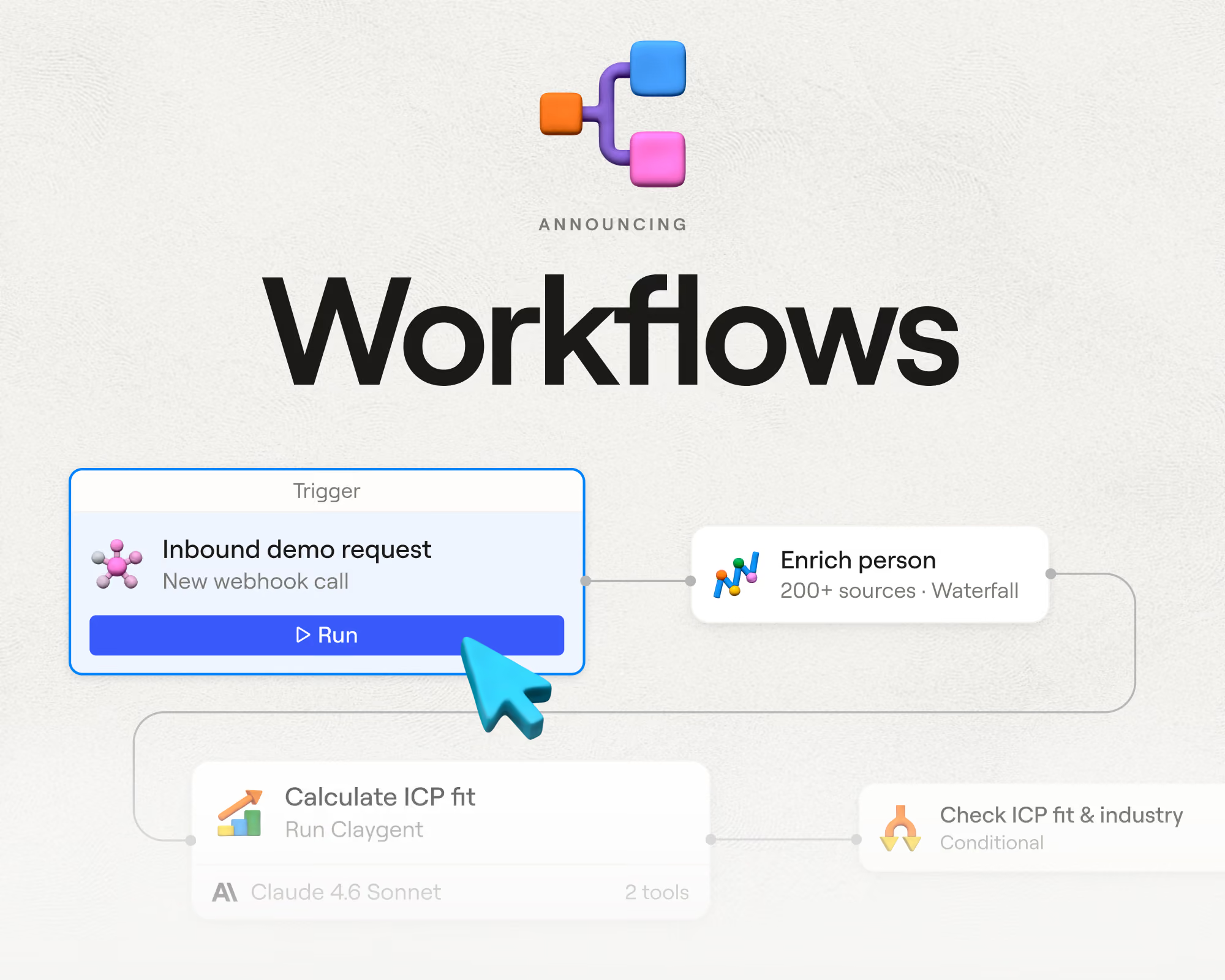
Plays should run where the data lives, against everything a team knows, with logic that’s easy to see. That’s why we built Workflows, now in open beta.
Workflows runs any GTM play on top of your complete GTM data
Workflows is Clay's new orchestration layer. A workflow triggers off a live audience segment, routes each record through the logic your play needs, and writes the results back to your GTM data layer in Audiences.
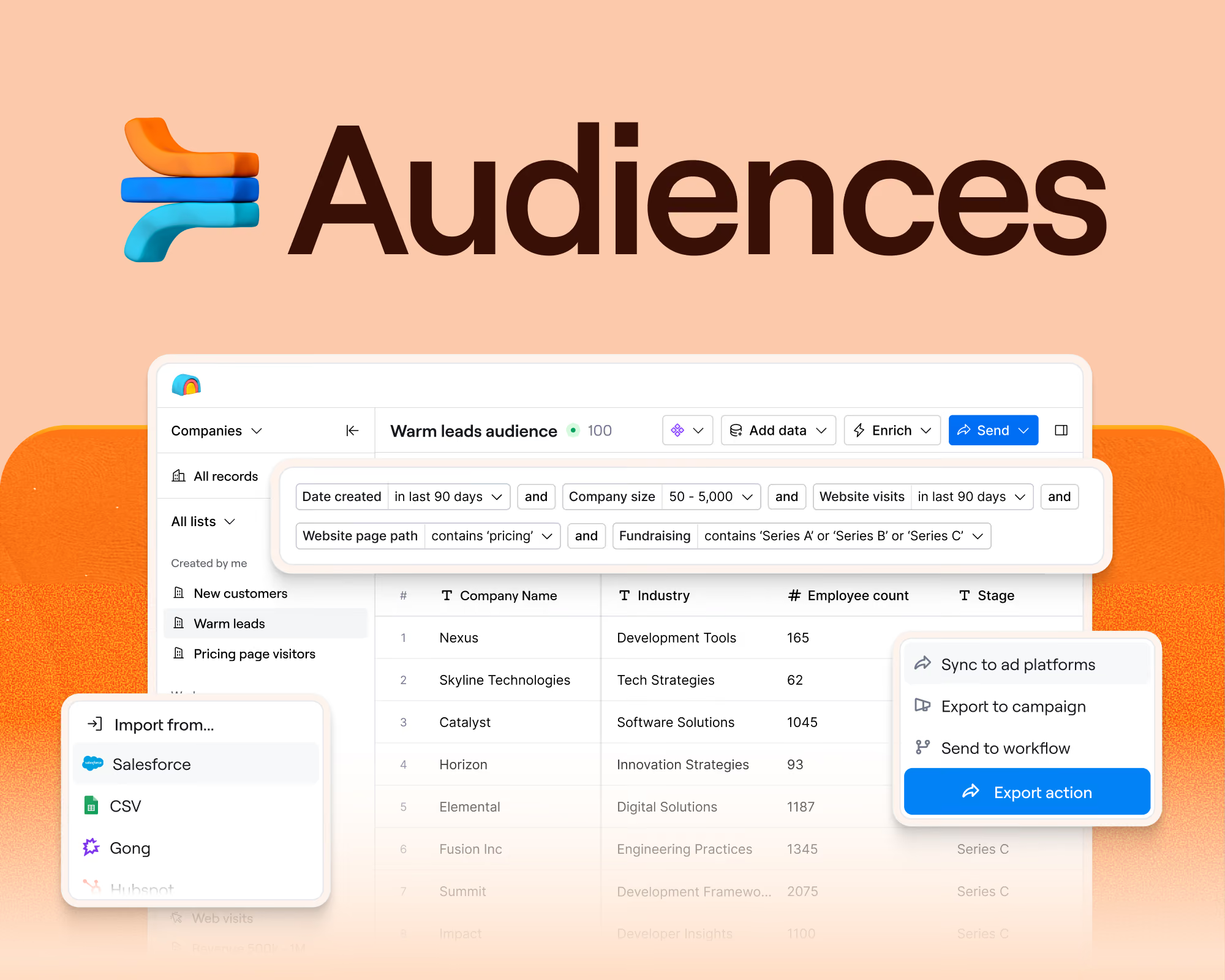
Audiences is the source of truth, where your records live and get segmented. Workflows run on top of Audiences, where plays trigger on records and branch on logic.
Everything known about a record already sits on that record. A job change signal, web visits, product usage data, and the takeaways from the latest Gong call all live in Clay. A workflow starts from all of it, so your plays run with complete context instead of the handful of fields someone remembered to bring along. Results write back to the record, so your next play starts from what the last one learned.
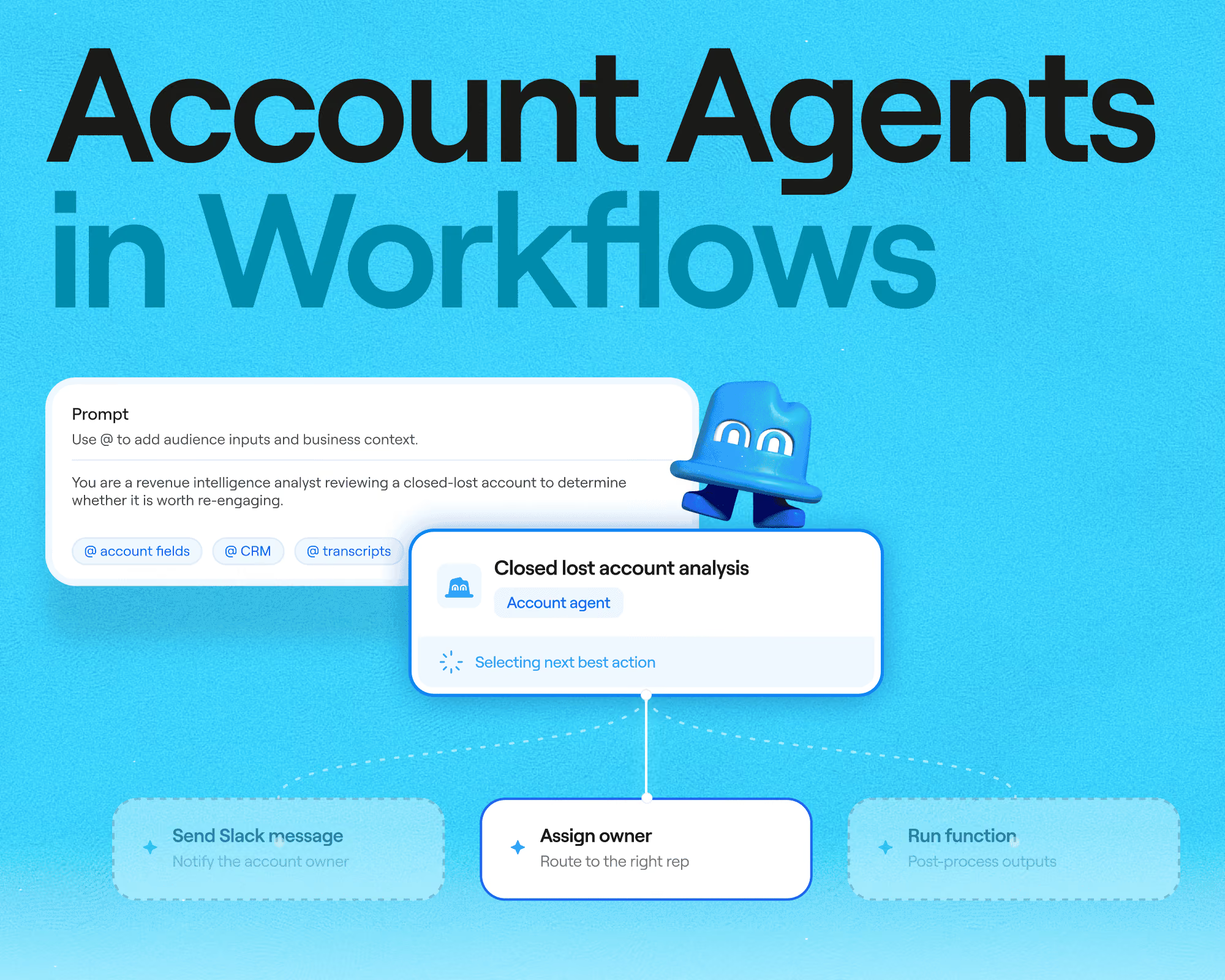
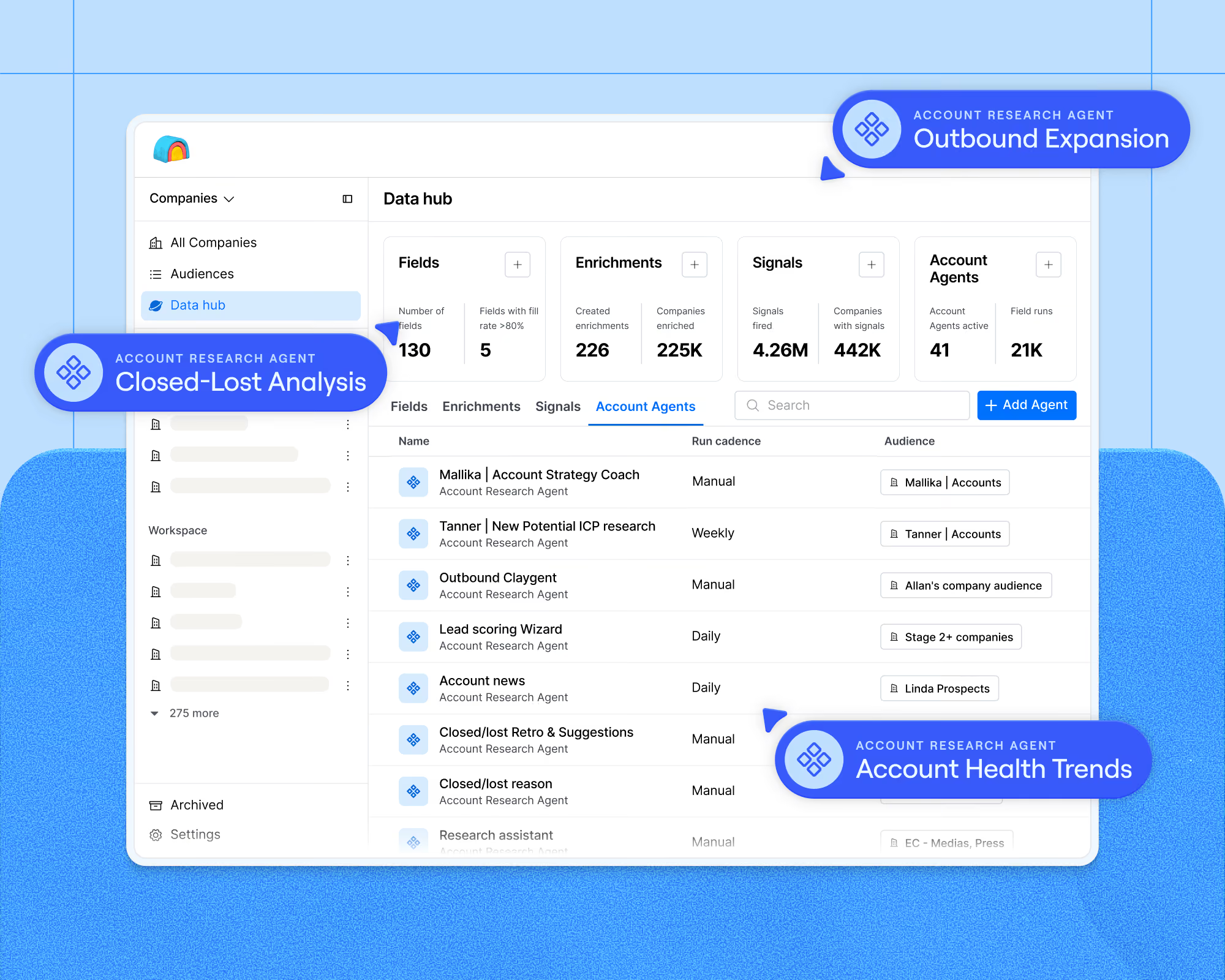
Everything you already use in Clay works inside a workflow: enrichments, actions, integrations, the functions your team has built, and Claygents.
What's new in Workflows
- Code nodes. Python runs inside a play for transforms, scoring, routing logic, and formatting. This is like formulas in a table, but much more powerful.
- Branching. Three kinds of conditionals: field rules, a Python expression, or a Claygent's judgment. You choose the best way to apply logic in your workflow.
- Triggers. A play can start from audience membership, a schedule over a segment, a webhook, a cron schedule, or a manual run.
- Record-level observability. Trace the exact path any single record took through a run. See the exact logic an agent or conditional node applied.
- Record-level cost. See the credits and actions each record consumed, broken down by step.
- Unlimited scale. No cap on the number of steps in a workflow, no row limit on how many records a play can act on, and working memory per run an order of magnitude larger than a table cell.
The Table isn’t going anywhere. Tables are great for builders to visualize their data. And, there are some features that aren’t yet supported in Workflows like sourcing new records through search or waterfall enrichment (though waterfall enrichment via function is supported). These will be available in workflows in the coming weeks, before Workflows GAs.
A play you can see is a play you can fix
Every play needs to be fine-tuned, and Workflows cuts down the time and effort to troubleshoot.
The canvas shows the branching, so anyone who opens a workflow can see how records get routed. The logic stops living in one person's head and is easy for two colleagues to sit side-by-side to discuss.
Every run records the workflow version along with each node's inputs, outputs, timing, and errors. Open a run and trace the exact path one record took. Claygent reasoning appears in the same trace, so you can review how an agent reached a decision and then improve the prompt if something unexpected happened.
The trace also shows credits and actions consumed at each step, which makes cost attributable to a specific node. Runs are deep-linkable, so you can share a broken run the way you share a table URL today.
Clay captures a snapshot of the workflow before every edit and at the start of every run. Each run stays pinned to the snapshot it started on, so editing a workflow leaves runs already in flight alone.
Build a play in minutes
There are three ways to build, and they produce the same workflow.
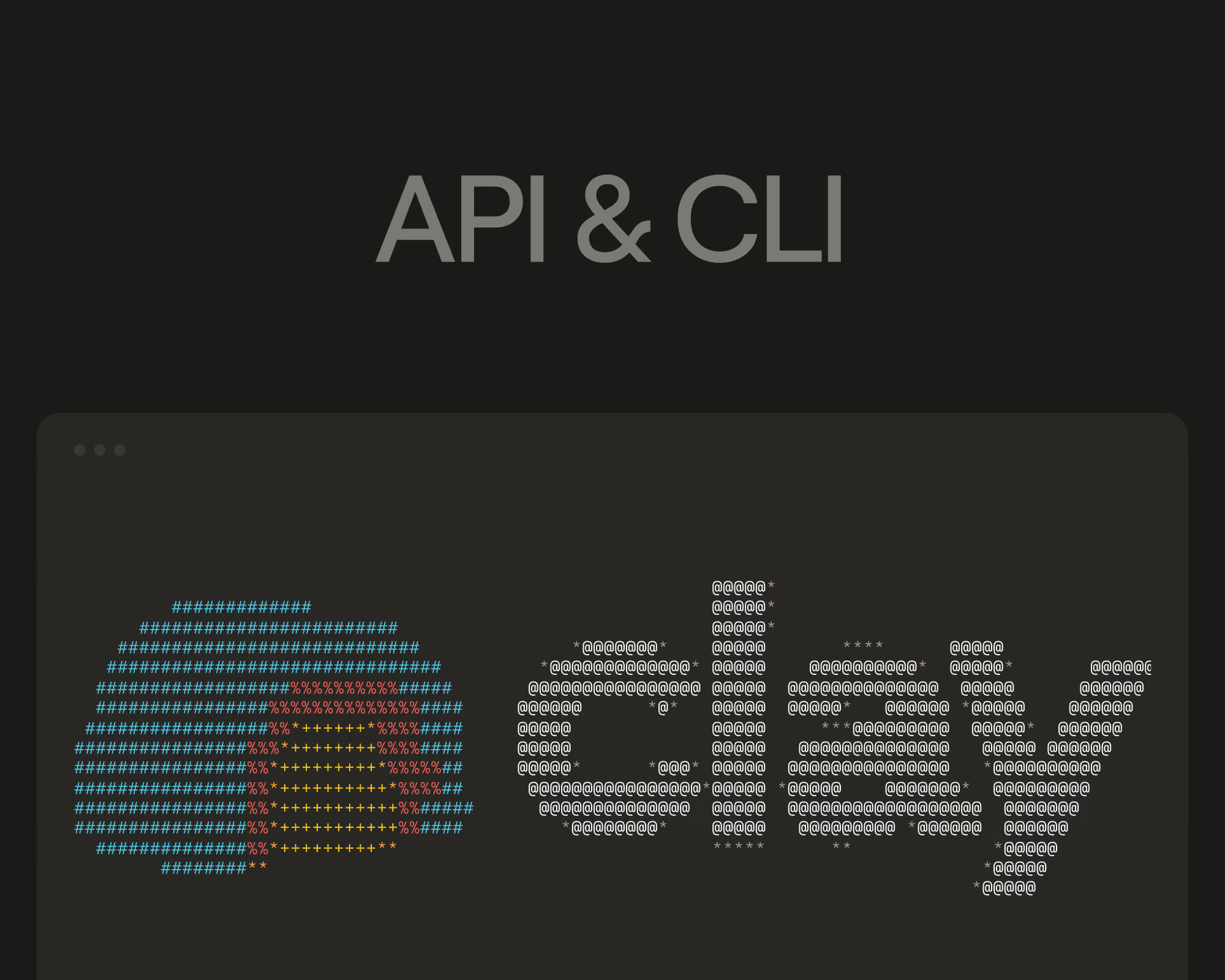
Use the CLI to build workflows programmatically from a coding agent, for teams who would rather work there. Use Sculptor, the assistant inside Clay, to build a workflow from a natural language prompt in product. Or use the canvas to build and edit by hand from an existing Table, Audience, or from scratch. All paths result in the same workflow, how you build comes down to personal preference.
Building in natural language works the same way in Sculptor and via CLI.
- Describe the play you want.
- The agent asks what it needs to know, like whether to score against an existing function or write new logic, and which segment should trigger the run.
- The workflow saves into Clay as you build, so it exists as a real workflow rather than a session that disappears.
- Open the canvas to see the branching, run the play on a single record, and adjust.
Sample prompt: "When an account enters my Enterprise Inbound segment, research their tech stack, score them against our ICP, and route anything above 80 to the assigned rep in Salesforce."
If the play already exists as a table, drop the table link into your coding agent or Sculptor and it rebuilds the table as a workflow that you can refine, instead of starting from scratch.
Building in Clay consumes the same credits and actions whether the work runs in a table or a workflow.
Four plays you can build in Workflows today
Signal-based outbound. Layer several account signals into one intent picture, then trigger the play on the full account context instead of the single signal that fired.
One early customer layers news, hiring activity, and leadership changes into an account-level intent score, then routes AI-drafted messaging to Slack for approval before anything sends.
Sample prompt: "When an account in my Enterprise segment posts a RevOps job, research their current stack, score the fit, assign the correct rep, and post anything above 80 to #outbound-review with a drafted email."
Inbound routing. Qualification logic that branches several ways, running the moment a form arrives, so speed to lead does not cost you qualification.
An AI customer researches each inbound prospect as the form arrives and pre-qualifies on use case, timeline, and intent with agents doing custom research. They reach first touch in under five minutes and have seen a 50% lift in sales-qualified leads.
Sample prompt: "When a demo request hits this webhook, enrich the company and contact, score against our ICP, then assign the owner in Salesforce and alert them in Slack."
Account scoring and rep assignment. A scheduled pass over an entire segment that scores every account and hands the strongest ones to the right rep.
A PLG customer now uses workflows to score its full account universe on five to ten signals, running more than 10,000 accounts through classification and territory assignment, which previously required several tables stitched together.
Sample prompt: "Score every account in my TAM segment against our five fit criteria, assign the top 100 by territory, and write the score back to Audiences."
Get started
Workflows is available in open beta to all customers. It will be available indefinitely at no additional cost to customers on Enterprise, Growth, and Launch plans, and available on legacy Pro, Explorer, and Starter plans through the end of 2026.
If you build from a coding agent and haven't yet installed Clay's Agent Plugin, paste this into any coding agent to get started: Set up the Clay plugin by following the steps in https://github.com/clay-run/agent-plugins. Signing in with OAuth turns Workflows on for your workspace. Or Open Workflows in Clay to start building with Sculptor.
You can open Worklows in Clay to start building your first play. If you have a play running in an existing table, you can convert your table to a workflow via CLI or in product.
Go deeper in Clay University here: university.clay.com/docs/workflows.






.avif)


.avif)











.avif)











.avif)