
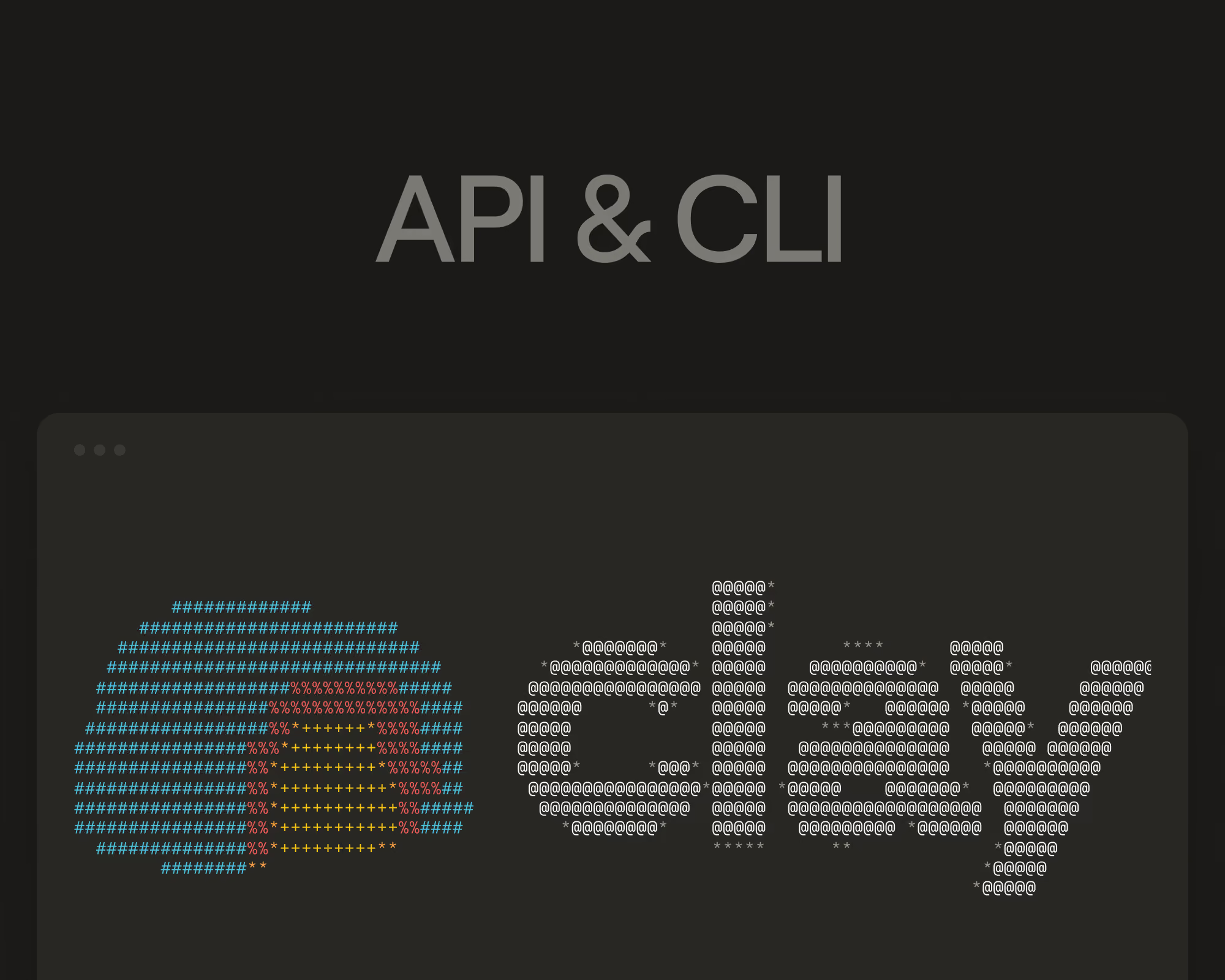
Today we're launching Clay's Plugin to all customers. The Plugin bundles Clay's CLI and API into a single interface for coding agents like Claude Code and Codex. Agents can build workflows, run enrichments, pull data from Audiences and 200+ data providers, and trigger actions in Clay -- all headlessly. It's the fastest way to build custom GTM systems on Clay's infrastructure. Build exactly what your team needs without the ongoing maintenance costs and risk that usually come with custom tooling.
What's new
The open beta gave teams the ability to enrich from Clay's data marketplace and build workflows from a coding agent. GA expands the surface area significantly:
- Audiences. Import records, manage fields, create segments, and query your data programmatically. Build and maintain the lists that power your outbound and lifecycle plays without ever opening a browser.
- Sequencer. Create campaigns end-to-end, connect them to audiences, and view performance analytics. Your outreach orchestration lives alongside the enrichment and scoring logic that feeds it.
- Query Tables. Run queries against your Clay tables from the CLI or API. Pull data into dashboards, feed it into internal tools, or build monitoring on top of your existing workflows.
This expands the Plugin’s functionality to more of the same operations you'd set up manually in Clay's UI. It’s now available headlessly so you can compose them into whatever system your team needs.
Build custom rep tools on Clay's infrastructure
Companies want a single interface for their reps instead of context switching across a dozen tabs. And now, building custom internal tools is easier than ever -- coding agents can scaffold a rep interface in an afternoon. But the hard part isn’t getting a first version that excites the sales team. It's maintaining integrations across your stack, handling auth and rate limits, and managing schema changes as providers update their APIs. The initial build is fast, but the maintenance cost adds up.
When ops teams build that interface on Clay's Plugin, the hard part is already done. Enrichment waterfalls, scoring models, routing logic, 200+ data provider integrations are all running and maintained out of the box. Teams use the Plugin to pipe that existing infrastructure into a rep experience that's mapped to their specific sales process, without building or maintaining the connective tissue themselves.
The result is a custom tool that looks like something an eng team spent months building, shipped in days by an ops team working from a coding agent. Clay’s eng team is handling the lion’s share of the ongoing maintenance, so ops team time is spent implementing improvements custom to their sales team’s needs.
Automated monitoring and self-healing systems
Uptime matters when your GTM systems are driving revenue. But complex workflows break in subtle ways that are hard to catch manually -- an upstream data provider changes a field format, an enrichment waterfall starts returning lower match rates, a sequencer's deliverability dips below threshold.
With the Plugin's expanded API surface, teams are building automated monitoring across their entire GTM operation. Poll workflows for anomalies on a schedule. Set up alerting when key metrics drift outside expected ranges. Route issues to the right owner before they impact pipeline.
Some teams have gone further, building agentic self-healing systems that detect issues and apply fixes without creating a fire drill for their team. A workflow that notices match rates dropping can automatically re-order a waterfall. A monitoring agent that sees deliverability falling can pause a sequence and flag it for review.
Your revenue system should be as reliable as your product infrastructure. Now it can be.
See what's running, not just what shipped
When GTM automation lives in a local script or a coding agent's sandbox, the output is a black box. If something breaks downstream, you're reading logs. If a colleague wants to understand how a play works, you're walking them through code.
Building on Clay means every record, every enrichment, every workflow step is visible. Trace a single record's path through a complex play. Scan across results to QA before launching. Share a workflow with a colleague and they see exactly what's running and why -- no code review required.
Every action taken through the Plugin is also recorded in Clay automatically. Ops gets a centralized audit trail of what's being built, what's running, and what data is being accessed -- across every agent, every surface, every team. There's no need to build separate logging from scratch. When the question comes up, the answer is already there.
Governance without the overhead
When coding agents build GTM automation locally, production data comes along for the ride. CRM exports, enrichment results, contact lists, exclusion lists -- it all lives on individual machines and moves between tools and environments in ways that are difficult to track. A compromised machine, a breached endpoint, or even just data flowing through an unmonitored tool chain risk exposing customer data without anyone realizing it.
Building on Clay's Plugin means the data never leaves the platform. Agents do the work headlessly, but the data, the logic, and the outputs all stay in Clay's infrastructure -- not on a laptop or a local sandbox.
Companies invest heavily in SOC2 compliance and infosec posture because that trust is what wins enterprise deals. Running GTM automation outside a governed environment puts that investment at risk and undermines the credibility that closes your biggest contracts. The Plugin lets you build with the same speed and flexibility of a coding agent, with the audit trail and platform controls already in place.
Get started
Clay's Plugin is available today at no additional cost. Install it from Claude Code, Codex, Cursor, or any terminal to start building. If you're already using Clay, everything you've built -- tables, workflows, enrichments, audiences -- is accessible from day one. To get started, tell any coding agent to Set up the Clay plugin by following the steps in https://github.com/clay-run/agent-plugins.
.png)