














.avif)









If your ZoomInfo renewal is coming up, or you’re searching for a new B2B data and sales intelligence platform entirely, consider whether one proprietary database is worth a hefty annual contract fee. ZoomInfo built its name on having the biggest B2B contact database around. But fast-forward to 2026, and contact data is easier to find, with dozens of providers selling emails and mobile numbers. Several support waterfall enrichment, where you and your GTM team can query several providers in sequence so a gap in one database gets filled by the next.
Based on our own conversations with customers at Clay, plus sentiment across the web, there are a few reasons teams switch away from ZoomInfo. Wrong phone numbers and emails come up in discussions, but we also hear about thin coverage outside US enterprise accounts and an annual bill that’s increasingly challenging to justify against the results. Clunky workflows are another critique of the platform.
The ZoomInfo alternatives below include Clay, alongside a range of other platforms. The right pick for your team ultimately depends on what’s limiting you today, whether that’s coverage in the regions you sell into or a bill that grows every time you add a rep. For each one, we’ve assessed what each tool does well and where its own users say it falls short.
Read the full Clay vs ZoomInfo comparison. For a side-by-side look at data coverage, intent signals, workflow automation, and pricing, see Clay vs ZoomInfo. ZoomInfo’s data is also available inside Clay through a native integration. Teams that connect their own ZoomInfo account can enrich records and search contacts from a Clay table, with other providers covering what ZoomInfo doesn’t have.
Key takeaways: ZoomInfo Alternatives
- ZoomInfo alternatives include B2B data and prospecting tools that supply your GTM team with company and contact records, verified emails and phone numbers, buying signals, and ways to act on them. ZoomInfo sells access to its database through custom-quoted annual contracts priced on licenses, feature tiers, and credits consumed per export, while most of the alternatives below publish their prices and a few charge for usage rather than seats.
- Teams may switch from ZoomInfo to access better coverage (Europe, APAC, niche industries, and local businesses), and see better ROI on pricing.
- When assessing alternatives, judge each option on how much of your market it actually covers, how it verifies emails and phones, and how the bill grows with your team and volume.
- On our full ZoomInfo alternatives list, you’ll find Clay, Apollo.io, Cognism, Lusha, LinkedIn Sales Navigator, Seamless.AI, UpLead, Lead411, SalesIntel, and D&B Hoovers. Some are full GTM platforms your entire team can build plays on, and others are simple lookup tools for individual sales reps to query.
What is ZoomInfo?
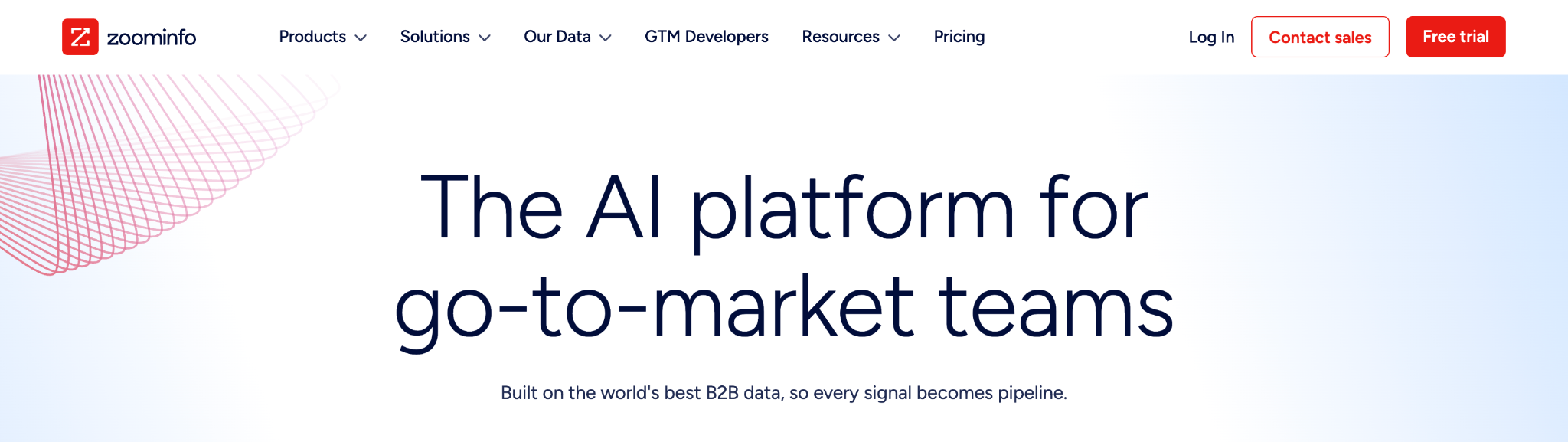
If you’ve worked even tangentially in B2B sales at any point during the last decade, it’s likely that you’ve had a ZoomInfo login. They launched in 2007 and built a proprietary contact database that became an industry default.ZoomInfo now sells access to 420M+ contacts and 145M+ companies.
Beyond its data, the company packages its database into separate products for sales, marketing, operations, and recruiting. A sales rep, a marketer, and a RevOps admin at the same company can all work from the same records. For individual reps, we’ve heard that the stickiest part of the product is the Chrome extension. It drops verified emails and phone numbers onto whatever LinkedIn profile or CRM record your reps already have open. ZoomInfo curates everything, records arrive in a predictable shape, and your team queries from a single index.
But that same setup (one vendor) is what sends people looking for alternatives. Coverage ends where the database does. If ZoomInfo doesn’t have the cell phone numbers of the VP of Merchandising you’re targeting, or no record for a regional company in your ICP, that field stays blank. Tactically, that means your rep either has to move on or spends time hunting for it elsewhere.
ZoomInfo key features:
- Copilot is ZoomInfo’s AI sales agent. It ranks accounts using ZoomInfo’s buying signals and drafts outreach from ZoomInfo data plus your CRM.
- GTM Workspace layers ZoomInfo intelligence over your CRM records in one view, with a Pulse Feed of up to 1,000 daily signals across 15+ signal types.
- GTM Studio is the newest product and remains in early access. It gives RevOps a canvas with pre-built plays and waterfall enrichment across 25+ outside vendors, ZoomInfo’s answer to the gaps in its database.
- Sales automation in ZoomInfo Sales covers multi-touch cadences with a built-in dialer and email, plus one-click export to your CRM.
ZoomInfo pricing: ZoomInfo Lite (free, 10 credits a month); Professional, Copilot Advanced, and Copilot Enterprise (custom quotes on annual contracts, built from features, licenses, and credit usage; no dollar figures published).
How to choose a ZoomInfo alternative
Based on what we’ve seen in reviews across platforms like G2 (and in our own conversations with RevOps and GTM teams), teams leave ZoomInfo for a few reasons:
- Inaccurate data. Too many phone numbers and emails turn out to be wrong, and company details like headcount and revenue can be inaccurate, too.
- Thin coverage outside US enterprise. The database gets sparse once you move beyond large US companies, whether that means other regions like EMEA or smaller accounts.
- Cost without the return to match. The annual bill is high for what the data delivers, and smaller teams can struggle to justify it.
- Clunky workflows. Once you have the data in hand, getting it where it needs to go takes more steps than it should, slowing down GTM plays.
- Contract lock-in. Contracts auto-renew and increase each year, and you have to delete the data when you leave. Few teams tend to leave over these contract terms alone, but this fine print makes switching harder if other issues arise.
If you’re looking for an alternative that improves how your team goes to market (instead of one that just swaps a database for a cheaper database), look into these criteria as you weigh your options:
- Data coverage when the first source misses. Ask potential vendors what happens when their own database has no mobile number for a contact. Do they offer waterfall enrichment? A single database has one answer, but a platform that can query several providers (in sequence) keeps trying until something valid comes back.
- Verification and freshness. Look for email verification that runs as part of the lookup process rather than as a separate cleanup step, phone numbers that are checked for line type and activity before a rep dials, and a way to keep records current, whether that’s a vendor’s refresh cycle or re-running enrichment on a schedule you set. Then compare the bounce and connect rates from a test on your own contacts rather than the vendor’s claimed accuracy percentage.
- Research beyond standard fields. Firmographics and titles are roughly the same everywhere. Instead, look for the ability to find data that gives you a true edge, or GTM alpha. Check whether a platform can run AI research that returns structured answers you can filter and act on, like checking whether a company mentions SOC 2 on its website for a security-related play.
- Workflow flexibility and integrations. Confirm that any tool you’re assessing writes back to your CRM and sequencer. Also check whether you can actually build your own custom scoring and routing logic or only pick from generic preset plays.
- How the price scales. Work out the cost per usable record on a test list, then model what happens when you add five reps or double your volume. Per-seat plans grow with headcount and monthly-expiring credits punish uneven usage, while usage-based pricing with unlimited seats only grows when you’re seeing value from the platform and using it more frequently.
Top 10 ZoomInfo alternatives for 2026
Every tool here can roughly do ZoomInfo’s core job of finding companies and contacts and getting their details into your CRM or sequencer. Some are full GTM platforms (like Clay), and some are lookup tools a single rep could pick up this afternoon (like LinkedIn Sales Navigator). All of them come up again and again when ZoomInfo customers go shopping for replacements.
1. Clay with multi-provider waterfall enrichment
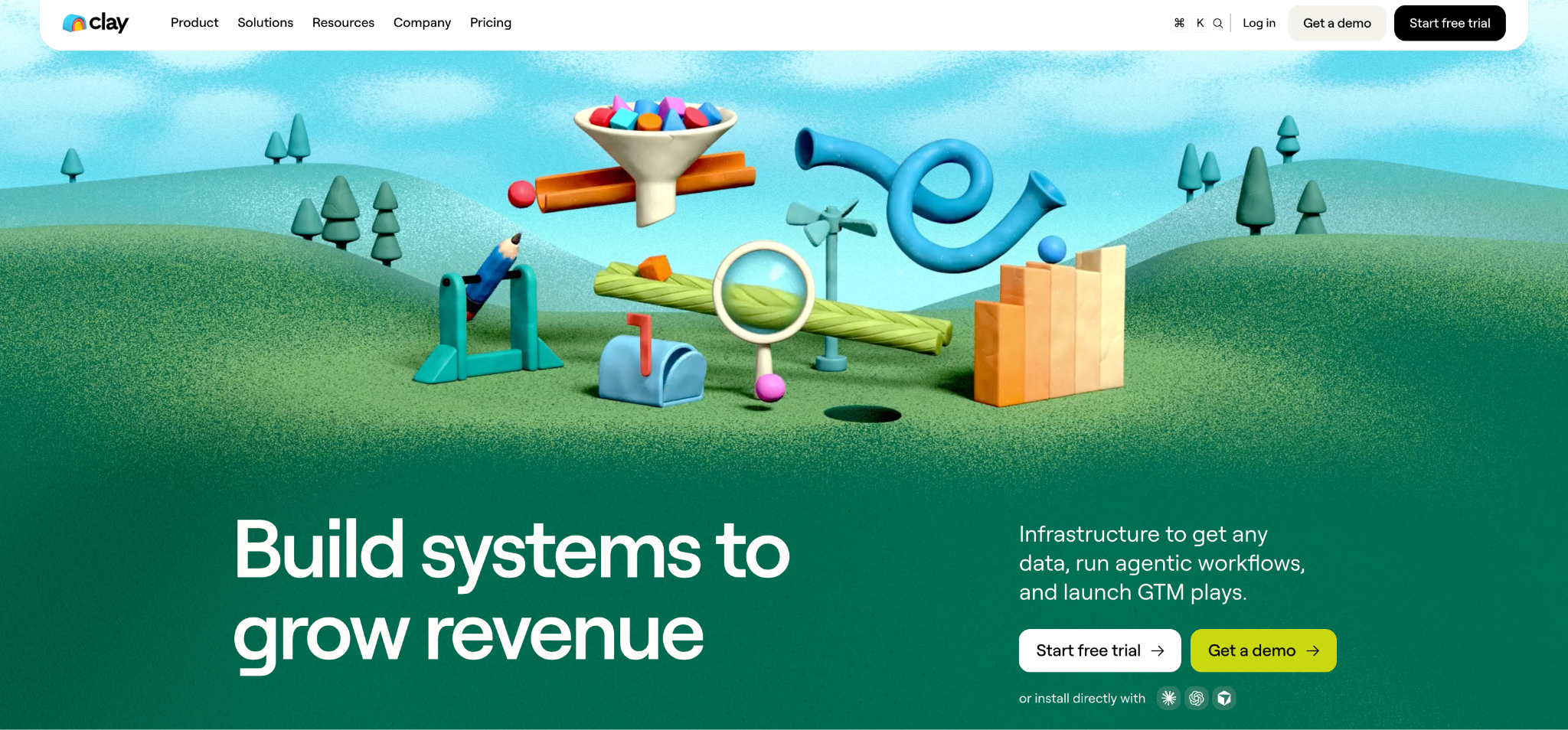
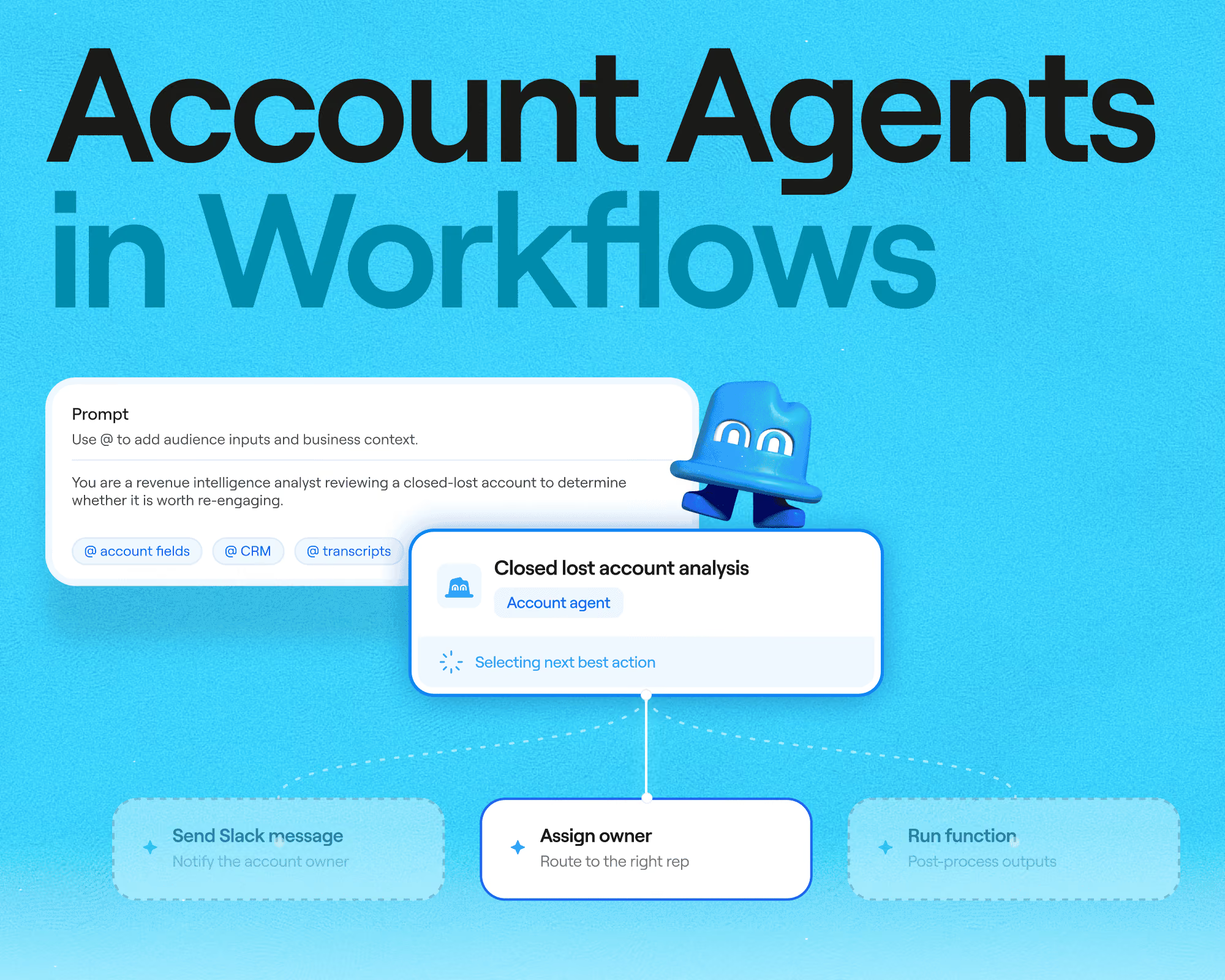
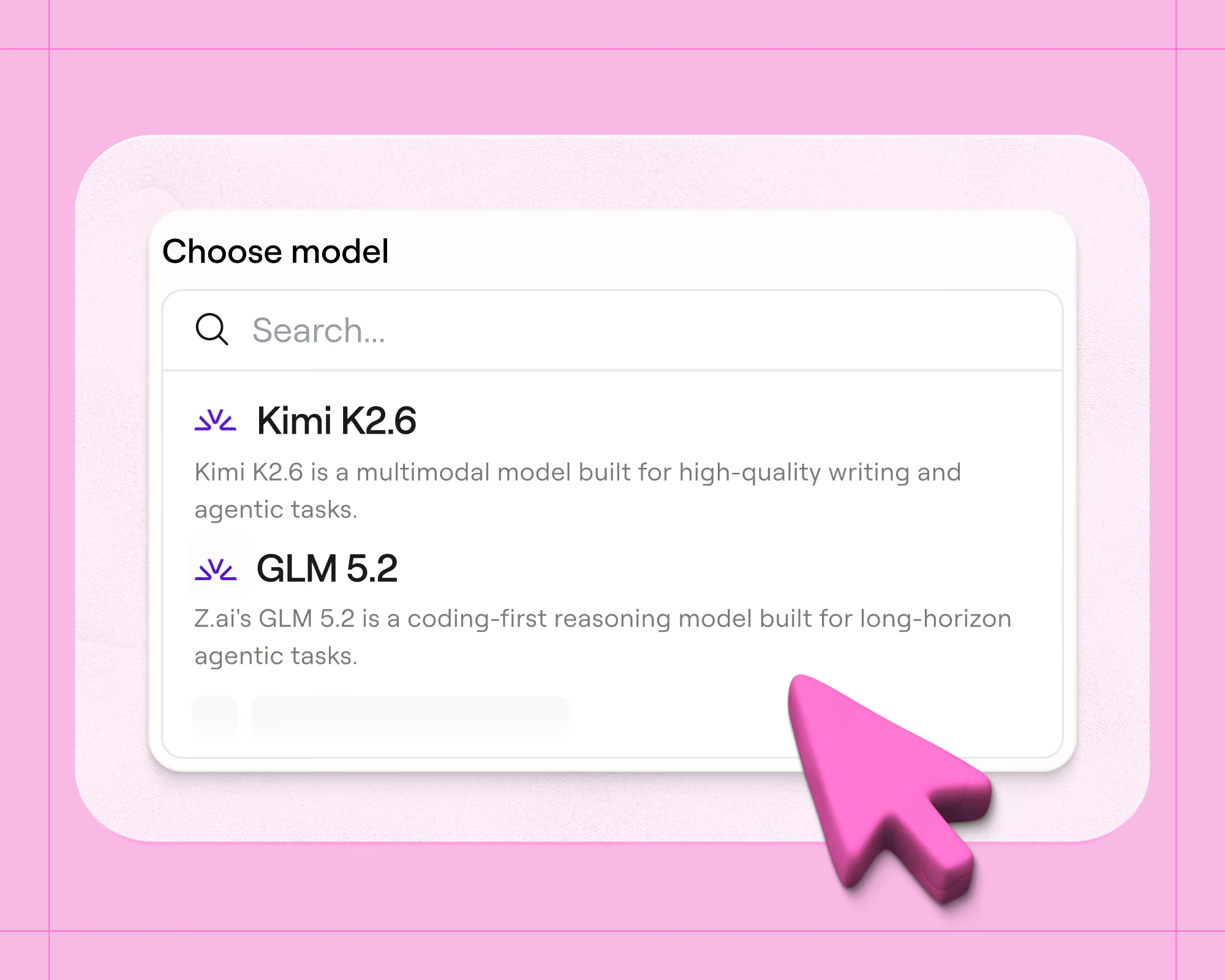
Clay is go-to-market infrastructure for getting any data, running agentic workflows, and launching GTM plays. It’s a top choice for teams of any size, from small and mid-sized businesses and agencies up to enterprises like Intercom and Rippling. Instead of maintaining one proprietary database and asking you to trust it, Clay’s data marketplace connects you to 200+ data and AI providers under a single contract. The company is continuously adding to its marketplace, bringing on 24 new providers to the platform in October 2026 to help customers build pipeline in EMEA and APAC and reach new industries and personas. No one vendor can keep accurate data on everyone you sell to, so Clay doesn’t ask you to rely on one. Clay customers routinely triple their coverage after leaving a single source. In fact, ZoomInfo itself is available as a provider inside Clay. If you’re still under contract with ZoomInfo, you can keep using it inside Clay while you test.
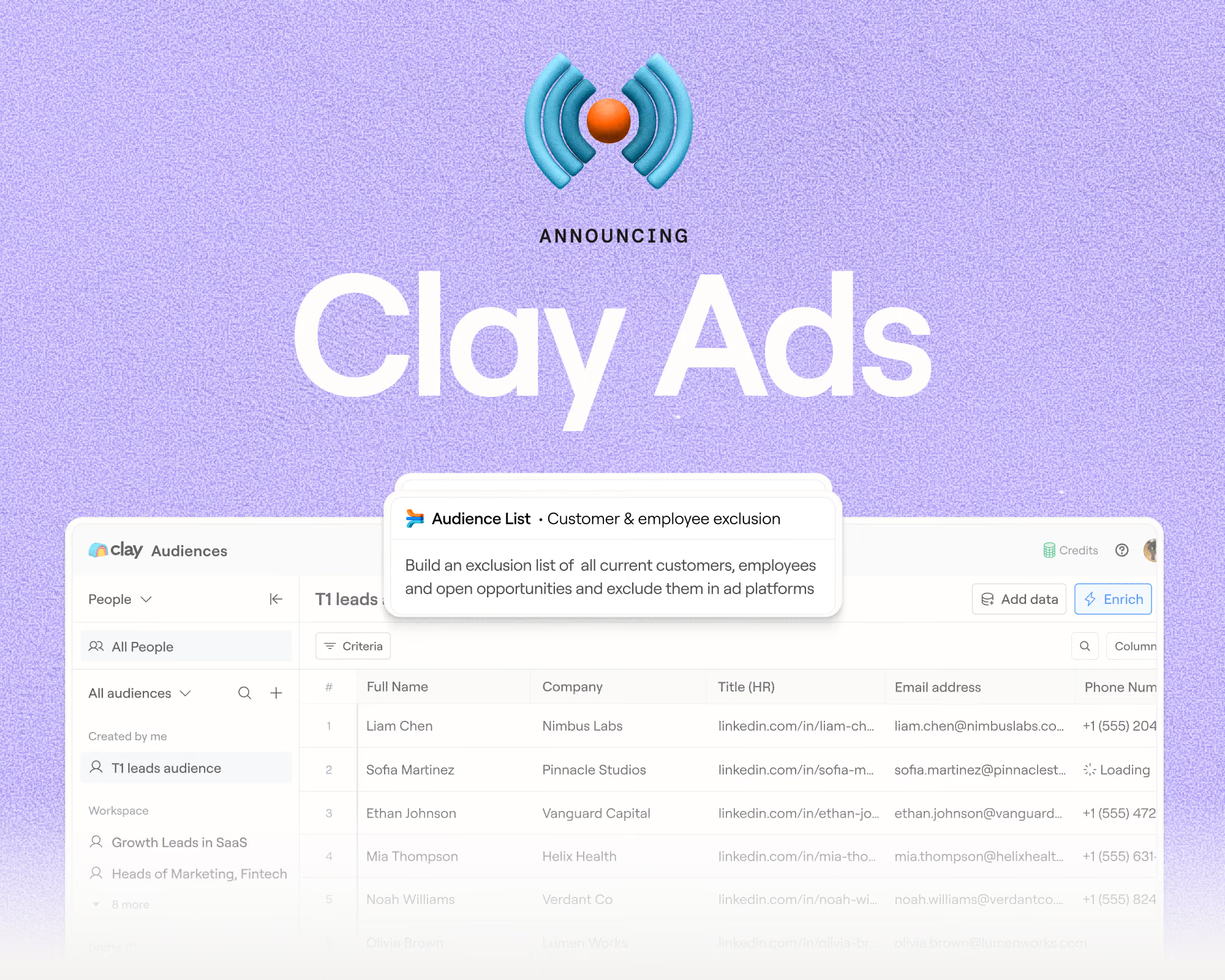
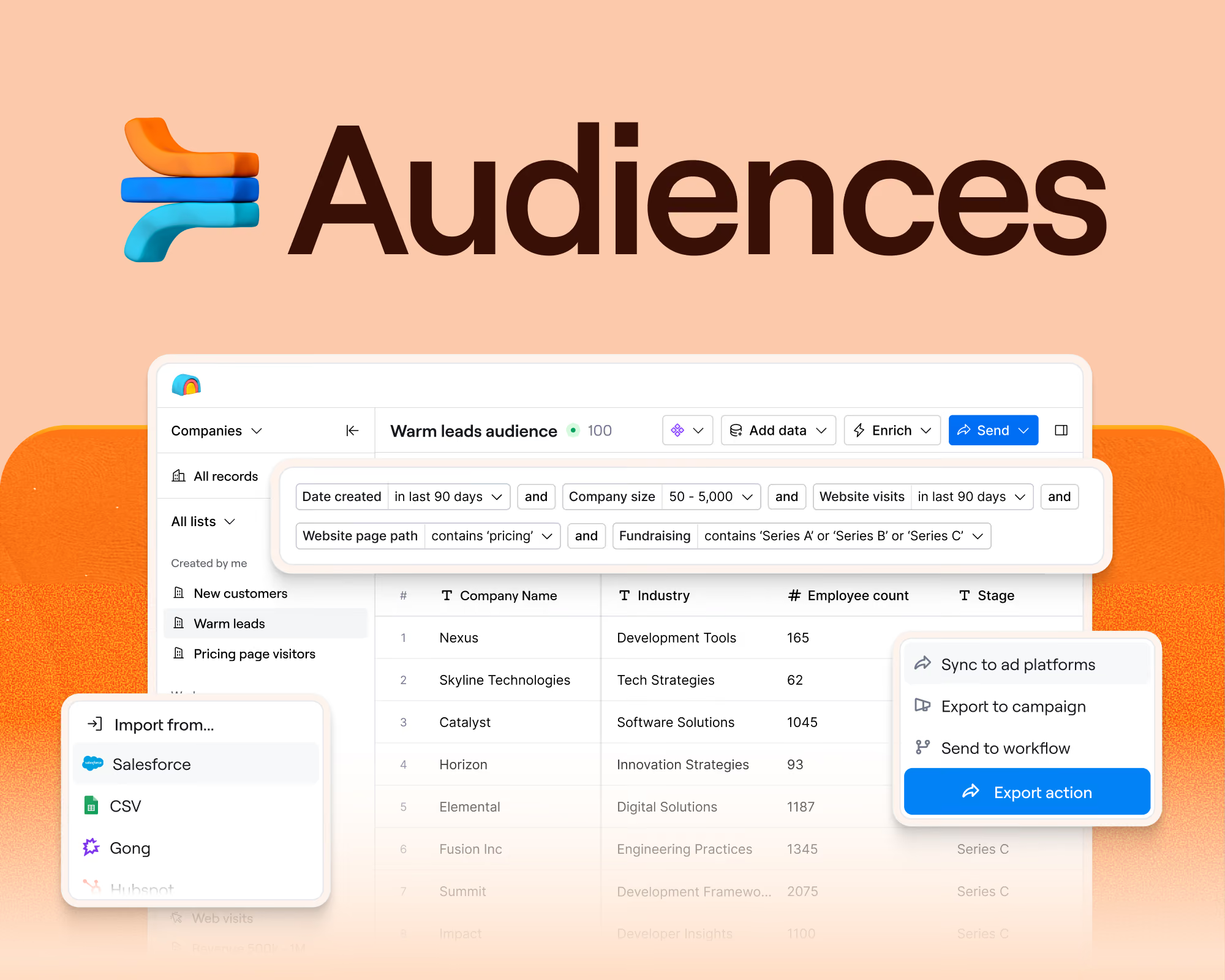
The rest of the platform is about acting on that data: Audiences holds your CRM, warehouse, and provider data in one place. From there, you can score, route, sequence, or sync to ads without exporting a single CSV. Clay does ask more of you up front than a typical search-and-export database, because you choose the providers and define logic yourself. This is made easier with Sculptor, Clay’s AI copilot, which will help you build a workflow from a plain-language description. If your team needs help getting up to speed, Clay University’s free courses and the Slack community are there to make the learning curve much less steep.
Clay is the go-to choice for teams with a GTM engineer, or a RevOps or growth lead who wants to build their own system rather than work inside someone else’s menu. It’s also the choice at some of the fastest-growing companies around, with Anthropic, OpenAI, Figma, and ElevenLabs all among Clay’s customers.
Clay key features:
- Waterfall enrichment runs providers in the order you set until a valid email or phone comes back, and you’re only charged when it does.
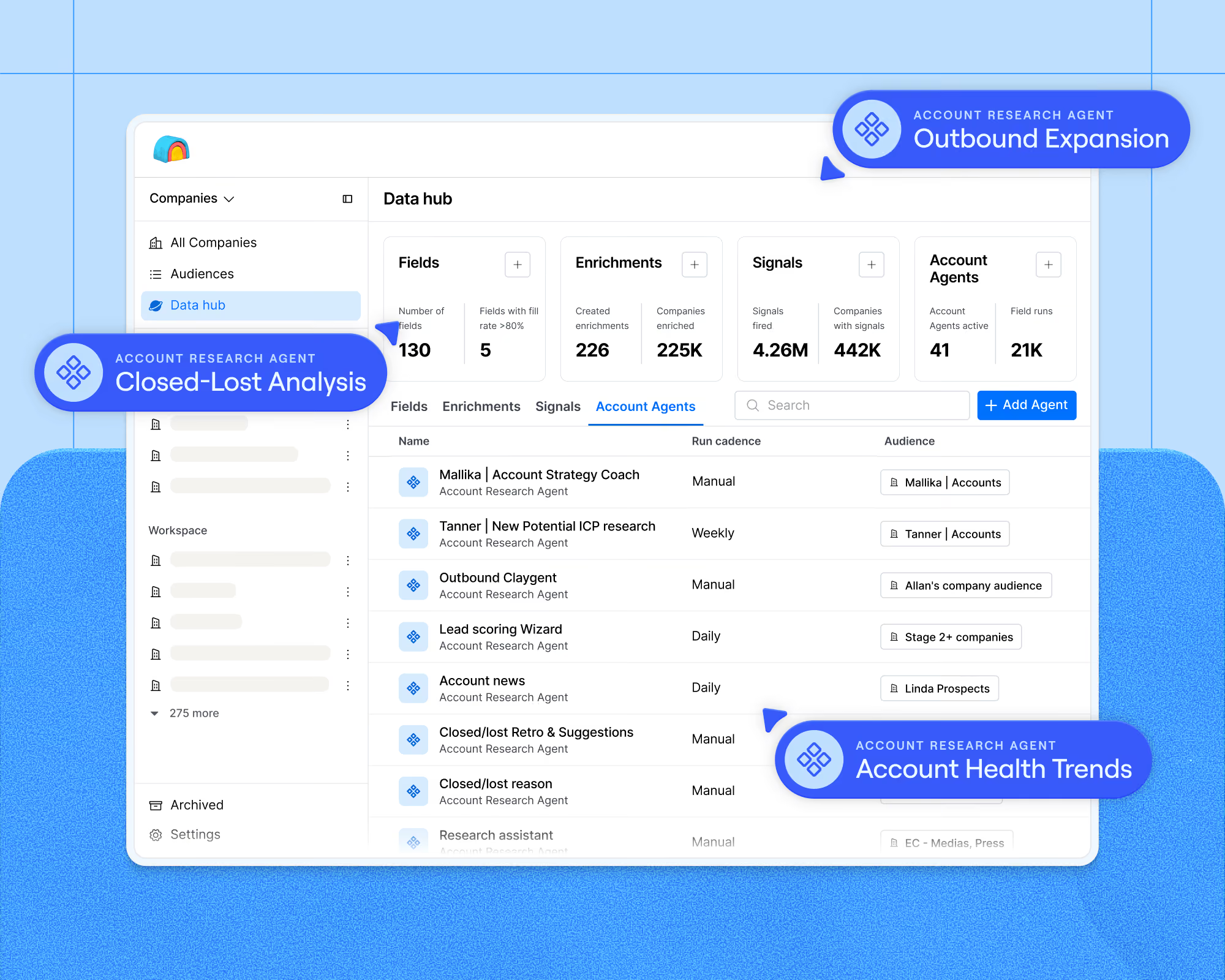
- Claygent sends AI research agents to the open web and returns structured answers with a reasoning trace on every run. It’s how you find out whether a prospect is hiring a CISO, which no provider sells as a field.
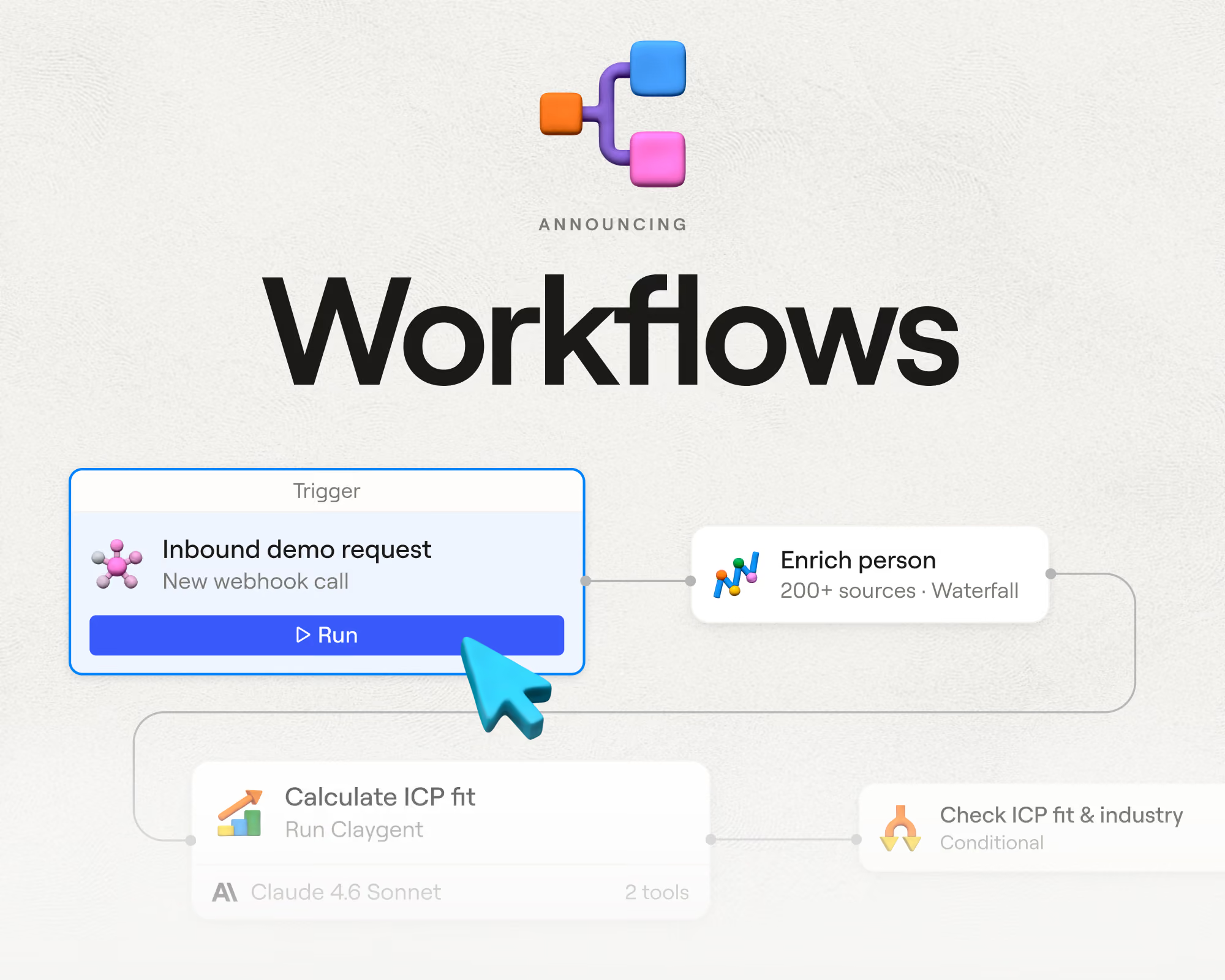
- Workflows put enrichment, scoring, routing, and outreach on one canvas with branching logic, code nodes, and per-record tracing. When a lead ends up with the wrong rep, you can see exactly which rule sent it there.
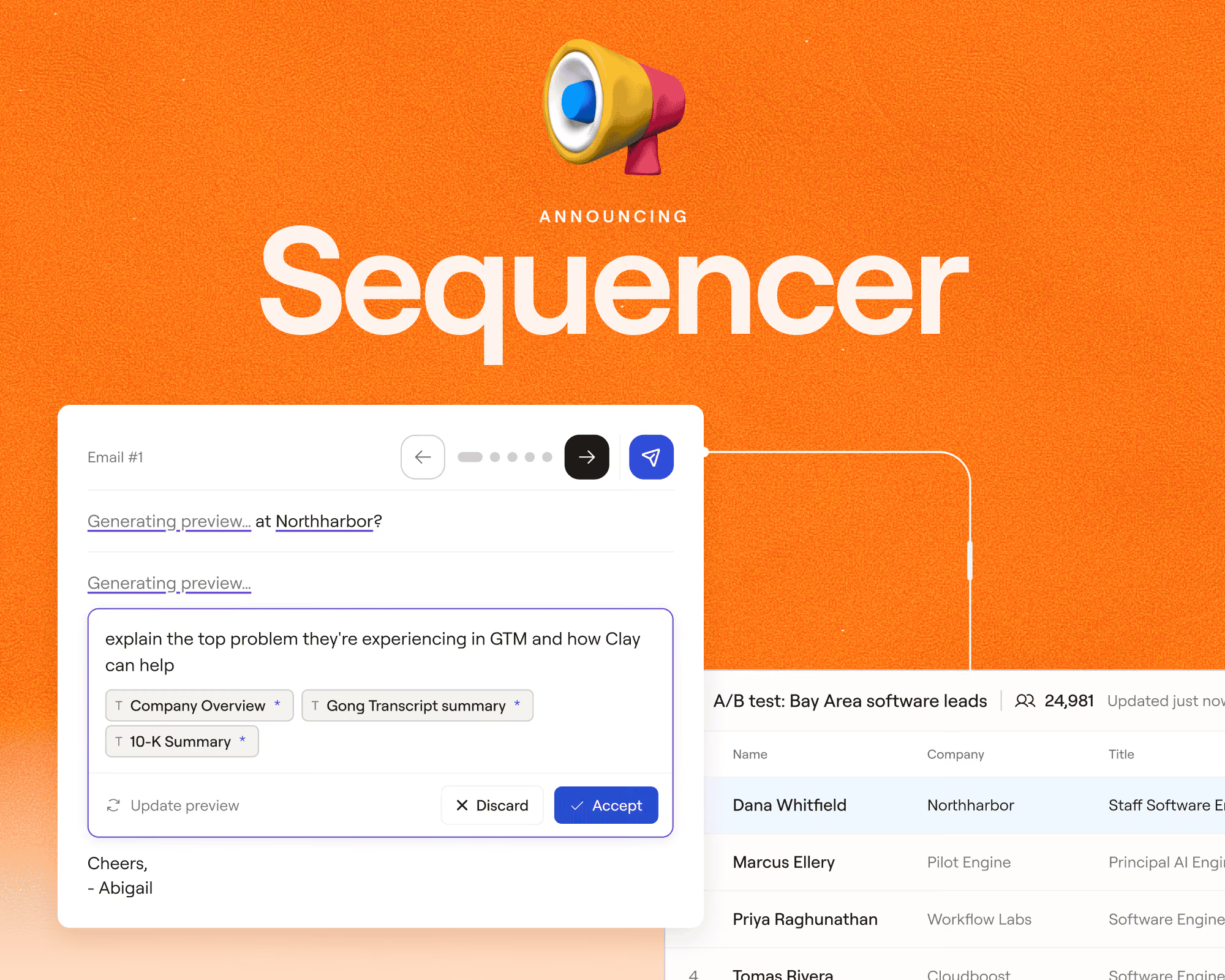
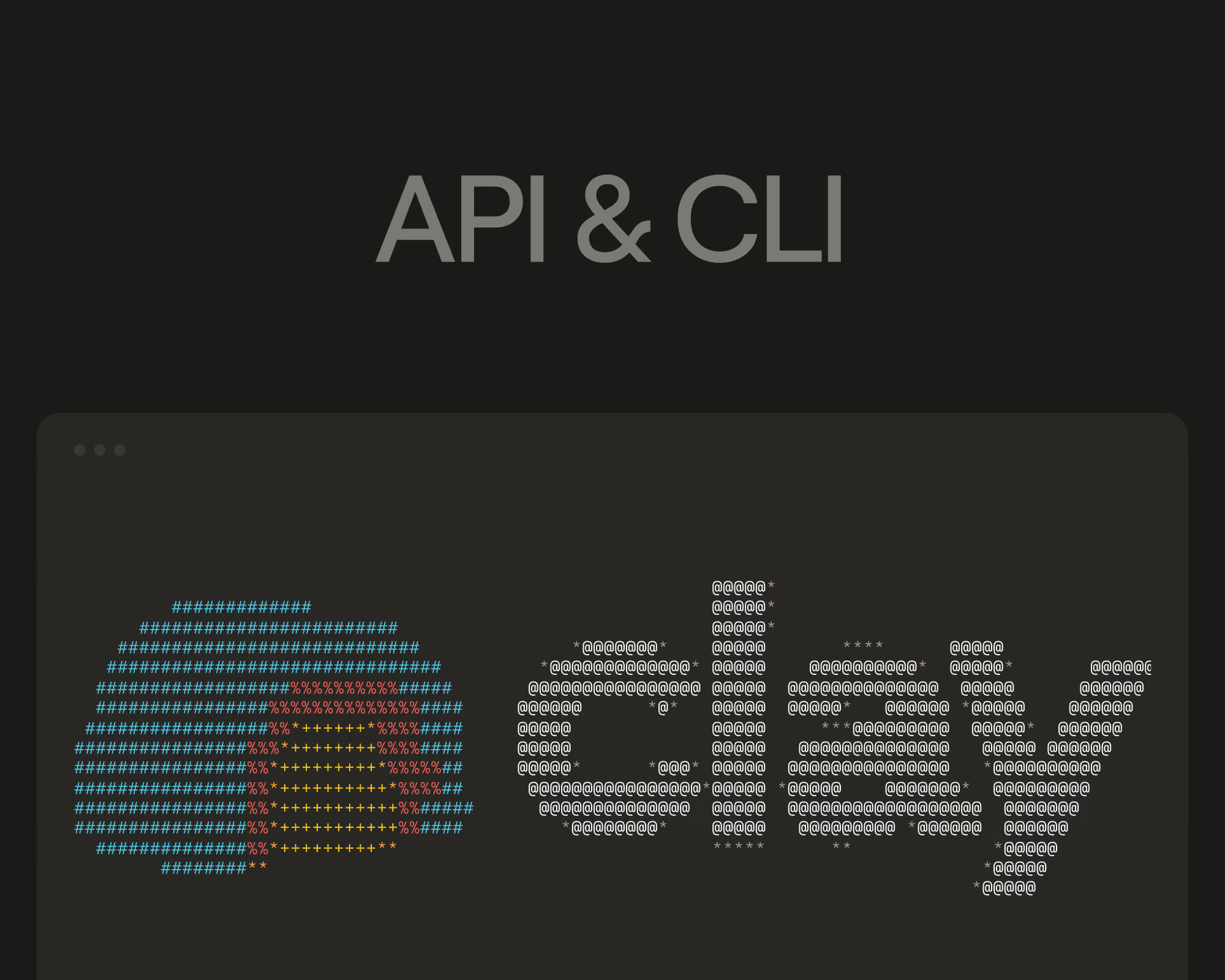
- Clay’s Agent Plugin bundles Clay’s API, CLI, and MCP server, so you can use Clay from Claude, Grok Bot, Codex, Cursor, or any other coding agent. At Clay, our own GTM engineers have varied use cases for the Clay Agent Plugin, from researching accounts to automating event follow-up.
Clay pricing: Free ($0, unlimited seats); Launch ($167/month billed annually, or $185 monthly); Growth ($446/month billed annually, or $495 monthly); Enterprise (custom, annual commitment). Data credits start at $0.05, and unused credits roll over up to twice your monthly amount on Launch and Growth.
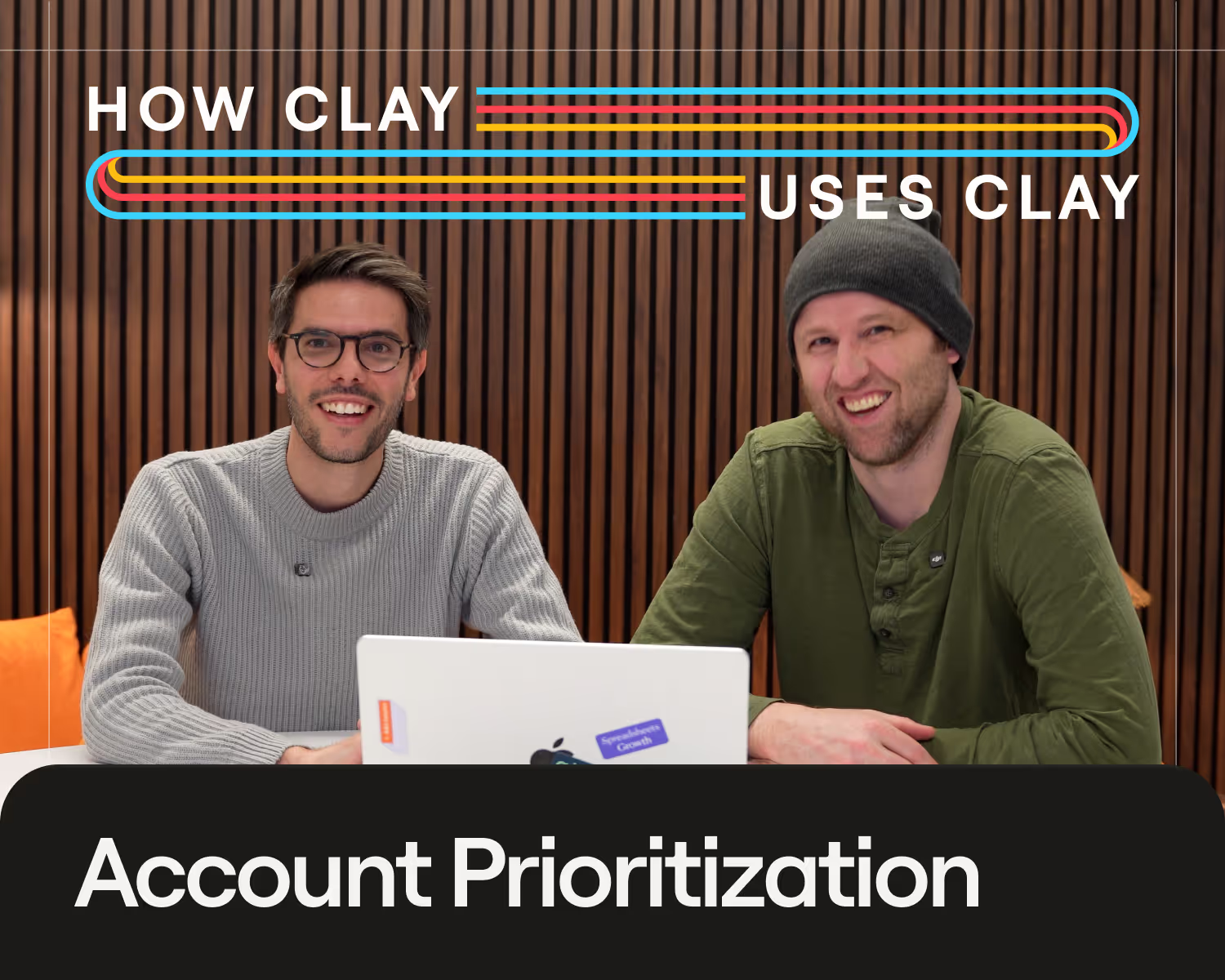
Watch How Clay uses Clay: Running Cold Outbound to Enterprise Accounts. See how Clay turns its top rep’s prospecting play into a system every seller runs, from sourcing and enrichment to the first email. Watch the livestream.
2. Apollo.io with an all-in-one prospecting database
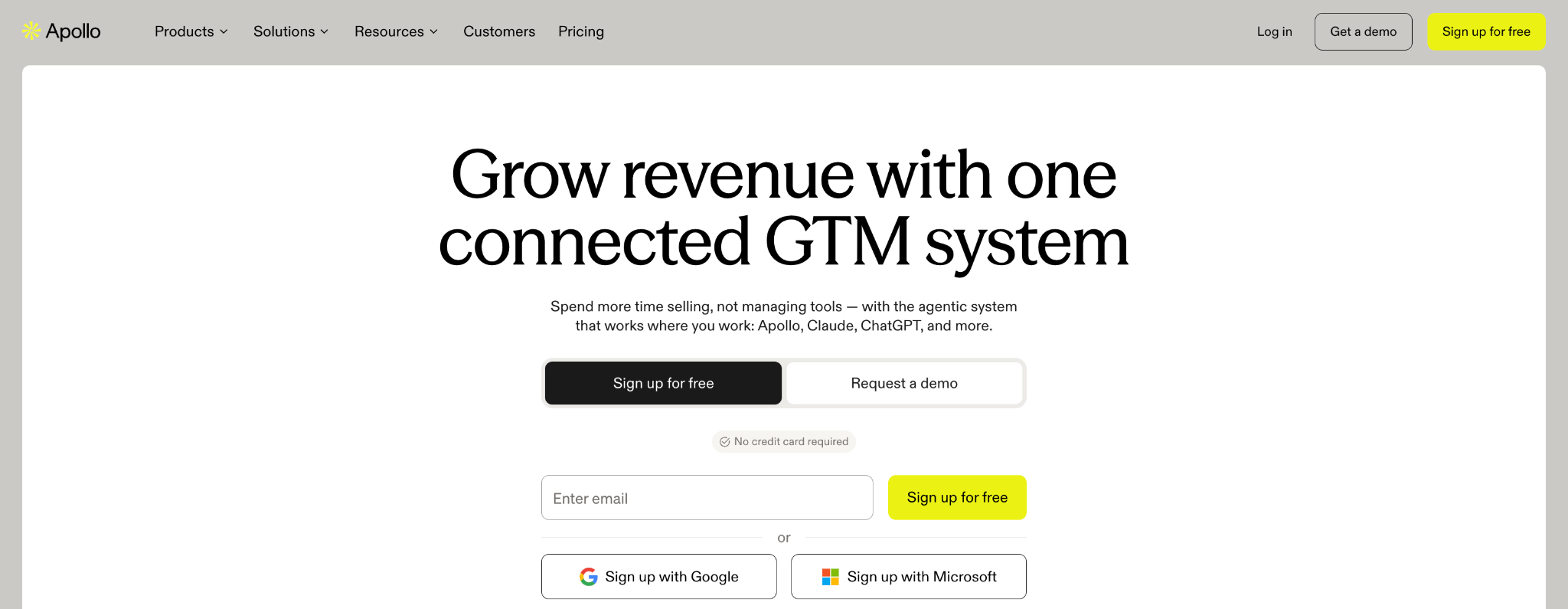
Whereas ZoomInfo is largely an enterprise tool, Apollo.io is an all-in-one prospecting platform for small and mid-sized sales teams. It offers its customers a database of 240M+ contacts and 30M+ accounts, plus email sequencing and a dialer for reaching them. Apollo has also expanded beyond a plain contact database in the past year, with multi-source enrichment and AI features layered on top. The trade-off is that everything still runs on one dataset. It suits teams that want data and outreach together and are comfortable configuring inside Apollo’s menu of options rather than building their own logic.
The most common complaint from users about Apollo is data accuracy. Job titles and email addresses can be outdated, especially outside North America. Other recurring criticisms include a learning curve steeper than the interface suggests and slow, mostly automated support on the lower tiers.
Apollo.io key features:
- Waterfall Enrichment checks 20+ partner data sources when Apollo’s own database comes up empty on an email or phone.
- The Chrome extension shows contact details and adds people to sequences from LinkedIn, Gmail, and Salesforce.
- Sequences with a deliverability suite bundle email warm-up, domain and mailbox purchasing, and a built-in US dialer alongside the database.
- Apollo MCP and AI Research bring Apollo data into the AI tools your team already uses and let you add a custom research question as a field on every contact.
Apollo.io pricing: Free ($0); Basic ($49 per seat/month billed annually, or $65 monthly); Professional ($79 per seat/month billed annually, or $99 monthly); Organization ($119 per seat/month billed annually, three-seat minimum).
Read our Clay vs Apollo comparison. If Apollo is on your shortlist, Clay vs Apollo compares the two on data coverage, AI research, workflow automation, and pricing. Clay has a native Apollo integration too. Plug in your own Apollo API key, and its contact and company data becomes one of the providers your waterfall checks.
3. Cognism with phone-verified mobile numbers for European outbound
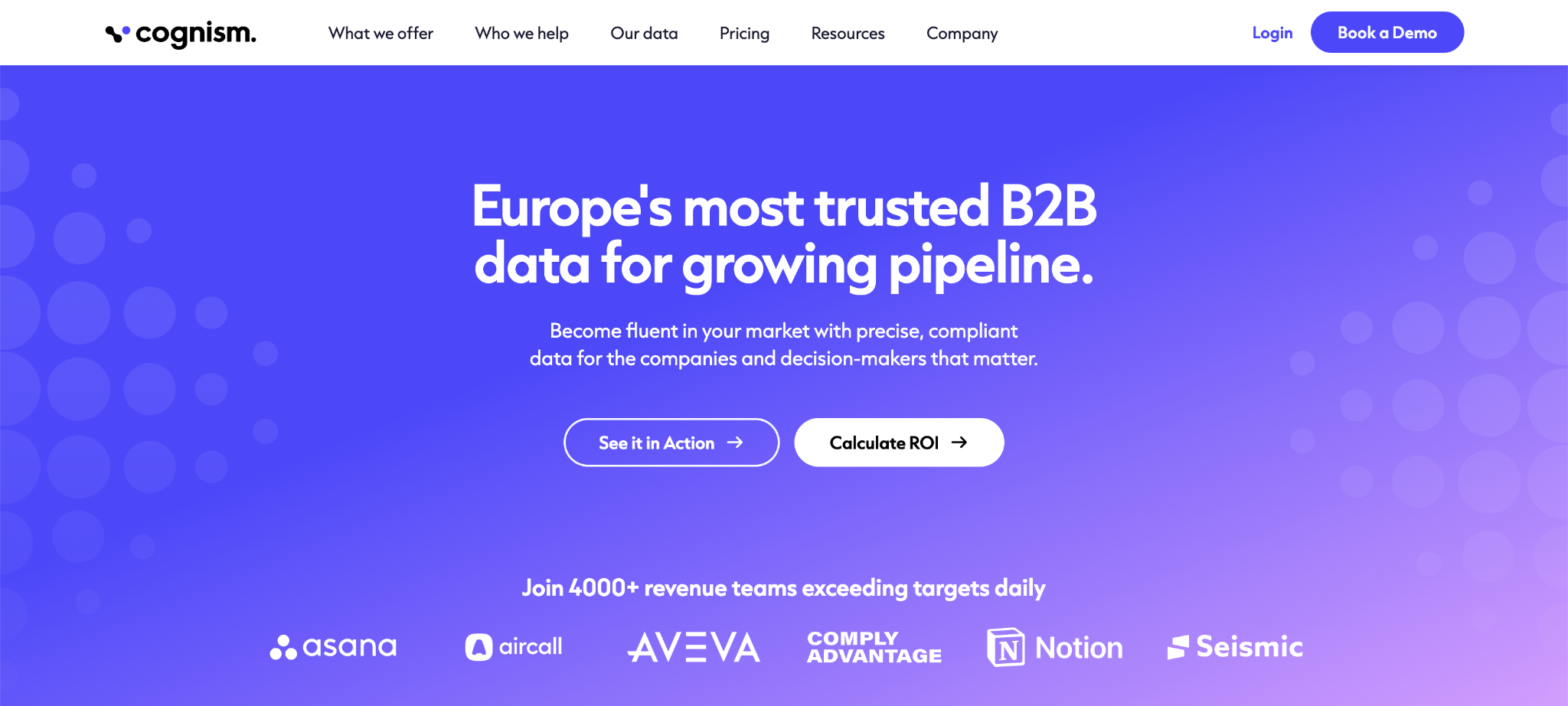
If your sales reps spend their days dialing into Europe, Cognism is the alternative you’ll hear about first. Founded in 2015, it built its database around European coverage and compliance when most US vendors had thin data there. One of its big differentiators is mobile numbers that have been verified (both manually and with automated checks) before you dial them. Cognism is a prospecting tool first: reps search, reveal, and push to the CRM. Although they launched a Sales Intelligence tool in 2025, it’s less of a true go-to-market platform; there isn’t a canvas for building your own workflows on top. If you need deep North American or APAC coverage, you’ll probably end up pairing it with a second source.
Customer gripes include inaccurate data and incorrect numbers. Several call the price high for a small team, with Diamond credits running out fast during high-volume outreach. Coverage also thins out noticeably outside Europe, with fewer verified phone numbers for North America, APAC, and niche industries.
Cognism key features:
- Diamond Data is the set of 10M+ mobile numbers Cognism verifies by calling them to confirm the right person picks up.
- The Sales Intelligence browser extension shows verified contact data and buying signals while reps work over LinkedIn and company websites.
- CRM Enrichment refreshes the records already sitting in Salesforce, HubSpot, or Microsoft Dynamics, charging one credit per enriched record.
- Compliance tooling screens Cognism’s phone database against do-not-call registries in the UK, US, Germany, France, and eight other countries. The company also notifies contacts of their inclusion in its database within GDPR timeframes.
Cognism pricing: Standard and Pro (custom quotes, 5 seats included in each); CRM Enrichment and Data-as-a-Service (custom, sold standalone or as add-ons).
4. Lusha with browser-based contact lookup
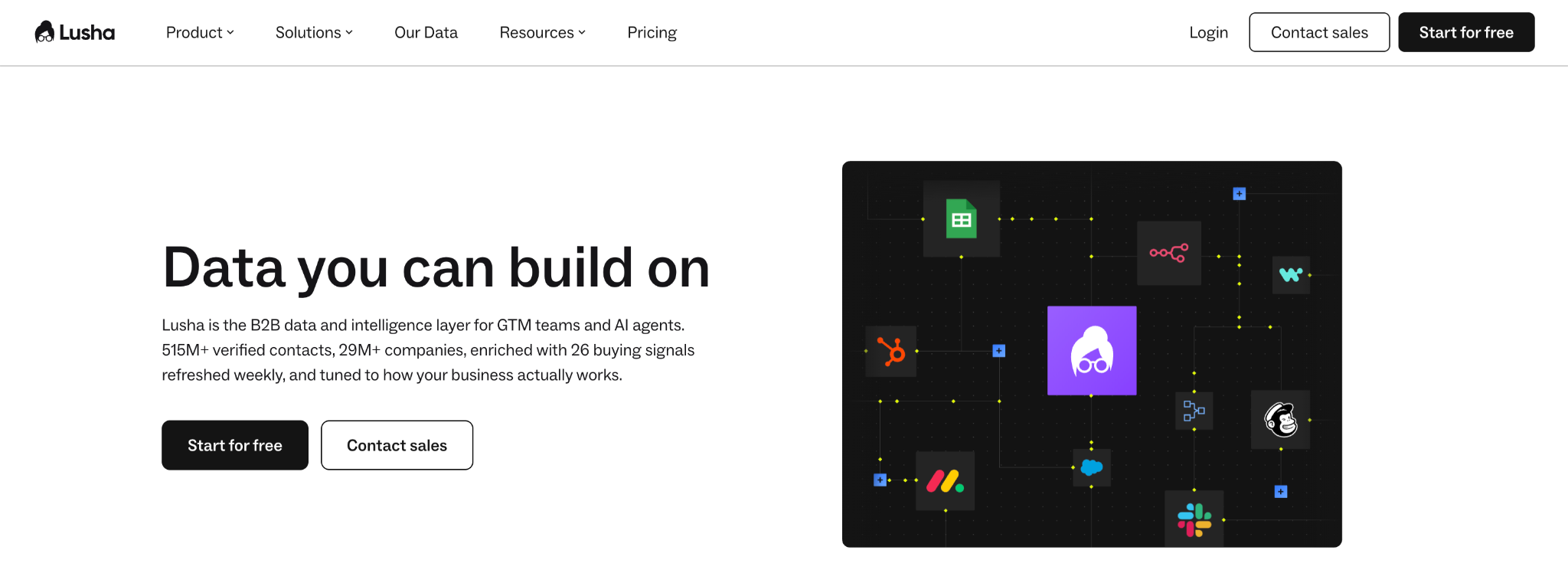
Lusha is built for the moment a rep is looking at a LinkedIn profile and needs the phone number now. It started as a browser extension for exactly that job and has grown into a prospecting platform with a database of 290M+ contacts and 29M+ companies, including 117M+ direct dials. It’s among the easiest tools on this list to trial with a couple of reps before anyone signs anything. Think of it as the front end for individual sellers rather than the system your ops team builds on; it isn’t designed for multi-source enrichment or custom workflows. Something to keep in mind with pricing: a phone reveal consumes 5 credits against 1 for an email.
Lusha is a native integration in Clay, so you can run its person and company enrichment as one step in a multi-provider waterfall.
Lusha key features:
- The Lusha Extension reveals verified emails, direct dials, and mobile numbers on LinkedIn and Sales Navigator, inside Salesforce and HubSpot, and on company websites, then saves them to the CRM.
- Buying Signals cover 18 signal types across growth, intent, events, risk, and lookalikes, with hiring and job-change data refreshed weekly.
- The Lusha API and an MCP server feed the same contact data into your own systems and AI agents.
- AI Recommendations rank best-fit companies and contacts on a rep’s home page once you set your ICP, scored by fit and buying signals.
Lusha pricing: Free ($0, 1 seat); Starter ($37.45/month billed yearly, or $49.90 monthly, 1 seat); Pro ($52.45/month billed yearly, or $69.90 monthly, 2 seats); Premium ($299.95/month billed yearly, or $399.90 monthly, 5 seats); Scale (custom).
5. LinkedIn Sales Navigator with prospecting on LinkedIn’s network
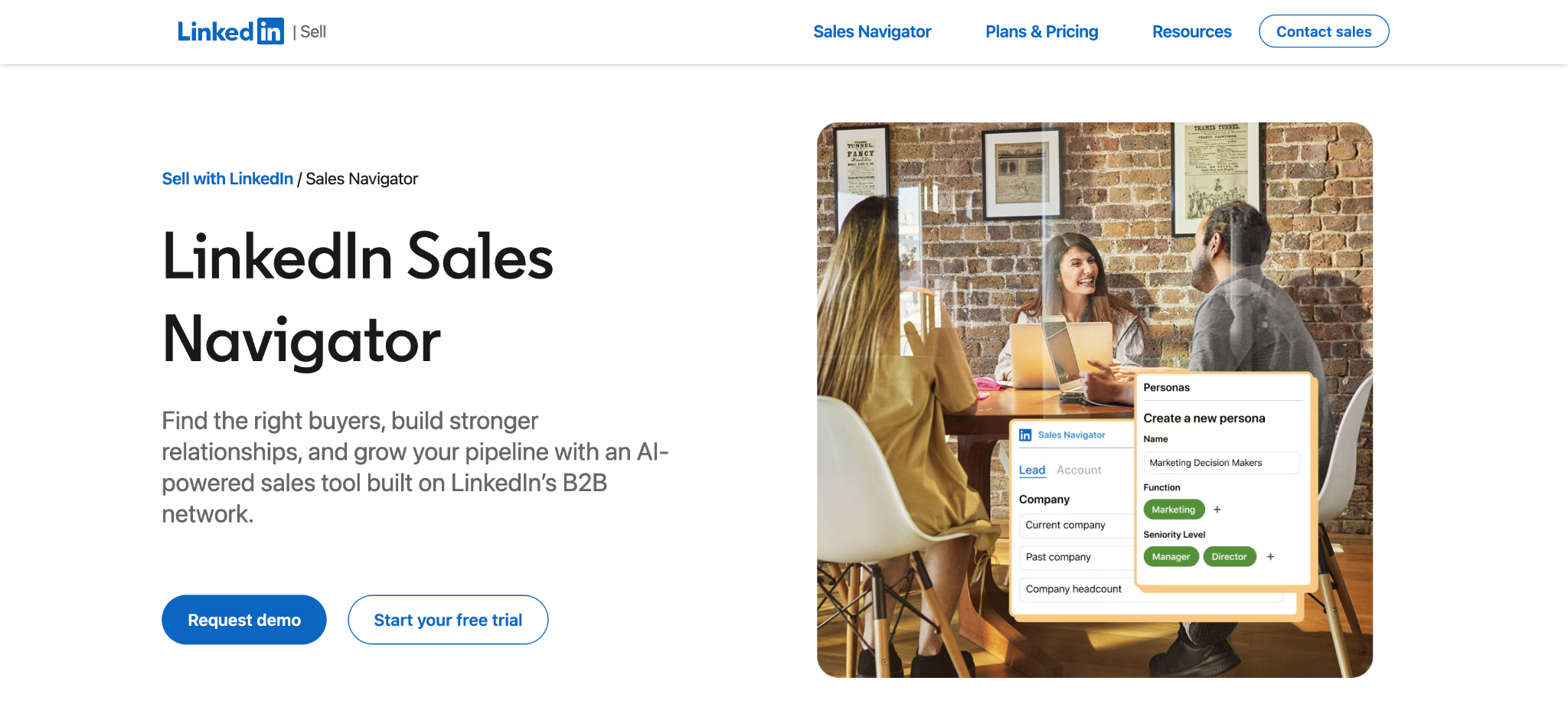
LinkedIn Sales Navigator is the one entry on this ZoomInfo alternatives list that isn’t actually a contact database. Reps already spend time on LinkedIn, and people maintain their profiles (updating their title after a promotion, for example), so job titles and company moves are usually more current than what you’d find in a third-party database.
Sales Navigator is a paid subscription service on top of the regular professional social network for searching, saving leads, and reaching people you’re not connected to through InMail. What you won’t get is email addresses or phone numbers, so most teams pair it with a data provider or an extension that fills those in. A great supplement is using Clay with Sales Navigator as a source. Paste a search or saved list into Clay and it imports every result as a row, then runs a waterfall across several providers to fill in the emails and phone numbers LinkedIn doesn't give you. If your go-to-market motion runs on social selling and warm introductions rather than cold dials, this tool is a fit for your reps.
On its own, the most common complaints are price, which smaller teams and solo sellers find steep. It’s also a focused tool, so it’s missing basics you’d find in a full-fledged sales platform, like exporting a lead list to a CSV or CRM without a third-party add-on. Users also run out of InMail credits quickly and note that the contact information on offer, email addresses in particular, is thin.
LinkedIn Sales Navigator key features:
- Advanced lead and account search runs filters across LinkedIn’s network, with saved searches and monthly lead recommendations.
- Account IQ and Lead IQ use generative AI to summarize a company or a person before you reach out, which cuts down the pre-call research for reps.
- Relationship Explorer and Relationship Map show warm paths into a target account and let you map the stakeholders in a deal, which is useful when you’re multithreading a large account instead of reaching out to a single contact.
- CRM integrations with Salesforce, HubSpot, Microsoft Dynamics, and Oracle, available on Advanced and Advanced Plus plans.
LinkedIn Sales Navigator pricing: Core (US$119.99/month or US$1,079.88/year per license); Advanced (US$159.99/month or US$1,799.88/year per license); Advanced Plus (custom).
6. Seamless.AI with a real-time contact search engine
Seamless.AI is less of a contact database and more of a real-time search engine for B2B contacts. Instead of serving records from a static database, it researches contacts by scouring the web and verifies emails and phone numbers when you search. It reports 1.8B+ verified business emails and 414M+ phone numbers, appealing for high-volume US outbound. The product line now stretches past search into list automation, signals, and AI assistance. Seamless is a reasonable pick if your SDRs dial in volume.
If you take a peek at platforms like G2, online reviews of Seamless suggest inaccurate and outdated contact data, despite its real-time verification model. Users also describe monthly credits burned on phone numbers that turn out to be dead ends. Several also mention rigid multi-year contracts that auto-renew, with cancellation or downgrades only possible through a call with support.
Seamless.AI key features:
- Prospector runs a 10-step real-time verification process on each contact and adds AI-enhanced search filters.
- Autopilot takes your saved search criteria and keeps building and enriching lists in the background, then sends them to your sequencer or CRM.
- Buyer Intent and Job Changes flag accounts researching your category and contacts who have moved into new roles.
- API and MCP access, plus the Chrome extension, let you pull Seamless data into your CRM, your enrichment jobs, and your AI tools.
Seamless.AI pricing: Free ($0, 1 user, 50 credits); Pro (custom, per user); Enterprise (custom, unlimited users).
7. UpLead with real-time email verification
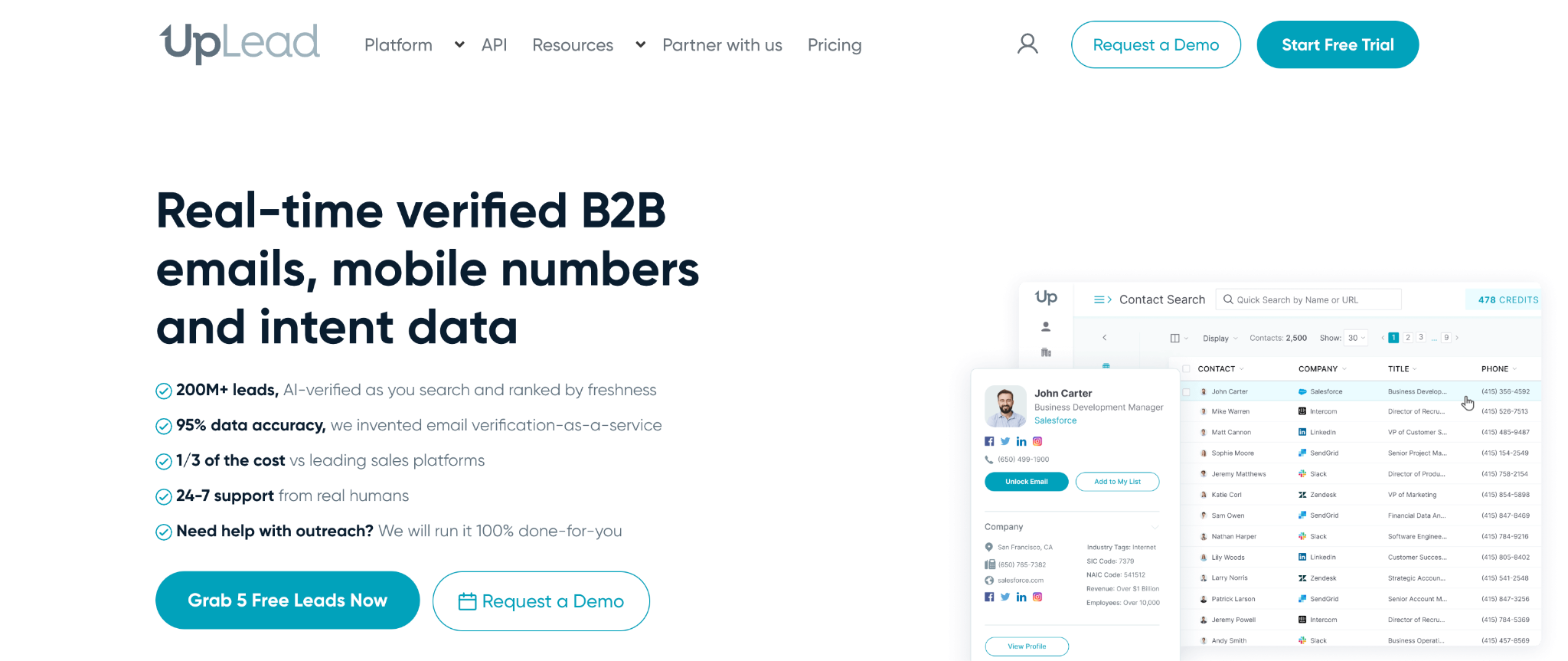
UpLead is one of the smaller vendors on this list; it runs a database of 200M+ contacts. It promises verification by checking records as you use them, instead of relying on a periodic refresh. UpLead is built for individuals and small teams doing targeted list building, but larger teams tend to outgrow it once several people need access at once. There’s no orchestration layer and no sequencer here, which is fine if your team just needs clean lists and you plan on running your own outreach.
Complaints across review sites center on coverage, with users unable to find emails or contacts for the leads they target. A recurring critique is that the free trial’s 5 credits run out before you can tell whether the data is any good.
UpLead key features:
- Real-time email verification checks each address when you click to export it.
- Technographics let you filter companies by the software they run, drawing on 27,000+ technology data points.
- Intent data flags companies researching topics related to your product, available on the Professional plan.
- The Chrome extension pulls verified contacts from LinkedIn and company websites and pushes them to Salesforce, HubSpot, or Pipedrive.
UpLead pricing: Free trial ($0 for 7 days); Essentials ($74/month billed annually, or $99 monthly); Plus ($149/month billed annually, or $199 monthly); Professional (custom, annual only).
8. Lead411 with re-verified emails and growth intent triggers
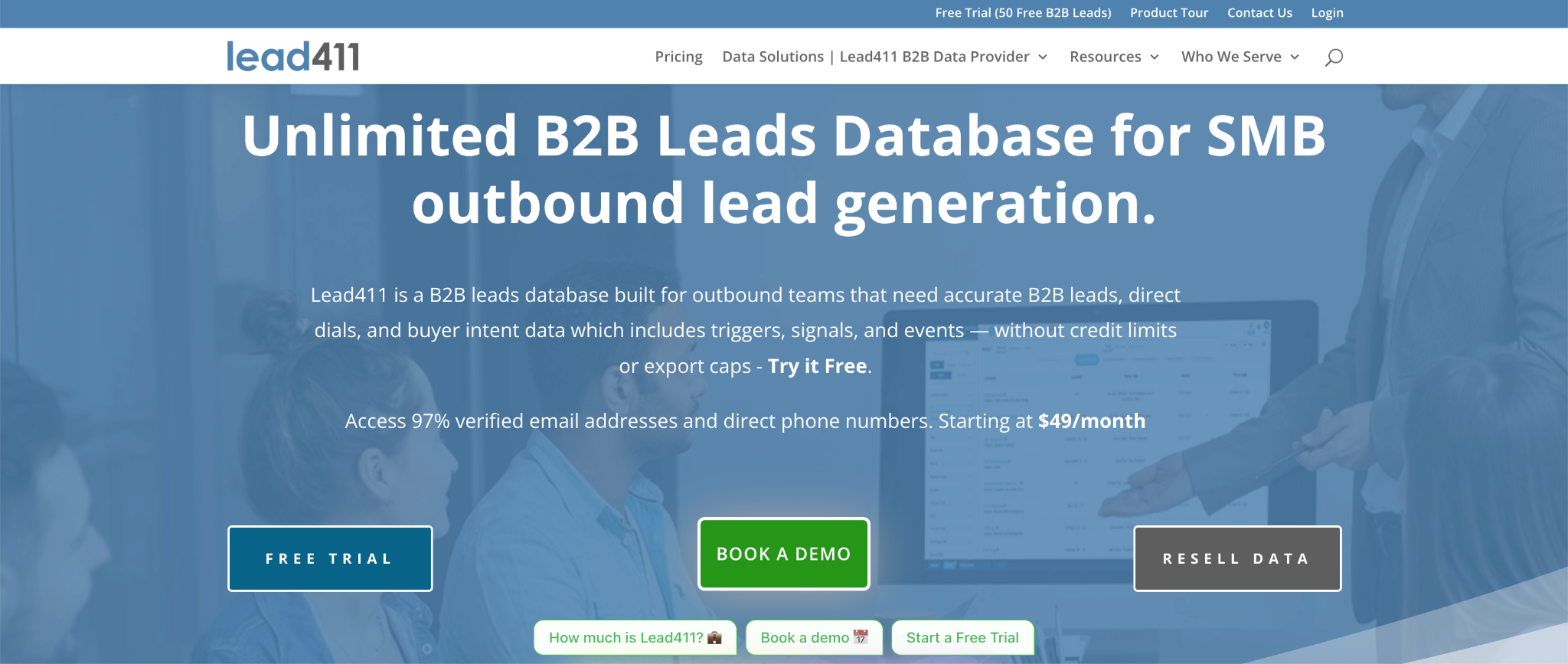
If bounce rate is a metric your team is tracking, Lead411 was built with you in mind. The company’s product emphasizes verification—including how often emails are rechecked and how direct dials are confirmed against where a person has worked. Although it’s not a full GTM platform, it adds intent triggers on top of the contact data, flagging companies that just raised funding or started hiring, so you know which accounts to call first.
Lead411 fits small and mid-sized US teams that want verified emails without an enterprise procurement cycle. Outside North America, its own users say the data thins out; users flag coverage limited to the US, EU, and Canada.
Lead411 key features:
- Triple-verified emails are checked with SMTP, human review, and email open validation, then re-verified every 3 to 6 months.
- Double-verified direct dials are human-verified and matched to the locations where the contact has worked.
- Growth intent triggers flag companies that just raised funding or are hiring for specific roles, with Bombora intent data available on annual plans.
- A Chrome extension for LinkedIn and company websites, plus 25+ CRM and SaaS integrations.
Lead411 pricing: Pilot Light free trial ($0 for 7 days); Spark ($49/month, or $490/year); Ignite (from $150/month, or from $1,500/year); Blaze (custom, annual).
9. SalesIntel with human-verified contacts and research on demand
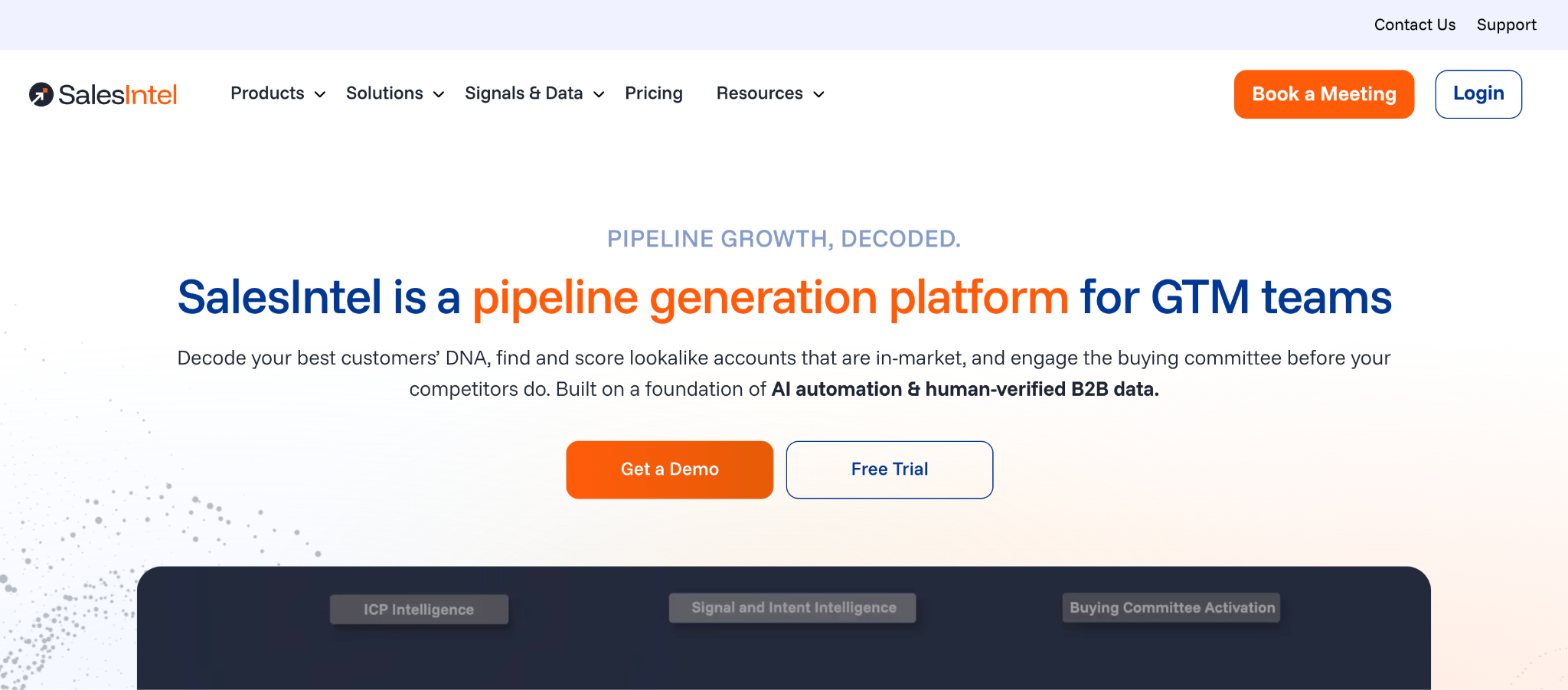
SalesIntel’s central claim is that its 200M contacts (including 54M+ verified mobile numbers) are checked by people as well as AI. The platform is US-focused and has grown from a contact database into a broader pipeline generation platform, with the data still at the center. SalesIntel is worth a look for mid-market US teams that sell mostly into North America.
The main complaints are unverified phone numbers and a learning curve on the platform itself. Plan to run your own test on the segments you sell into before signing.
SalesIntel key features:
- Research on Demand lets you request contacts or data points that aren’t in the database, and a team of researchers that validates up to 500,000 contacts a week goes and finds them.
- VisitorIntel identifies the companies visiting your website so reps can follow up while interest is fresh, turning anonymous traffic into accounts your team can follow up with.
- Buying signals track 30+ signal categories and 60,000+ intent topics, combining Bombora data with SalesIntel’s own PredictiveIntent scoring.
- GTMCanvas is a drag-and-drop builder for turning a detected signal into qualified accounts, buying committees, and outreach without code.
SalesIntel pricing: One platform plan (custom quote, unlimited users, unlimited export and enrichment credits per user per month) plus separately priced add-ons such as advanced intent data, AdsIntel, and VisitorIntel.
10. D&B Hoovers with company intelligence from the Dun & Bradstreet Data Cloud
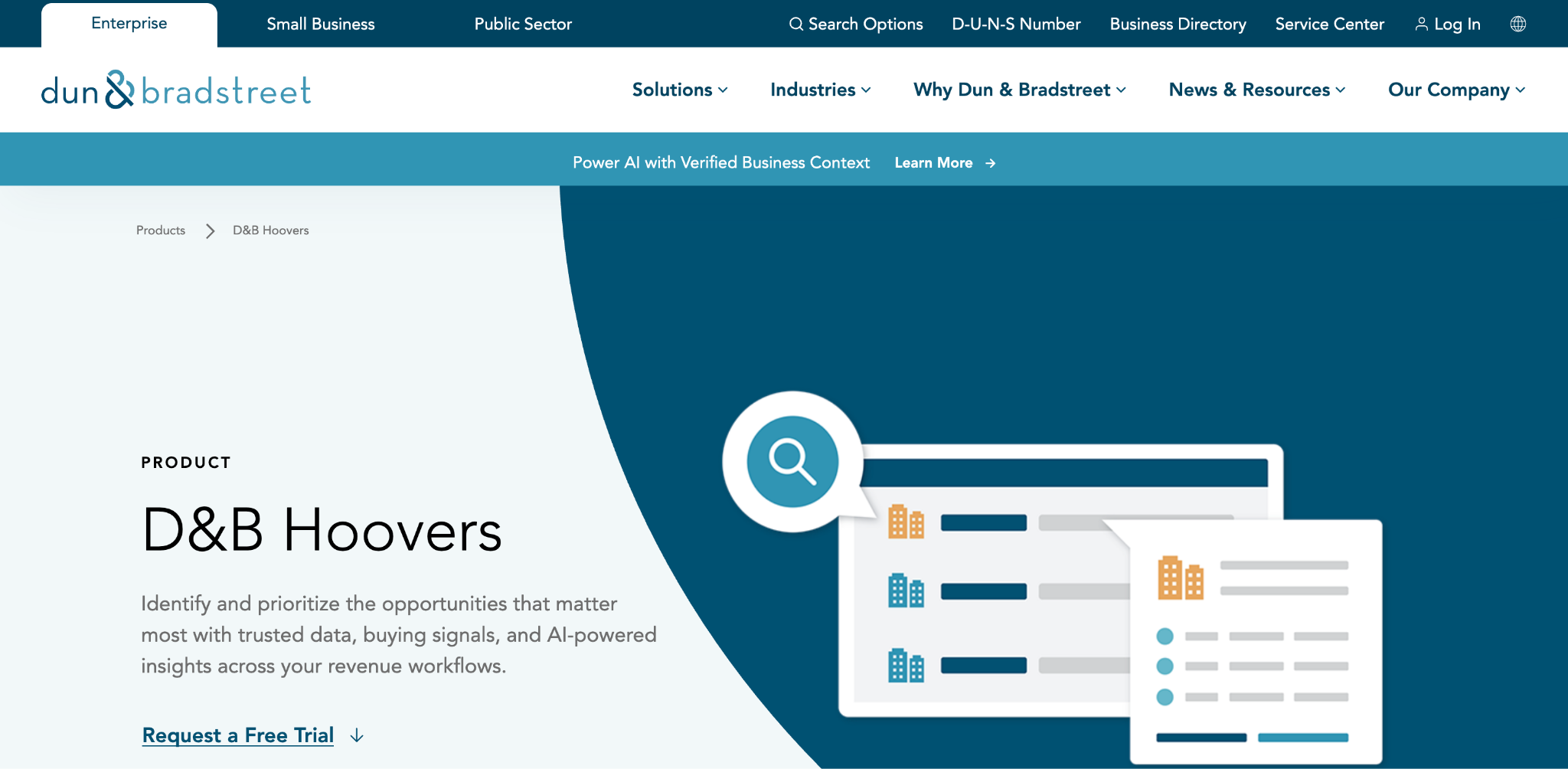
D&B Hoovers is Dun & Bradstreet’s sales intelligence product. Most tools on this list start with a person, but Hoovers starts with the company: who owns whom, how a subsidiary rolls up to a parent, and which entities in a corporate family your team already sells to. That makes it a compelling option if you’re a GTM team with enterprise sales reps who sell into large, complicated organizations. On the other hand, contact-level prospecting is D&B Hoovers’ weakest area. Many teams treat it as the account intelligence layer and bring a second source for emails and mobile numbers.
The most common online complaints are corporate linkages and market reports that are slow to update, inaccurate records that need manual checking, and searches that take more effort than they should.
D&B Hoovers key features:
- The Data Cloud behind Hoovers covers 640M+ business entities and 500M+ professional contacts across 190+ countries, each business tied to a D-U-N-S Number, and runs more than 60 billion quality checks a month.
- Corporate Family Tree views and Advanced Insights filters such as Spend Capacity and Growth Trajectory let you prioritize accounts by structure and financial signals.
- Buying signals, trigger events, and website engagement are combined with company context in a single workflow.
- An MCP connection brings D&B Hoovers intelligence into the AI tools and agent workflows your team already uses.
D&B Hoovers pricing: Custom quotes based on your team’s size and needs, with a free trial available on request.
ZoomInfo alternatives FAQ
What is the best ZoomInfo alternative?
For teams that want more coverage than one database can give and workflows that act on the data, Clay is the most complete replacement. It combines waterfall enrichment across 200+ providers, Claygent for research no vendor sells, and Workflows to score and route the results.
Why do teams switch away from ZoomInfo?
The two reasons that come up most are cost, since paid plans are custom-quoted annual subscriptions built on licenses and credits, and data accuracy, with inaccurate and outdated contacts being the most common complaint from users. Teams selling outside North America also report thinner coverage.
Is there a free ZoomInfo alternative?
Yes. Clay’s free plan includes unlimited seats, 100 data credits, and 500 actions a month, plus multi-provider waterfalls. Apollo.io, Lusha, and Seamless.AI also offer free tiers with small credit allowances. ZoomInfo Lite is free as well, with 10 credits a month.
Can I use my ZoomInfo data inside Clay?
Yes. ZoomInfo is a native integration in Clay: connect your own ZoomInfo account, enrich companies and contacts, or search for new contacts, then let other providers fill in whatever ZoomInfo misses.
Does Clay have its own contact database?
Yes. Clay has a native database of people, companies, and jobs you can search for TAM sourcing and list building, and its data marketplace connects 200+ providers on top of it. Waterfall enrichment runs those providers in sequence until a record comes back complete, which routinely triples coverage compared with a single source.
Replace your sprawling GTM stack with Clay
Clay gives you the best data available because it pulls from 200+ providers instead of one. Waterfall enrichment checks them in sequence, so when one comes up empty, the next one fills the gap. Fewer blanks in your list means fewer leads your reps have to skip over.
The data is only one piece of the platform. Once your records live in Clay, you can run any play from them: outbound, ABM, and ads, with scoring, routing, and CRM sync built in. One platform does the work that used to take a data vendor, an enrichment add-on, a signals tool, and a pile of spreadsheets.
Start on the free plan, which has unlimited seats, or book a demo to see Clay built around your stack.
.avif)




.png)












.avif)








.avif)
















.avif)














.avif)