












.avif)









Some parts of sales have stayed the same across time: you’re selling to a person or a team with a problem, and having human-to-human conversations along the way. You can’t skip the part where a real person decides they trust you enough to buy.
What has changed is the technology for finding those people at scale, then researching and reaching them at the moment they’re actually searching for a solution. An earlier generation of sellers worked from purchased lists and a dialer. Fast-forward to 2026 and modern businesses are building out teams of GTM engineers to orchestrate the entire motion on one technology platform, from sourcing and enriching accounts to routing and first touch.
Two popular GTM platforms, Clay and Apollo, are frequently compared across the web (and across sellers). Both will help you build lists of accounts and people, and both fill in emails and phone numbers. But beyond that, they work quite differently. Clay is infrastructure for building your own revenue systems, connecting you to 200+ data providers, with research agents and workflows you assemble yourself, priced by what you enrich. Apollo is one database with outreach around it, priced per seat.
Keep reading for more on how they compare, and the factors to decide which one fits your team best.
Key takeaways: Clay vs Apollo
- Clay is infrastructure that pulls from 200+ providers and lets you decide how records get enriched, scored and routed. Apollo sells access to one database of 240M+ contacts, with sequencing and dialing tools built around it.
- Clay is priced by usage, with unlimited seats and no charge when an enrichment comes back empty. Apollo is priced per seat and costs less to start, though the bill then grows with headcount rather than with output.
- Clay’s waterfall enrichment keeps checking providers until a valid email or phone number comes back. Apollo mostly returns what its own database holds, though it recently added a waterfall option that pulls from a smaller set of partner providers.
- Clay’s Workflows let you build automations where each lead takes a different path based on rules you set or what an AI agent finds, letting you look at any lead to see exactly what happened at each step. Apollo’s version of Workflows also handles branching, sequences and tasks, though it’s generally less flexible.
What is Clay?
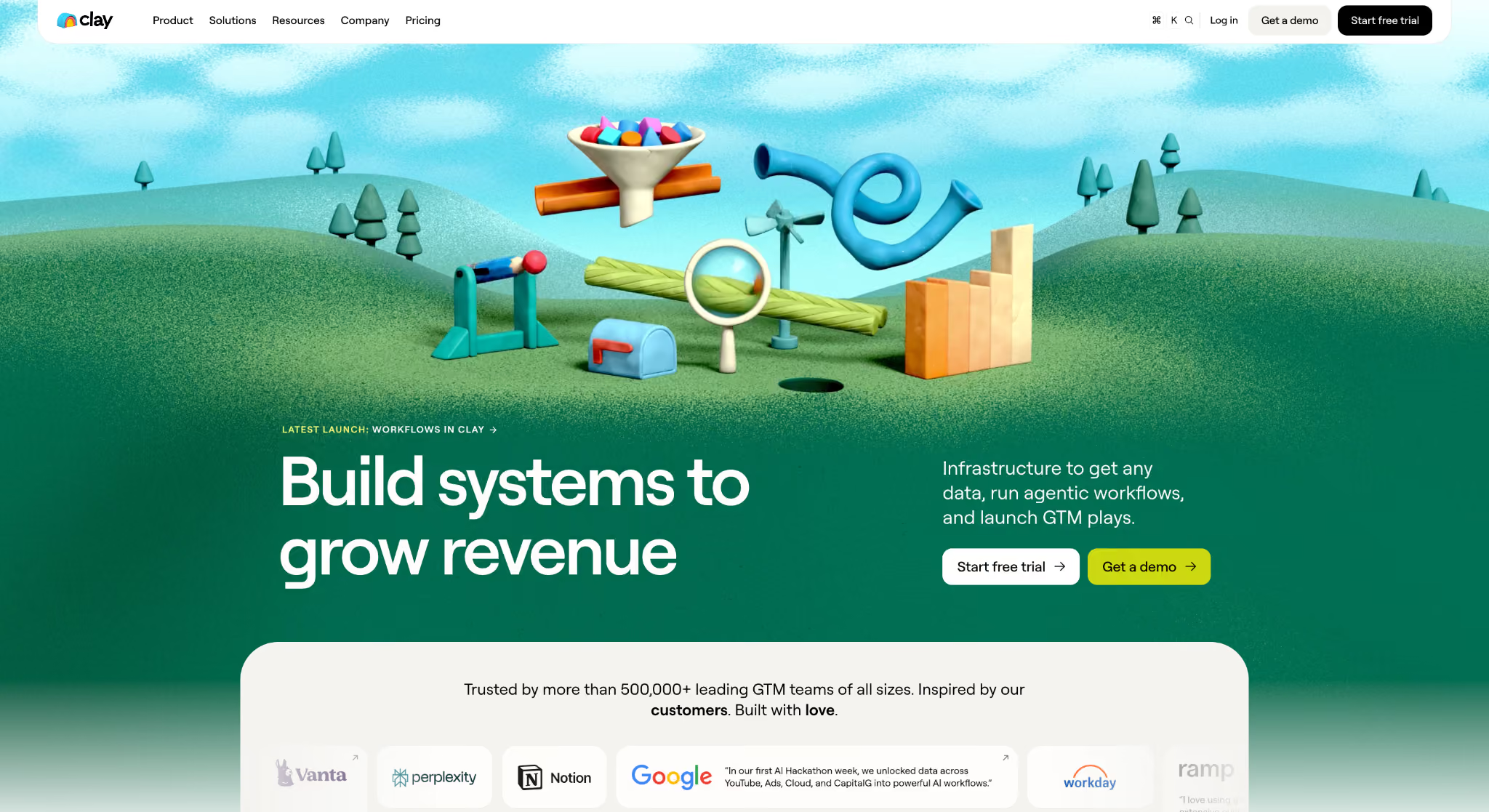
Clay is go-to-market infrastructure, built so teams can get any data, run agentic workflows and launch GTM plays. The company has been around since 2017 and now works with 500,000+ GTM teams. That includes technology juggernauts like OpenAI, which automated its pre-call research, and Anthropic, which tripled its enrichment coverage. On the data side, one contract gets you 200+ providers, and waterfall enrichment runs them in order until a record comes back complete. Claygent covers what no provider sells, sending research agents to the web for details like tech stack or hiring plans.
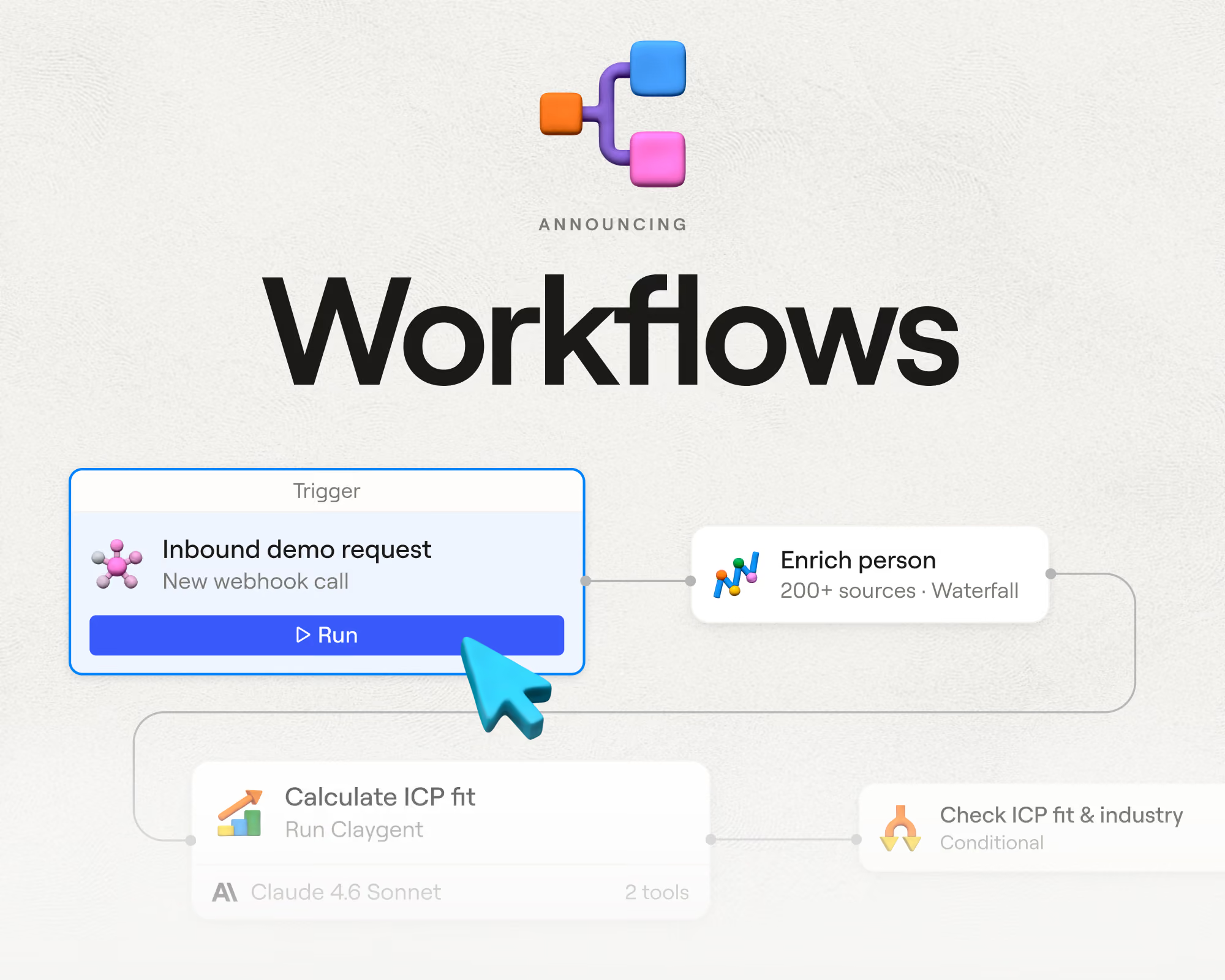
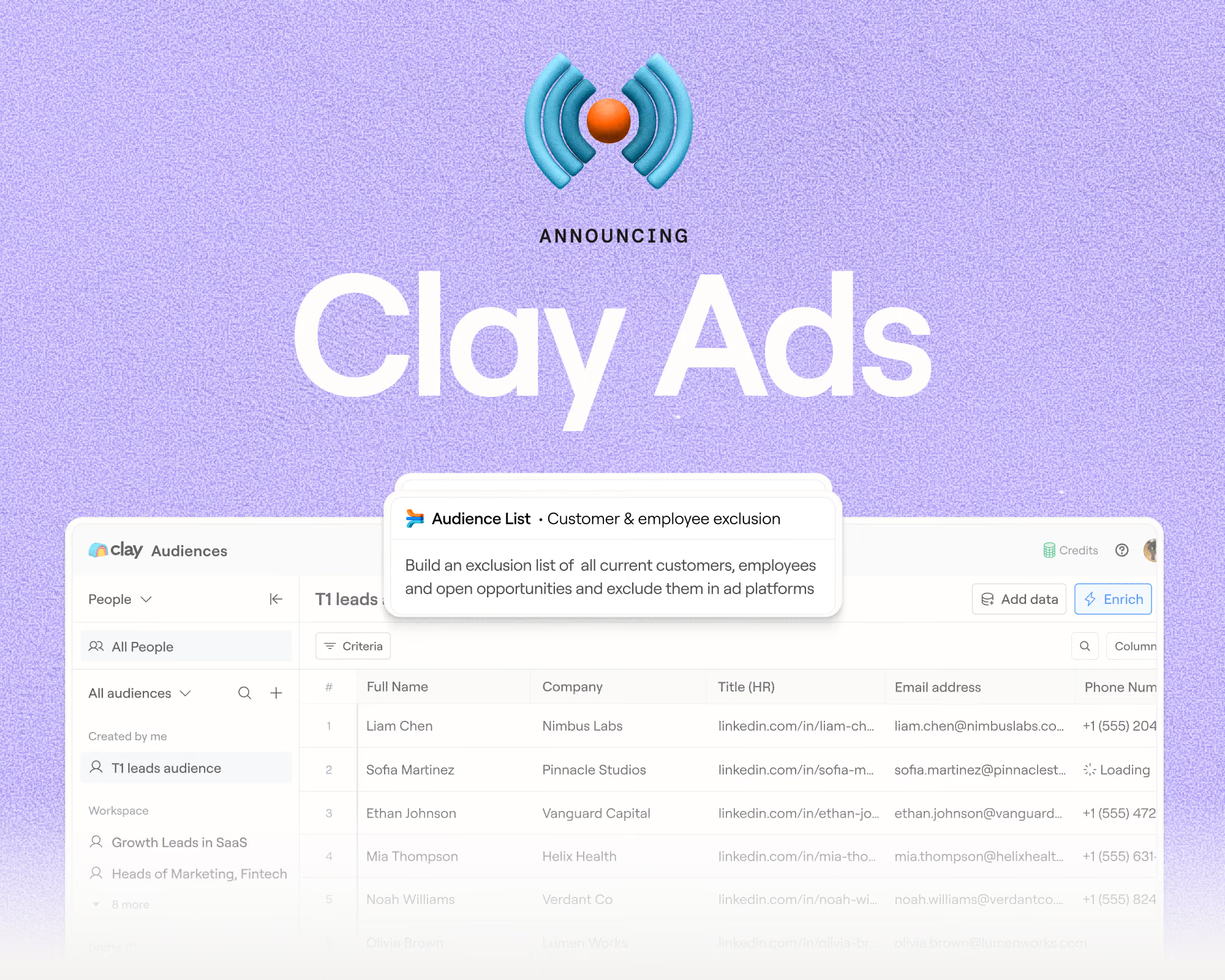
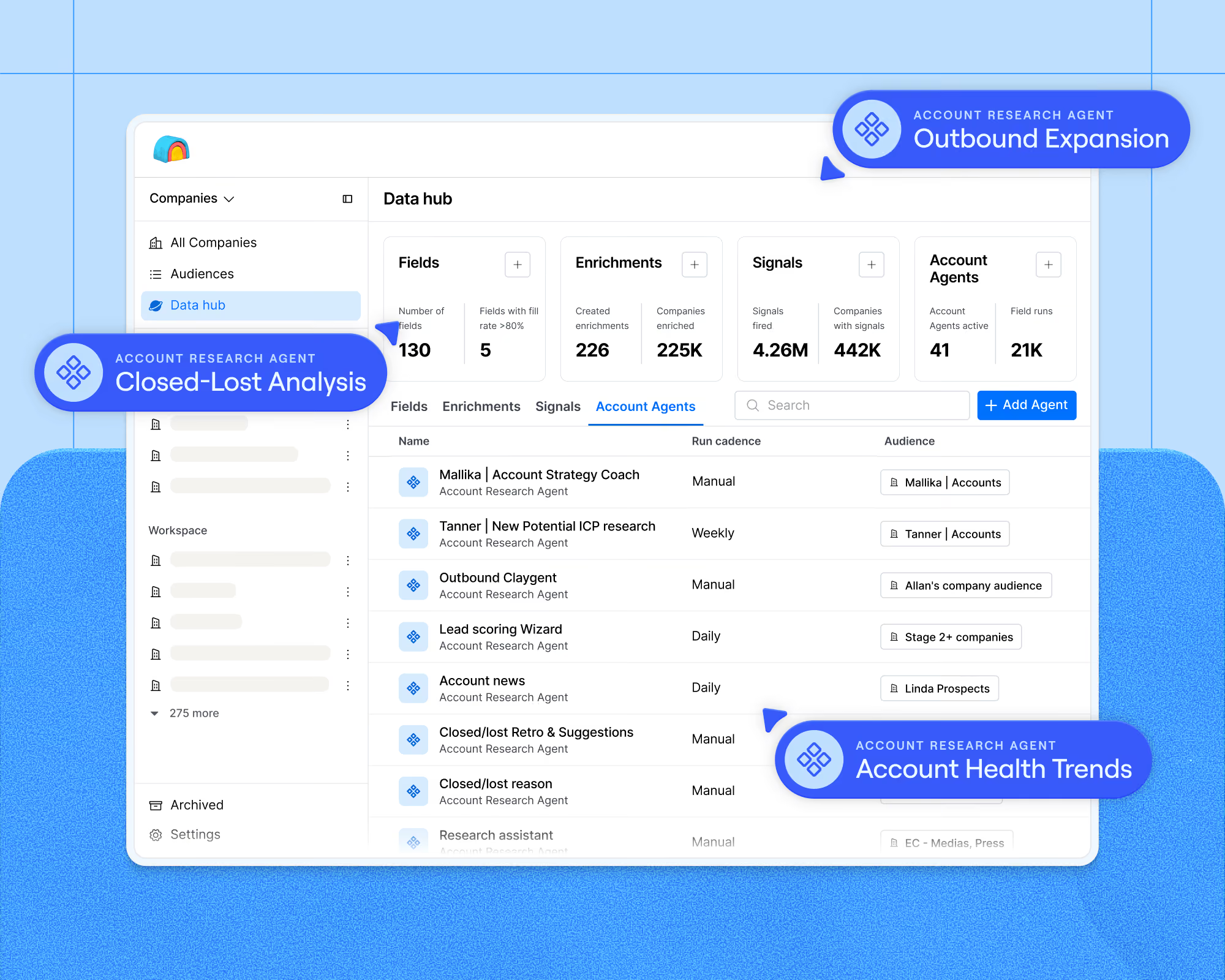
The logic that ties it all together used to live in tables, and now runs in Workflows, a visual builder where you lay out steps like enrich, score and route, and every lead gets processed through them without manual work. From there you can write back to your CRM, email those leads through the native Sequencer, or sync Audiences to LinkedIn, Meta and Google Ads.
Clay typically takes more thought to set up, though Sculptor can build a workflow from a plain language description, and Clay University, prebuilt templates and a large Slack community help to flatten the learning curve.
Key Clay features:
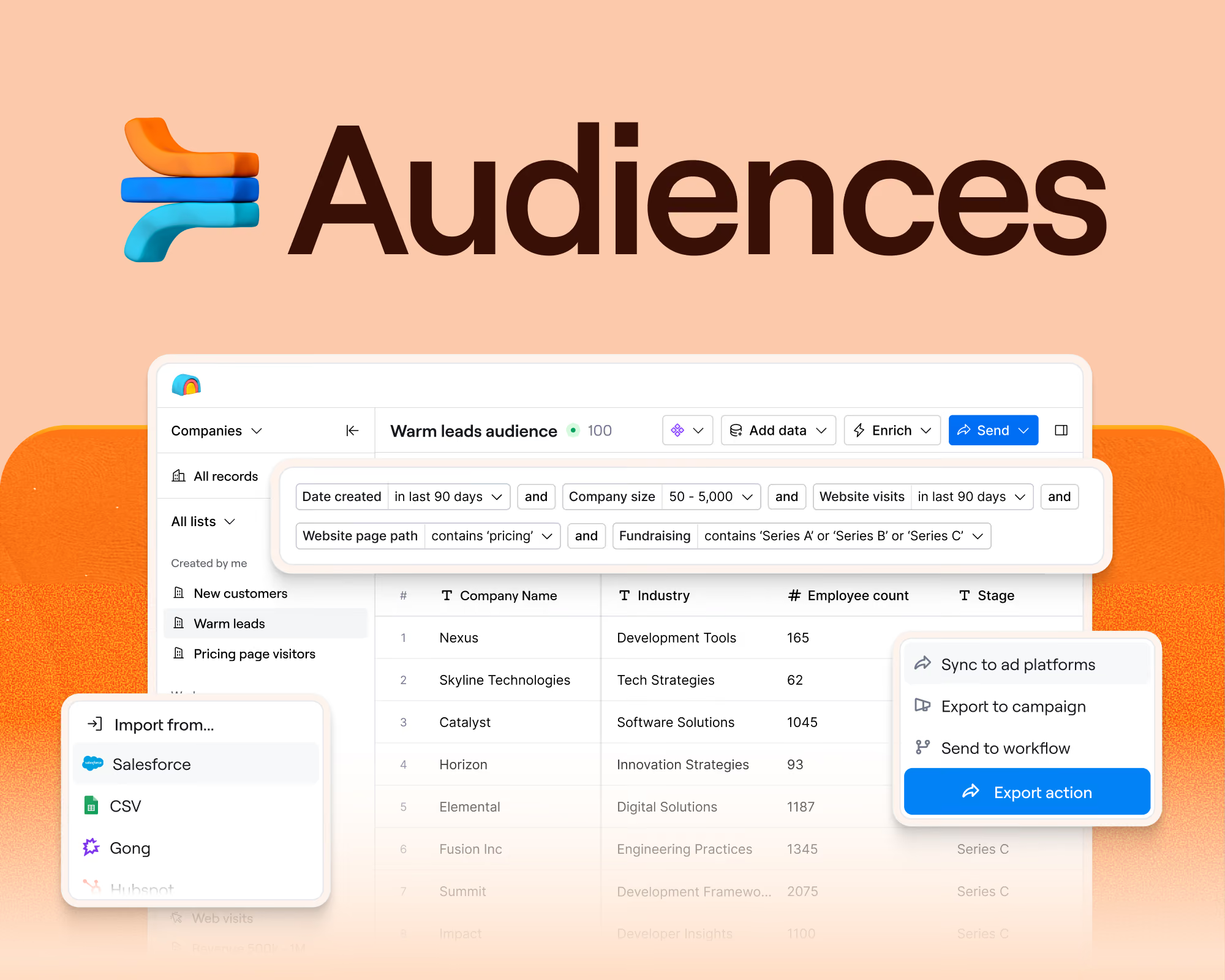
- Audiences for a unified GTM data layer across CRM, warehouse and providers
- Data marketplace to buy from 200+ data and AI vendors on one contract
- Waterfall enrichment to run providers in sequence for coverage
- Signals and intent for job changes, promotions and other triggers
- Claygent research agents that mine the web for custom data points
- Sculptor, an AI copilot that builds Workflows and recommends enrichments for you
- Workflows for visual, multi-step orchestration with record level tracing
- Functions and AI formulas for reusable logic
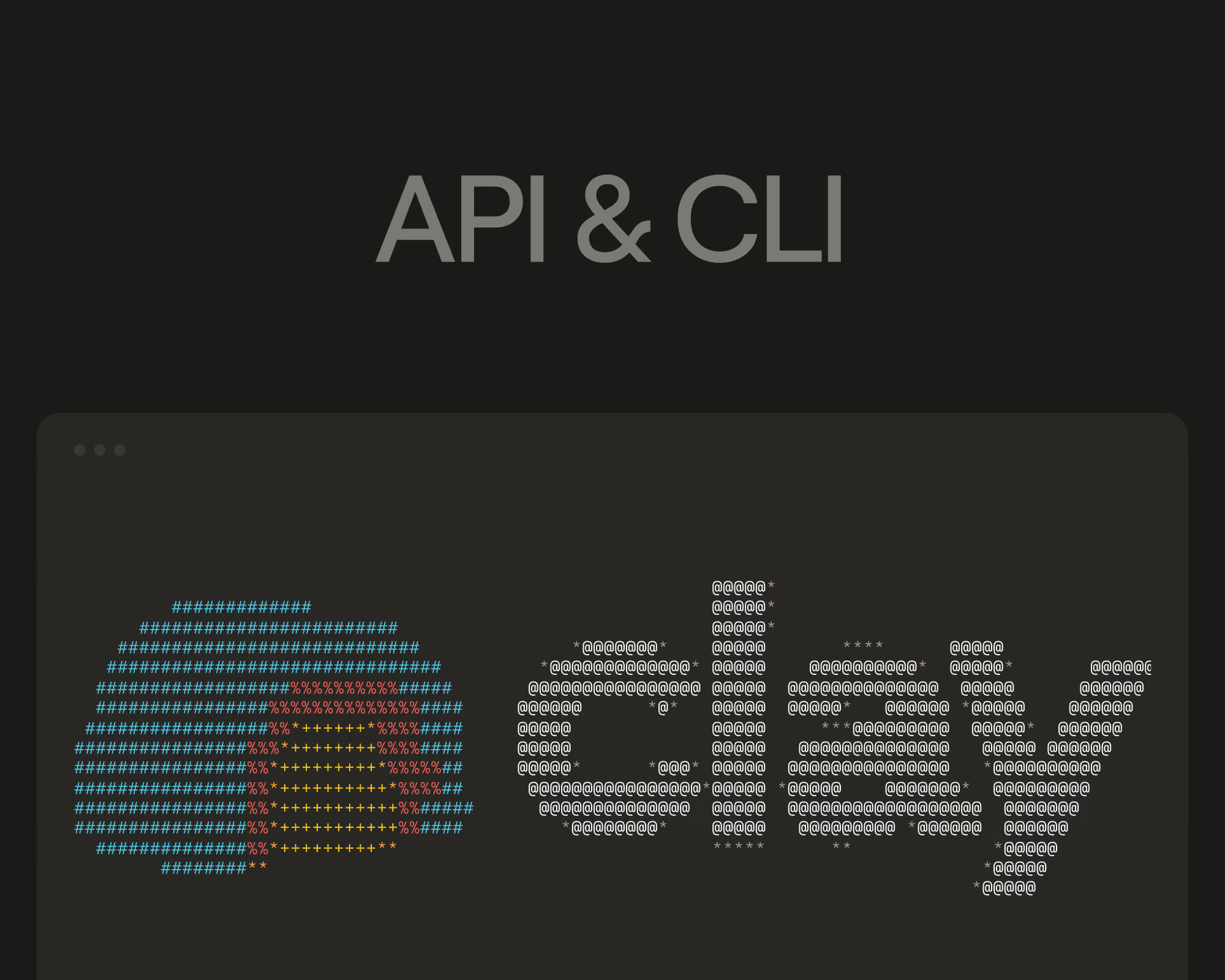
- Agent plugin with CLI and API to build Clay workflows from a coding agent
- Clay MCP to give reps prospecting data inside their own AI tools
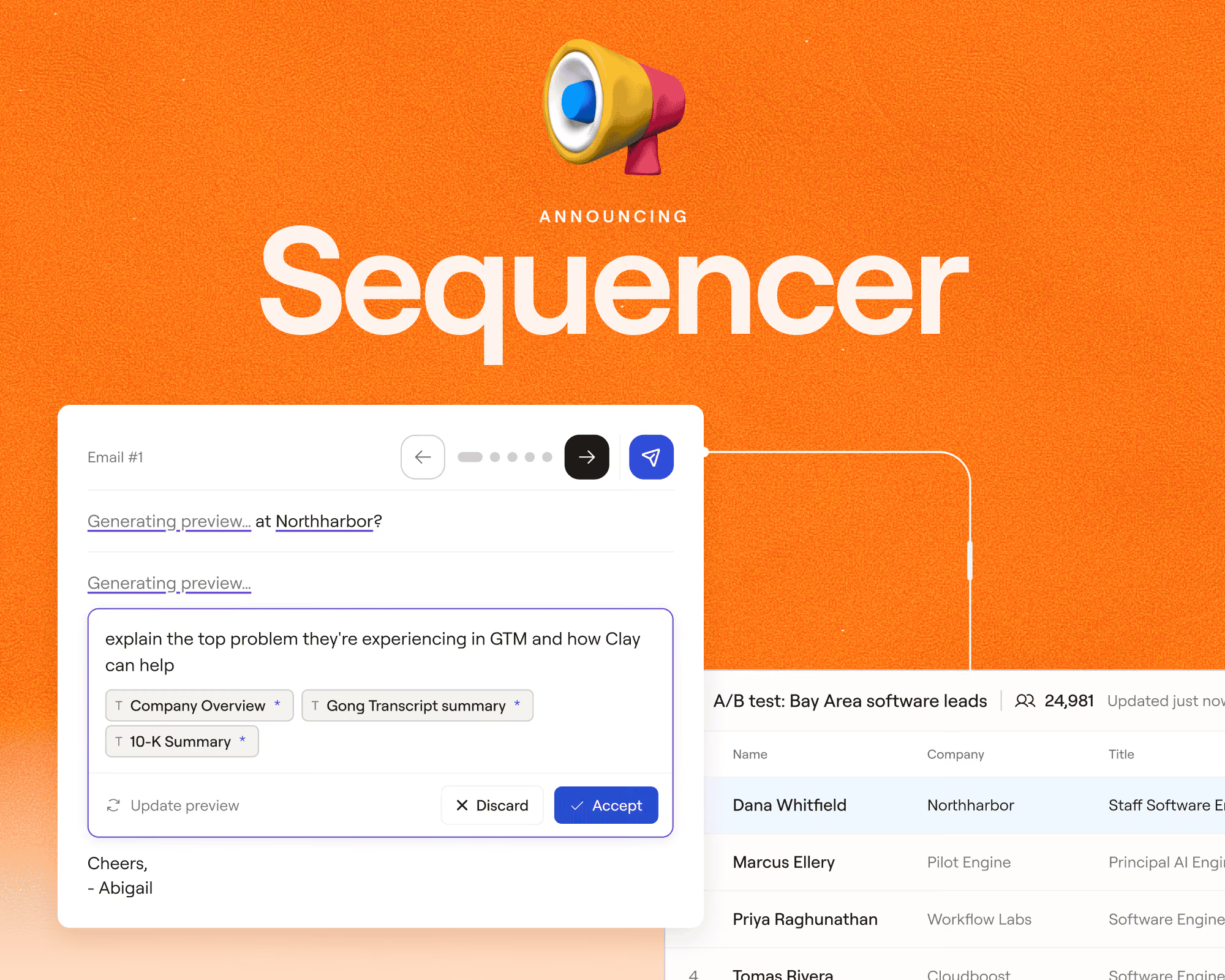
- Sequencer for native outbound messaging
- Ads to sync audiences to LinkedIn, Meta, Google, and more
What is Apollo?
Apollo is an all-in-one sales platform built on its own contact database. That database covers 240M+ contacts and 30M+ companies, filterable by title, industry, company size or buying intent. Because everything comes from that one source, your coverage on any given record is largely whatever Apollo happens to hold. On top of that database, Apollo includes email sequences, a dialer, meeting scheduling and call recording, plus a Chrome extension that pulls up contact details while a rep browses LinkedIn. Its Workflows handle branching, sequences and tasks, though they’re generally less flexible.
Apollo is easy enough to start with and familiar to anyone who has used a sales tool, with Apollo Academy covering onboarding through courses and live sessions.
Key Apollo features:
- Apollo Data, a single proprietary contact and company database
- B2B database search with filters and saved searches
- Sales engagement for multichannel email sequences
- Dialer for cold calling from inside the platform
- Chrome extension for prospecting in LinkedIn, Gmail and Outlook
- Workflows for triggered sequences and tasks
- AI Assistant for research and message drafting
- Apollo MCP for access to Apollo data from AI tools
- Conversation intelligence and call recording
A quick overview: Clay vs Apollo
Data capabilities and sources
Data is the foundation for every GTM play; you can’t reach a buyer whose email address or LinkedIn profile you simply don’t have. When your sources are thin, the accounts your vendor can’t find contact information for can’t be part of your company’s outreach. Look at where a platform’s data comes from and what happens when its first source comes up empty.
Clay
Clay’s data marketplace puts 200+ data and AI vendors behind a single contract, so you buy from Prospeo, Datagma, People Data Labs or whoever else fits without negotiating separately with each one. It’s an easy sell to your CFO: several point subscriptions collapse into one line item. Waterfall enrichment then runs those providers in order on every record, moving down the list until it finds a valid match. You also get room to add your own sources, since signals can watch for job changes or hiring activity and Claygent can go read any website on the open web when no vendor sells the field you want.
Vanta hit 80%+ enrichment coverage by running waterfall enrichment across multiple providers, taking the best result from each and writing one source of truth back to Salesforce. ➡️ Read the full Vanta case study
Apollo
Apollo’s data is its own, assembled from a contributor network of two million sources, public web crawling, its engagement suite and third-party providers. Previously, it was hard to reach past this: if Apollo didn’t have a mobile number for a VP of Engineering in Munich, there was no second provider to try, and the record stayed blank. To address this, Apollo has since added its own waterfall enrichment, which checks partner data sources after its own database. However, it draws from dozens of providers rather than the 200+ Clay reaches. International coverage is one of the more common complaints, with G2 reviews citing gaps in Latin America and EMEA.
Apollo has a similar feature to Claygent called AI Research, which turns a custom prompt into a research field on your records and can search the live web, though it only runs on saved contacts and pulls from the same credit pool as emails and phones.
Pricing model
The sticker price on a pricing page doesn’t usually tell the full story of how your GTM software budget will look in a year or two. With seat pricing, your bill grows every time you add a rep, whether you’re getting more out of the tool or not. With usage pricing, you pay for the work you actually run through the platform, so the bill stays tied to the value you get from it.
Clay
Clay charges for usage rather than seats, splitting the bill into actions for platform work and data credits for the vendor data you pull from the marketplace. Seats are unlimited on every plan, even the free one. Data credits start at $0.05 and get cheaper at volume, credits roll over on Launch and Growth plans up to twice your monthly amount, and an enrichment that returns nothing costs you neither credits nor actions.
Here’s what Clay plans look like:
- Free: $0, with 100 data credits and 500 actions a month, unlimited seats
- Launch: $167 a month billed annually, with 2,500 data credits and 15,000 actions a month
- Growth: $446 a month billed annually, with 6,000 data credits and 40,000 actions a month
- Enterprise: custom pricing with an annual commitment, with 100,000+ data credits and 200,000+ actions a month
If you already have contracts with data providers you can bring your own API keys and skip data credits entirely, paying only for the platform work Clay does around them.
Apollo
Apollo is priced per user across Free, Basic, Professional, Organization and Custom tiers. There’s a low entry price point, but every rep who needs access is another seat. Credits cover emails, phones, enrichment and AI research, so heavy use of one eats into the others, and on some plans exporting data out of Apollo consumes credits too.
These are the Apollo plans:
- Free: $0, with 900 credits per seat per year granted monthly
- Basic: $49 per seat a month billed annually, 30,000 credits per seat per year
- Professional: $79 per seat a month billed annually, 48,000 credits per seat per year
- Organization: $119 per seat a month billed annually with a three-seat minimum, 72,000 credits per seat per year
- Custom: pricing via sales
AI and personalization
AI is doing more of the GTM work itself now, researching accounts, writing outreach and automating the steps in between that used to eat a rep’s day. Check what a platform’s AI can actually do on its own, like finding a job post that mentions the problem you solve, versus only drafting messages from data it already has.
Clay
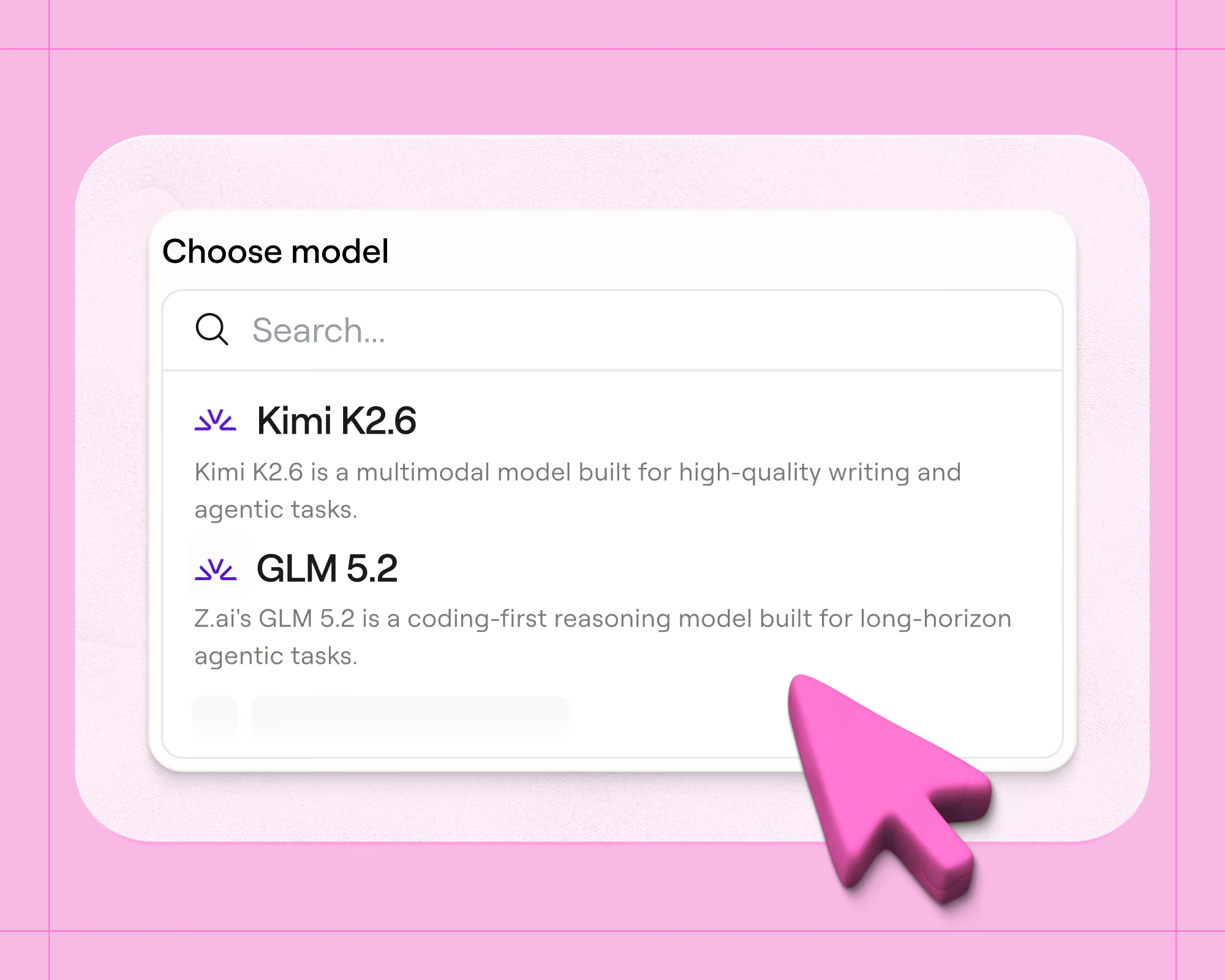
Clay was built with AI at its core, so most features have some AI working in the background, whether that’s cleaning up data or picking the best result from a waterfall. But a few features put it in the hands of customers more directly. Claygent, Clay’s research agent, helps your reps read the web on a per-record basis and returns whatever they ask it to look for. Claygent lets you run research with your pick of frontier models from OpenAI, Anthropic and Google, or Clay’s own flat-priced models, and all of them can read the web.
Teams use it to research things like tech stacks, funding news, compliance badges or hiring plans, and the output becomes a normal column you can branch on or write into a message. For example, Vanta uses Claygent to scan accounts for signals like SOC 2 badges and security job postings.
Sculptor sits alongside it as an AI copilot that takes your business context, sets up enrichments and answers questions about your data in plain language. AI formulas handle the smaller cleanup work, like normalizing job titles that arrive in nine different formats.
Apollo
Apollo has added AI across its platform too, though it plays a more supporting role. The AI Assistant drafts messages and researches accounts, pre-meeting insights consolidate attendee research before a call, and conversation intelligence summarizes recordings afterward. Its closest thing to Claygent is AI Research. It lets you choose from several AI models, but only one of them, Perplexity Sonar, can search the web. The rest work only from data already in Apollo.
AI Research also runs only on contacts you’ve saved, and every run pulls from the same credit pool as emails and phones, so heavy research spend shrinks your data budget. The results stay as fields you can filter on or drop into a message. Conversely, in Clay, a Claygent answer can decide what happens next in a workflow, like which rep gets the account or whether it gets contacted at all.
Advanced workflow automation
Workflow automation is what turns a signal, like a job change or a funding round, into actual outreach. If you sell compliance software to mid-market SaaS companies, you want AI spotting the ones that just raised a Series B, researching each account, scoring the fit and drafting the first message before a rep ever opens the account. When a platform can’t handle those steps, the work gets split across tools and spreadsheets, and plays slow down or stall.
Clay
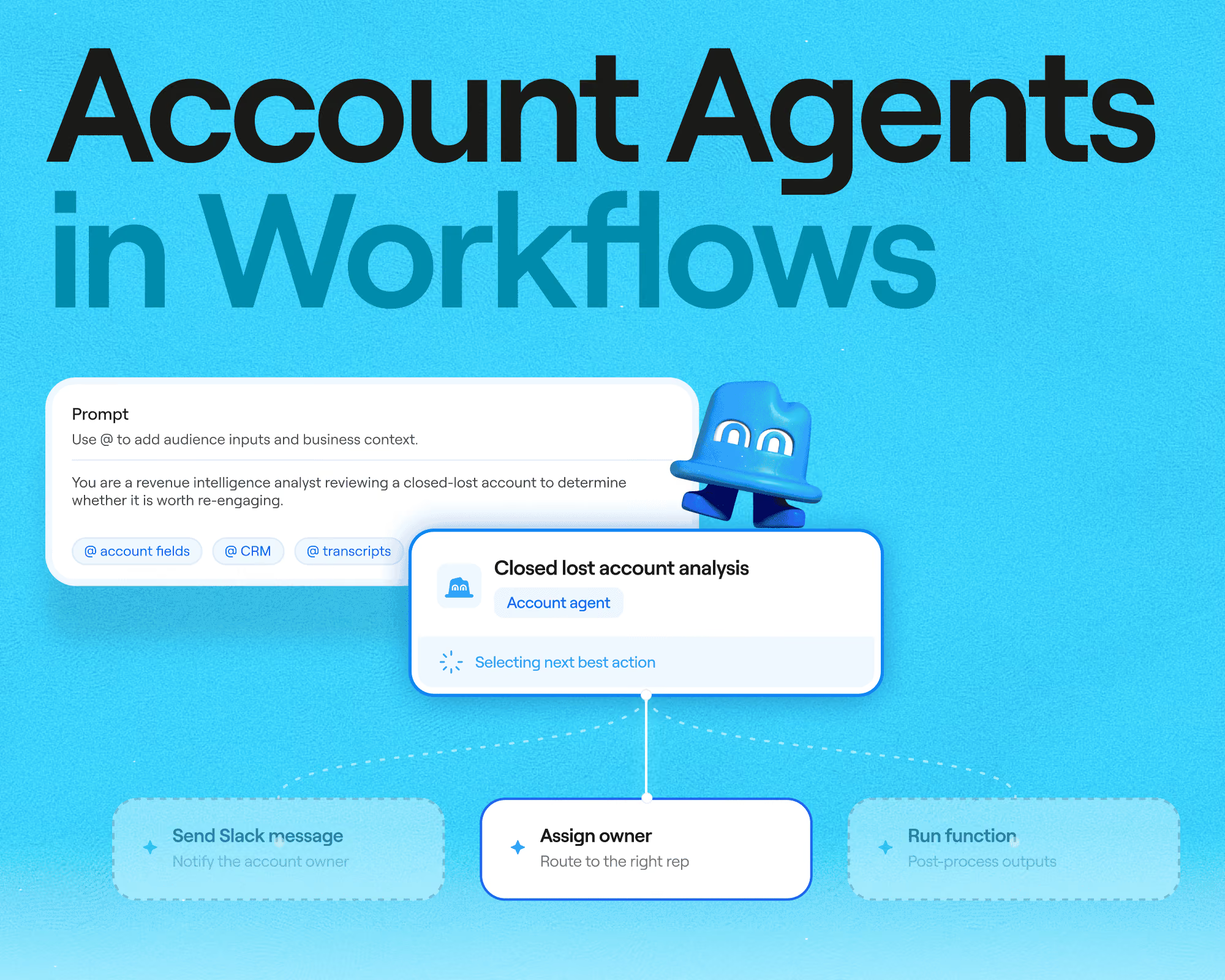
Workflows is where Clay handles this now, and it was built for plays too complicated to sit in a single table. A workflow triggers off a live segment in Audiences, routes each record through your logic and writes results back, with no row limit and no cap on the number of steps. Branching can run on a field rule, a Python expression or a judgment call from Claygent, and code nodes handle scoring or transformations that a formula could not manage. Plus, observability helps the ops team, since you can trace one record through every step and see exactly what decided what, which turns debugging from guesswork into reading.
Apollo
Apollo’s Workflows trigger sequences and tasks when records match the criteria you set, and for standard outbound that covers a lot of ground. You can start a sequence when a contact matches a filter, create follow-up tasks and route inbound leads with scoring rules and a built-in scheduler, connecting to over 200 integrations.
But the limits of its Workflows creep in as your GTM plays get more complicated. Workflows are capped by plan, from 2 per team on Basic up to 500 on Organization, and each one is assembled from Apollo’s menu of triggers and actions, so there’s no way to write code into a step or trace one lead through every decision the way you can in Clay. If you need a step Apollo doesn’t offer, you have to export your data, do that step in another tool, and bring the results back in.
Flexibility and customization
Your GTM strategy will change, whether that’s targeting new segments after a mediocre Q2 or rebuilding scoring when the definition of a good lead shifts. A flexible platform lets you make those changes yourself, while a rigid one forces a workaround or a vendor conversation each time.
Clay
Clay is built to be opinionated by default and configurable under the hood, so you start from templates and smart defaults rather than a blank canvas, then change whatever your motion demands. As your team gets deeper into the product, more of that configurability opens up. Everything is composable, so Functions let you define logic once and reuse it across plays, and lead scoring or routing rules live in one place rather than being duplicated in five campaigns.
If your team wants to move even faster, the agent plugin exposes a CLI and API so you can build Clay workflows from a coding agent, and Clay handles the reliability of the integrations underneath. That also means a technical GTM engineer and a non-technical marketer can work in the same system.
Mistral cut TAM mapping and global account sourcing from two months to two weeks, and built its own custom scoring attributes on top, the kind of thing configuration menus don’t allow. ➡️ Read the full Mistral case study
Apollo
Apollo gives you configuration rather than construction. You can build sequences, set filters, define scoring and adjust routing, which is plenty for a team running a conventional motion. The building blocks themselves are fixed though. There’s no way to write code into a workflow or add a step type Apollo didn’t build. Even waterfall enrichment, which reaches outside Apollo’s database, returns only the fields Apollo supports.
Basic API access and API enrichment are available on lower tiers, but Apollo notes that API access “for more advanced integrations” requires a Custom plan, so full programmatic flexibility is gated behind the enterprise tier. This is a reasonable tradeoff for a product optimized for getting reps productive quickly and set up easily. But it becomes a problem when your differentiation depends on doing something structurally different from every other team using the same tool.
Outreach and sequencing
Sending outbound email is the part where mistakes actually cost you. Send too many emails that bounce or get marked as spam and providers like Gmail start routing everything from your domain into spam folders, which takes months to recover from. Reps also want one place to see what went out and what came back. Look for a platform that can send natively or integrate with the tool you already use and love.
Clay
Clay offers native sending through the Sequencer, which is available even on the free plan for email. The design intent is still that Clay improves what you send rather than replacing your sending stack, so it connects to Outreach, Salesloft, HubSpot, Smartlead and others, and feeds them enriched records with research already attached. This setup works well for teams who have invested in deliverability infrastructure and do not want to migrate it.
Outreach doesn’t have to mean email alone. Ads builds audiences from the same data layer and syncs them to LinkedIn, Meta, Google, Bing, Vibe, and Reddit. Those audiences update on their own, so new fits join and closed customers drop out without manual list uploads. Northbeam went from 2-3 qualified leads a week to about 15 on the same budget after moving its ad audience building into Clay.
Apollo
Sequencing is Apollo’s strongest area and the reason many teams pick it. Sales engagement covers multichannel campaigns with deliverability guardrails built in, the dialer handles calling without another subscription, and call recording captures what happened for coaching later. A rep can find a contact, add them to a sequence and dial them without leaving the tab, and the Chrome extension extends that into LinkedIn and Gmail.
When to use Clay
Clay tends to be the answer when the limit on your pipeline is the data or the logic rather than the sending. Look at Clay if you recognize any of these:
- Data quality and coverage. You need validated contact data from several sources, not whatever one vendor happens to hold, and blank fields are costing you reach. Waterfall enrichment is built for exactly this.
- Personalization at scale. You want AI research running on every account so outreach references something real, rather than a merge tag dressed up as a first line.
- Advanced workflow automation. Your plays need branching, scoring and routing that sits well past a scheduled sequence. Workflows handles the multi-step version of this.
- Data consolidation. You are paying several data providers separately and want to replace those subscriptions with one marketplace contract.
- Flexibility and customization. Your motion changes often and you want to rebuild a play yourself without a vendor conversation or a services engagement.
- Low technical setup. You want a no-code tool that works out of the box. Nothing in Clay requires engineers, and Sculptor will build a workflow from a plain language description.
When to use Apollo
Apollo is the better call when the job is simple and you want it running this week. It fits if most of the following describe you:
- Simple use case. You need a solid contact database and templated sequencing, and may not need to build beyond that.
- Budget constraints. Low upfront cost matters more right now.
- Reps living in LinkedIn. The Chrome extension pulls contact details up inside Sales Navigator and Gmail, which is genuinely convenient and something reps adopt without training.
- A familiar interface. Teams coming from traditional sales tools recognize how Apollo works immediately, which keeps onboarding short.
- Nobody to own a system. If there is no ops person or GTM engineer to maintain plays, Apollo asks less of you.
Using Clay and Apollo together
Plenty of teams run both. The usual split is that Apollo stays as the contact database and sending layer while Clay handles enrichment, research and the logic between a signal and an email. Apollo is actually one of the sources you can pull from inside Clay, so the two connect without custom work. This also happens to be the lowest risk way to evaluate Clay, since you keep your existing motion running while testing whether better data changes your numbers.
Build your GTM motion on better data: book a Clay demo
If anything above sounds familiar, whether that’s coverage gaps, generic outreach, plays stuck across five tools or a bill that grows with headcount, the fastest way to know whether Clay would help is to see it running against your own accounts. A demo can walk through whatever is limiting you: waterfall enrichment on a list you already have, a Claygent research prompt on your target accounts, or a workflow that scores and routes the way your team actually works. You can also start on the free plan with unlimited seats and see how far you get before talking to anyone.
Book a demo and bring a segment you have struggled to reach.
Clay vs Apollo FAQ
Is Clay better than Apollo?
They solve slightly different problems, so the answer depends on what is limiting you. Apollo is better if you want a database and sending in one place at a low entry price, while Clay is better if data coverage, research or workflow logic is where your pipeline is stalling. Teams building custom GTM plays generally land on Clay, and teams wanting something simple that works immediately generally land on Apollo.
Can I use Apollo data inside Clay?
Yes. Apollo is available as a source inside Clay, so you can pull Apollo records in and then enrich them further through the data marketplace.
Is Clay harder to learn than Apollo?
Apollo is faster to get started with, since searching a database and launching a sequence is familiar work. Clay asks you to make some decisions up front about providers and logic, though Sculptor now builds workflows from a plain language description and Clay University covers the rest.
Is Clay GDPR compliant?
Yes. Clay holds GDPR, SOC 2 Type II, CCPA, ISO 27001 and ISO 42001. Clay is selective about providers and only integrates with GDPR compliant companies. Plus, because you choose which providers to enable, you can assemble a stack that suits the jurisdictions you sell into.
Does Apollo offer waterfall enrichment?
Yes, though it works differently from Clay’s. Apollo added waterfall enrichment that checks partner data sources after its own database, with Apollo-integrated partners charging Apollo credits and no separate accounts needed. Apollo always runs first in the sequence and can’t be moved, the waterfall covers emails and phone numbers only, and it draws from dozens of providers. Clay’s waterfalls run across 200+ providers in whatever order you choose, on any data type, not just contact info.
.avif)

.png)





.avif)


.avif)












.avif)












.avif)